This documentation covers the assignment of devices as documentation delegates for an organization, which is necessary to update Documentation fields via CLI or scripts. For more information about CLI and scripting for custom fields, please see Custom Fields and Documentation: CLI and Scripting.
Important Note: If you are setting up an ESX host as a delegate, NinjaOne recommends using a Windows machine or a server that is always active to avoid interruptions. The device delegate monitors the ESX host, so the host would not be the delegate.
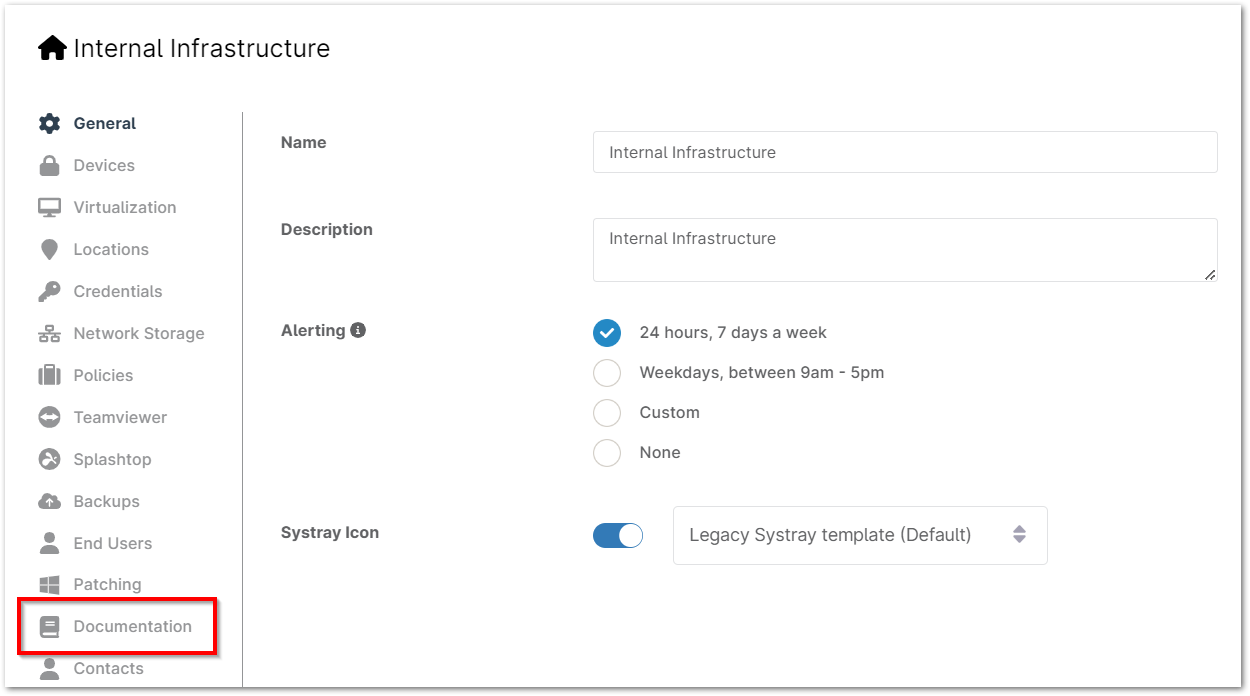
- Navigate to the editor for an organization (Administration > Organizations) and open the Documentation tab.
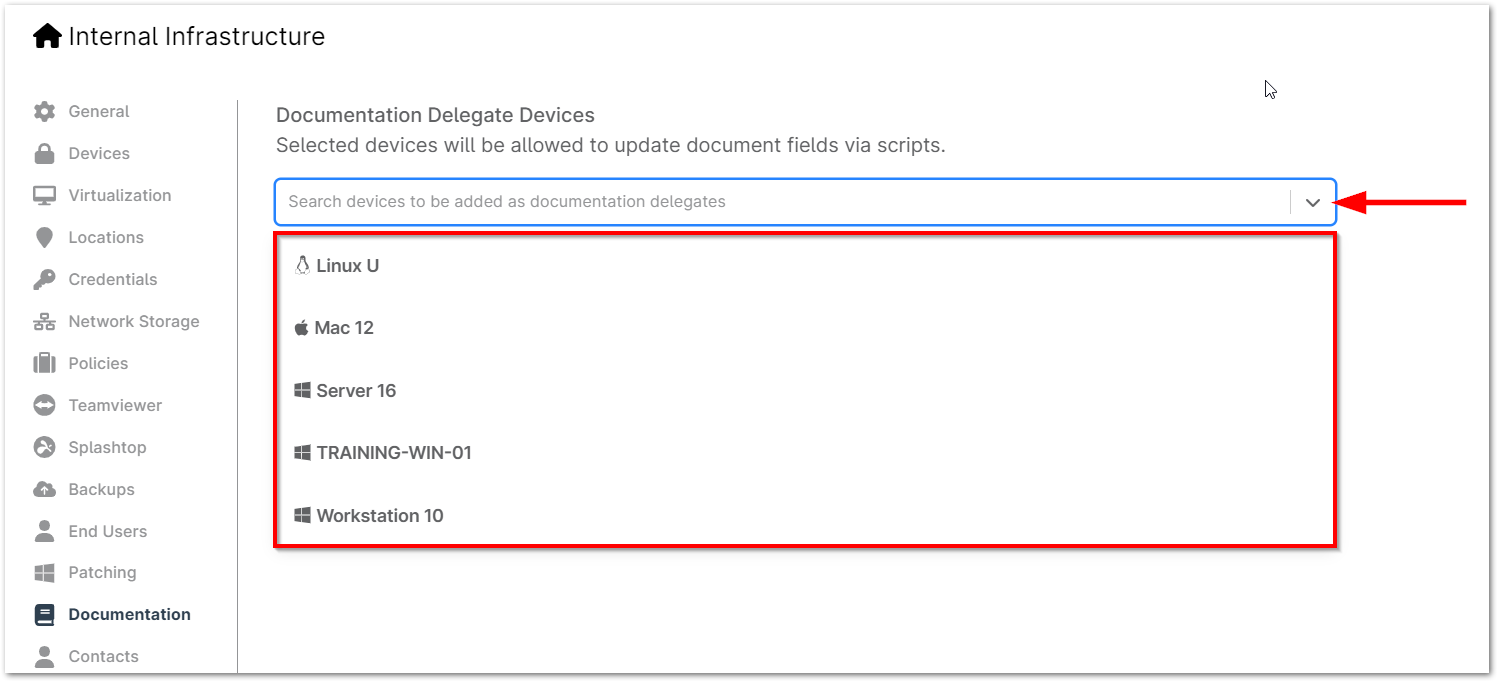
- Use the device selection drop-down to choose from a list of devices associated with that organization or type the device name to filter the options. Click on a device to add it as a delegate.
- Repeat this process for any additional delegates to add.
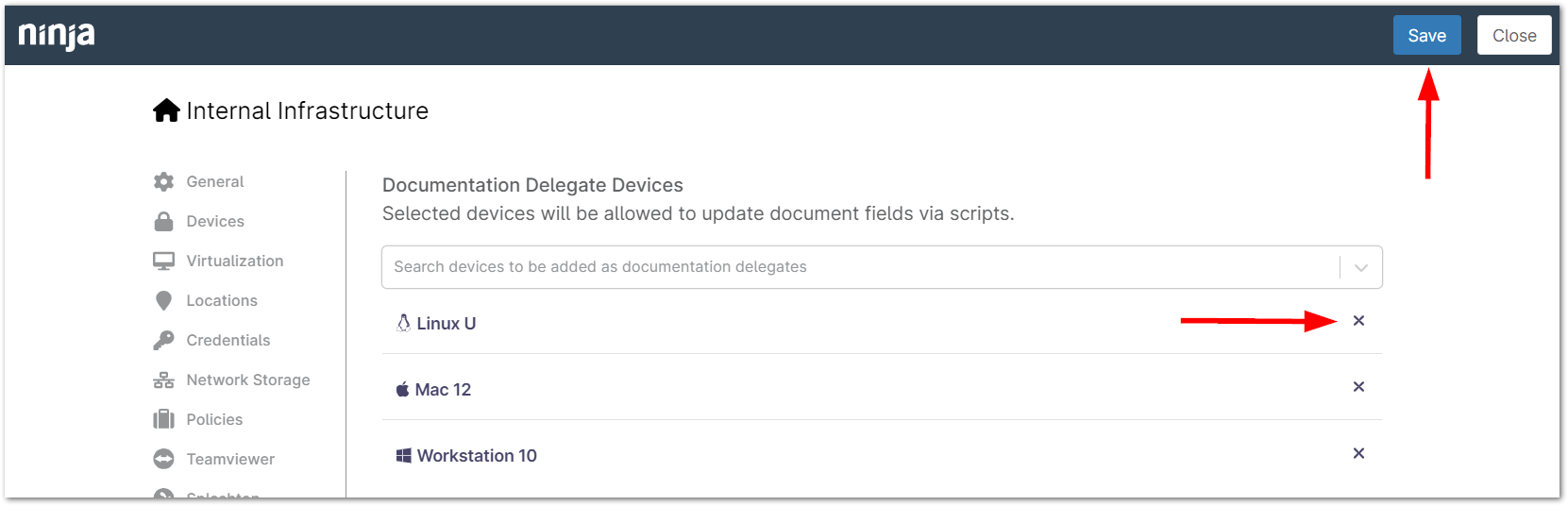
- Delete a device by clicking the X to the right of the device name or click Save to confirm changes.