
Topic
This article explains how to determine the assigned user for Microsoft Intune devices synced through NinjaOne.
Environment
- NinjaOne Integrations
- Microsoft Intune
- Microsoft Windows
Description
Use the Microsoft Intune integration in NinjaOne to identify the devices on the network and review saved jobs and their history. To enable this integration, refer to

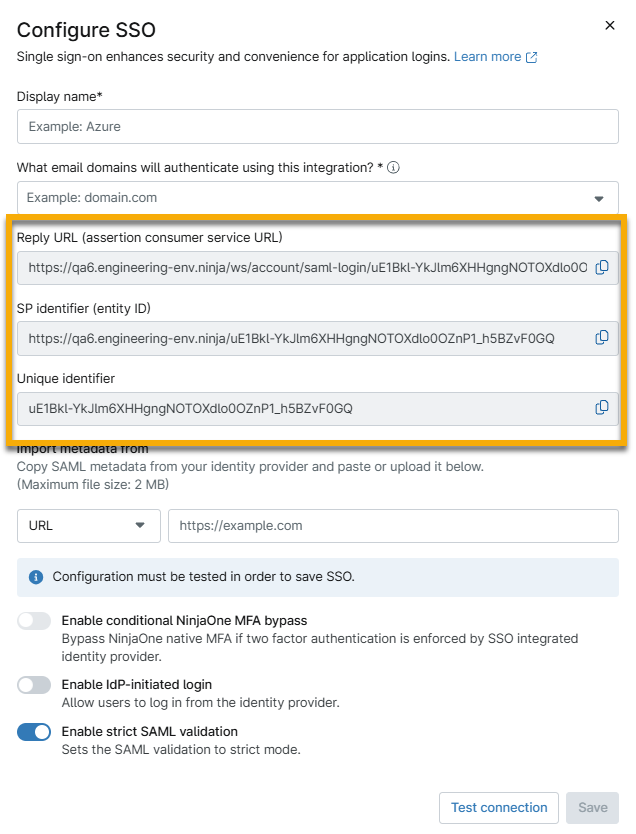
- Copy the metadata from your IdP and paste it into the Import metadata from field. You can use a URL, file, or XML data; select the applicable option from the drop-down to the left of the text field.
- For more information about the Enable conditional NinjaOne MFA bypass option, refer to Skip Multi-Factor Authentication (MFA).
- Test and establish the connection.
- When the test succeeds, click Save, and on the resulting page, click Enable. Single sign-on will now be active.
Additional Resources
Refer to the following resources for more information about the Microsoft Intune integration in NinjaOne: