
Issue
Freshservice tickets are not automatically created from NinjaOne policy conditions.
Environment
NinjaOne and Freshservice integration
Cause
The NinjaOne–Freshservice integration uses the Freshservice API to create and update tickets. If a ticket field in Freshservice is marked as "Globally required" (either required when submitting the form or closing the ticket), the API request may be blocked, resulting in failed ticket creation.
Resolution
Avoid marking fields as " Globally required " to allow tickets to be created automatically via the API. NinjaOne recommends instead using business rules in Freshservice to enforce field completion for technician interaction with the ticket. Business rules can preserve your validation logic without interfering with automated workflows.
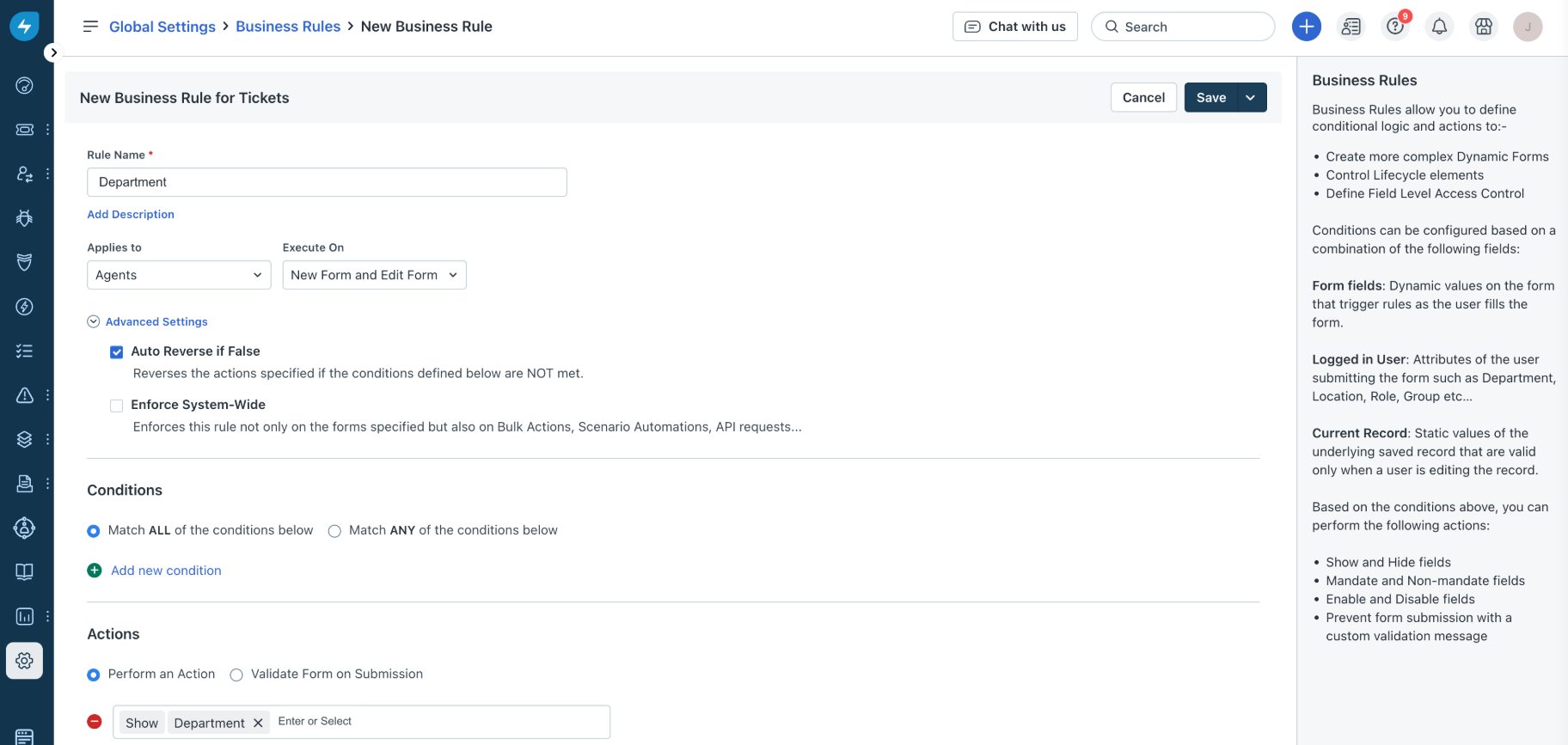
Figure 1: Using business rules for tickets in Freshservice (click to enlarge)
Additional Resources
Refer to the following resource(s) to learn more about
Freshservice documentation in NinjaOne
Business Rules - Usecases : Freshservice (external)