
Issue
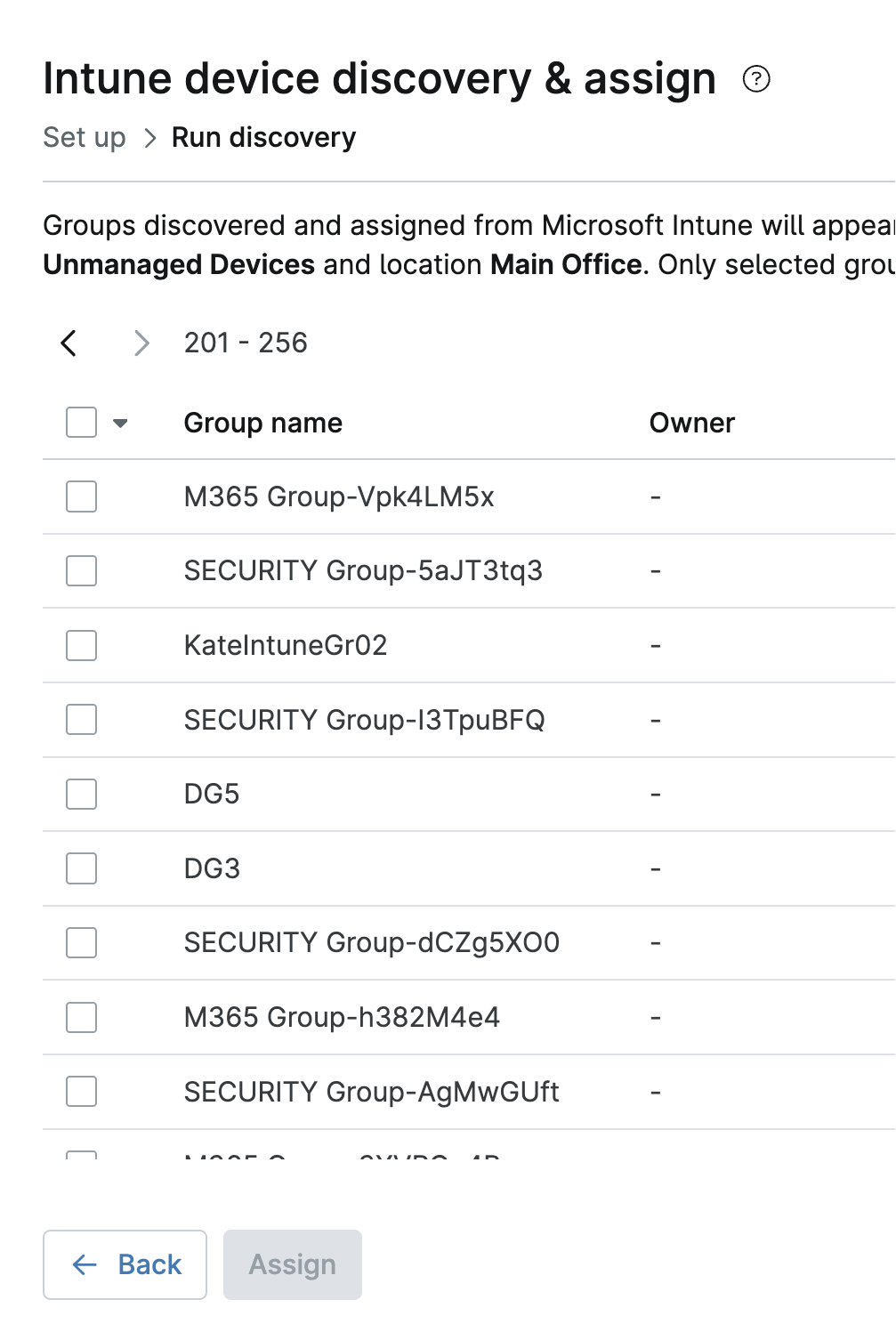
When attempting to assign more than 200 Microsoft Intune groups in a single session, the Intune device discovery & assign modal "truncates" or "cuts off" lines 201 and beyond.
Environment
NinjaOne Integrations
Cause
The Microsoft Intune onboarding modal can display up to 200 groups per page. However, due to a limitation in its table component, it does not permit selecting across multiple pages. As a result, very large assignment groups can experience a phenomenon similar to the example shown in Figure 1.
Resolution
To assign groups beyond the first page, perform the following steps:
- Save the job with your selections from the first page.
- Re-open the job.
- Select additional groups from the next page.
- Save again.