

Before trying to follow these instructions, make sure you have followed the integration guide: Webroot: Setup with a new account.
To enter the Webroot key you get from NinjaOne, you will need to log into the Webroot GSM with the account used during the integration process.
Click on Settings and then Account Information: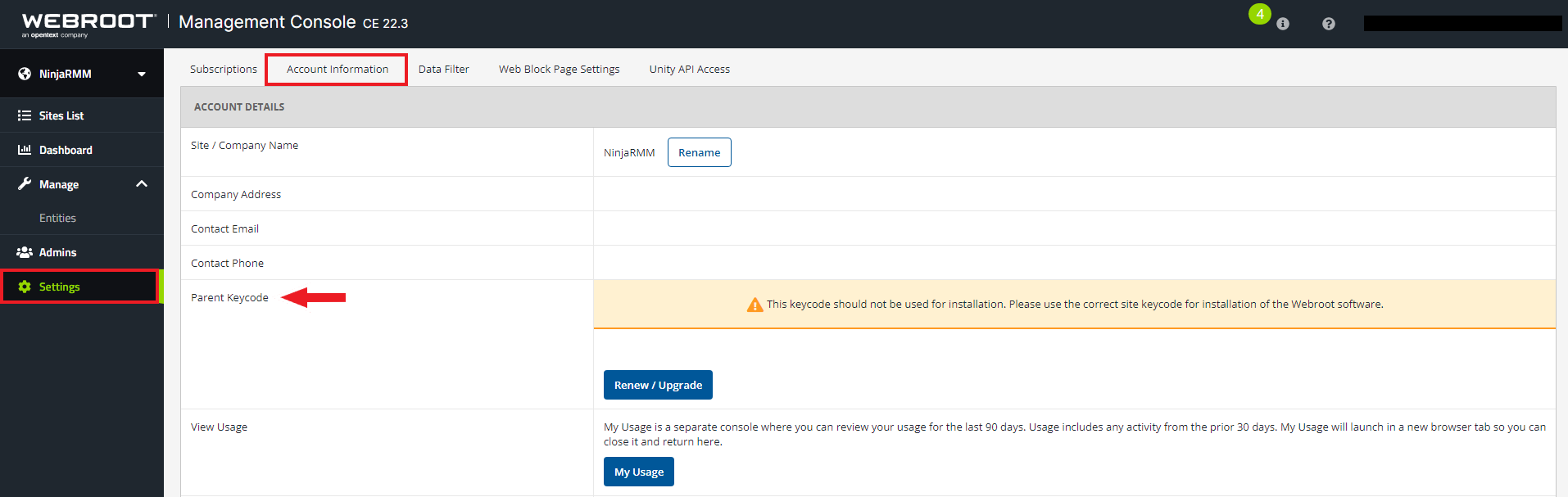
Click on Parent Keycode and enter the key given to you when you purchased Webroot from NinjaOne.
Note: If you do not have a key, please contact your Account Manager.