Topic
This article describes the process that end users can follow to submit a ticket to your service desk via NinjaOne Ticketing
The NinjaOne platform is compliant with the Health Insurance Portability and Accountability Act of 1996 (HIPAA); please submit a request to your account manager for a signed Business Associate Agreement (BAA). It is best practice to exercise proactive security measures, use Simple Mail Transmission Protocol (SMTP) servers to transmit ticket data, and ensure sufficient protocols are in place to maintain HIPAA compliance in all actions.
Environment
NinjaOne Ticketing
Description
End users who have been added to your NinjaOne account via End User Sharing can submit tickets directly from their self-service portal. Please make sure the end user has proper Ticketing permissions configured.
Instructions
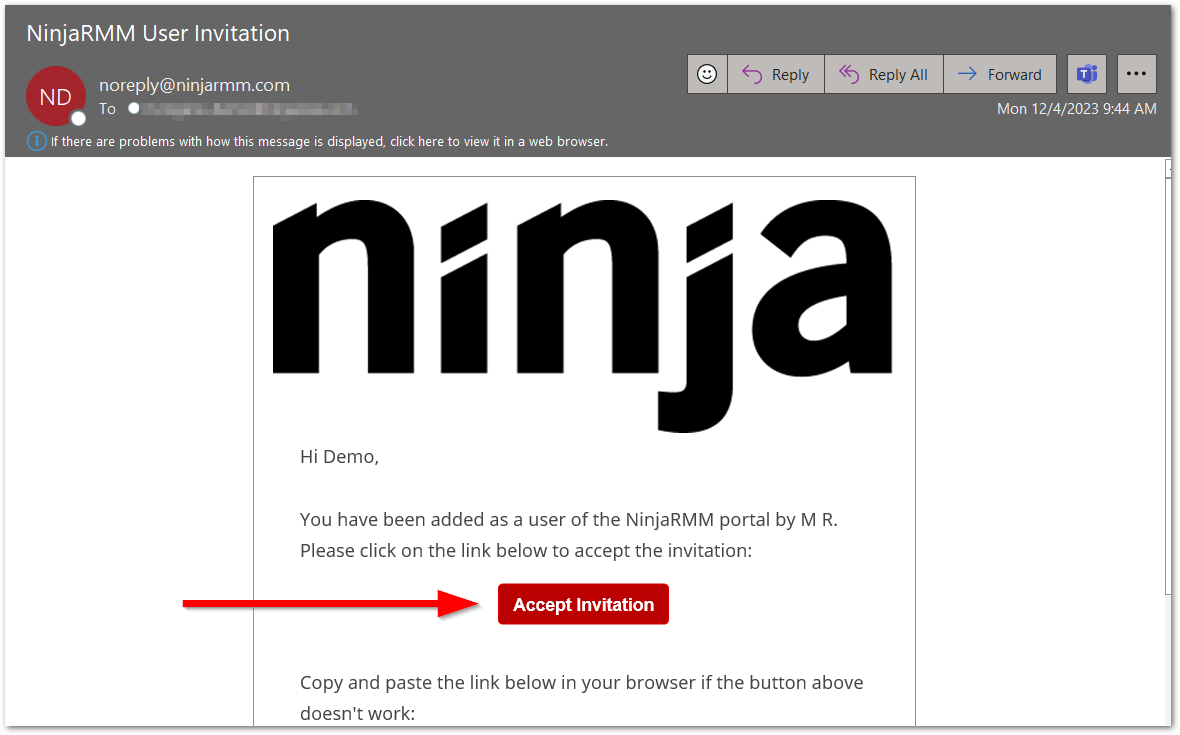
- Have the end user log in to the end user sharing portal. They should receive an invitation to log in through their email.
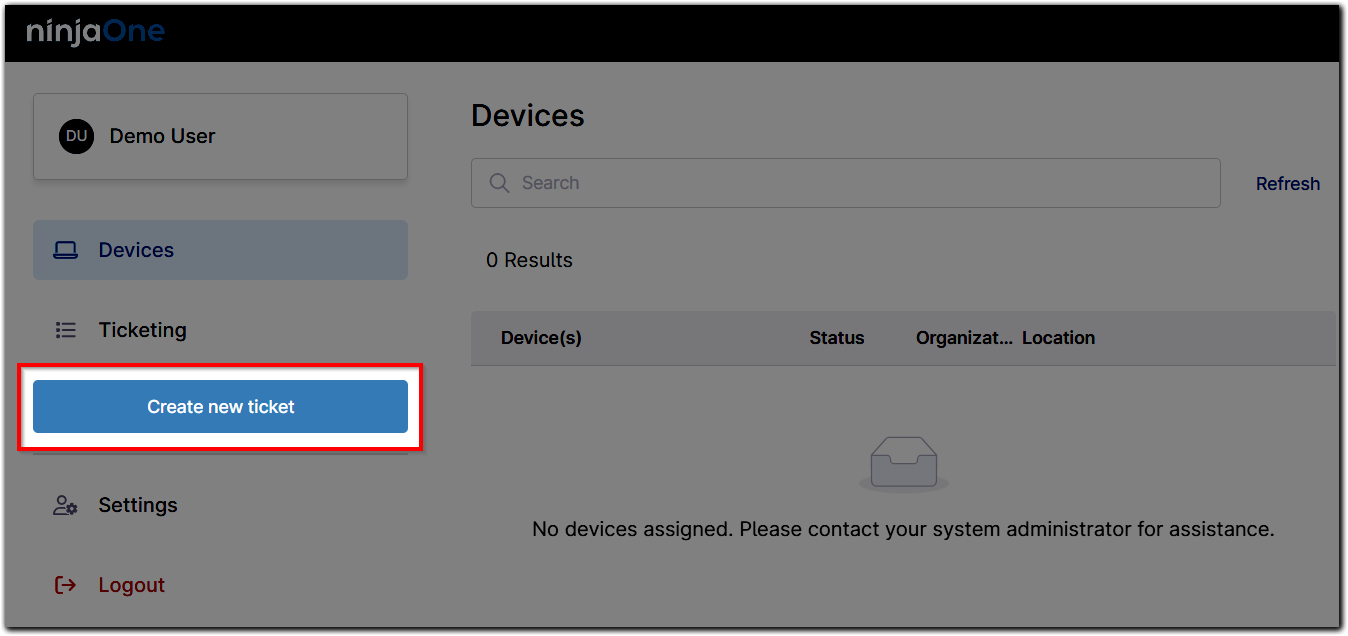
The end user portal displays with the Devices tab open by default. - Click Create new ticket.
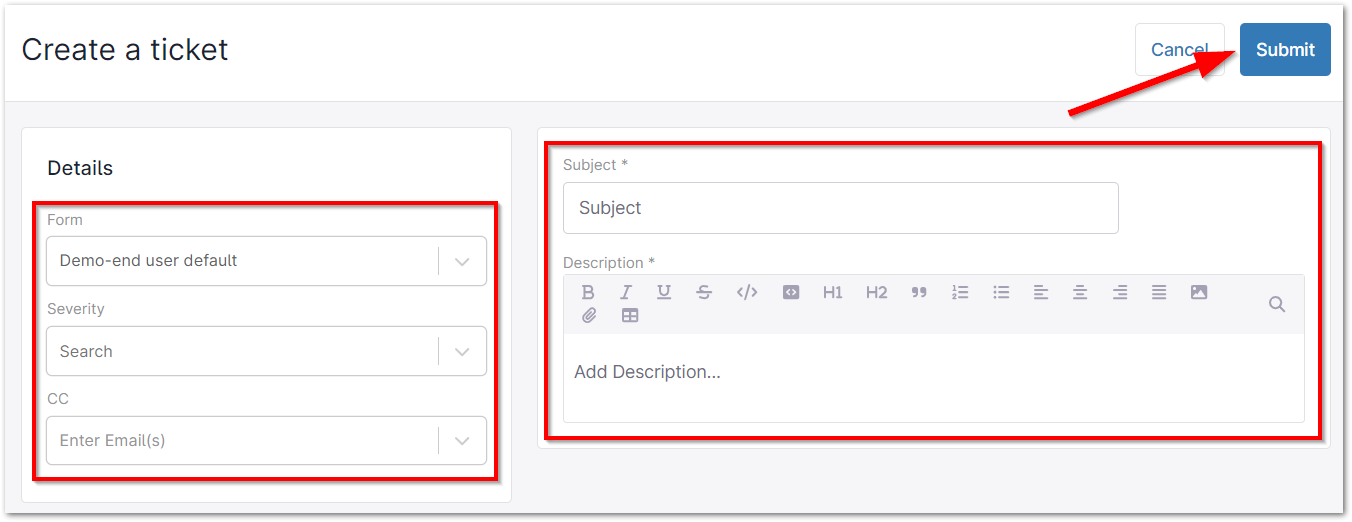
- The end user can choose from any ticket template forms that have been made visible to them, select the severity of their request, and tag other emails or users in the CC field. Subject and Description are required. Click Submit.
The end user can navigate to the Ticketing tab within the self-service portal to view a list of all of their submitted tickets. If the user is assigned to a specific organization and have Ticketing permissions, they will see all tickets for that organization—but cannot manage them.
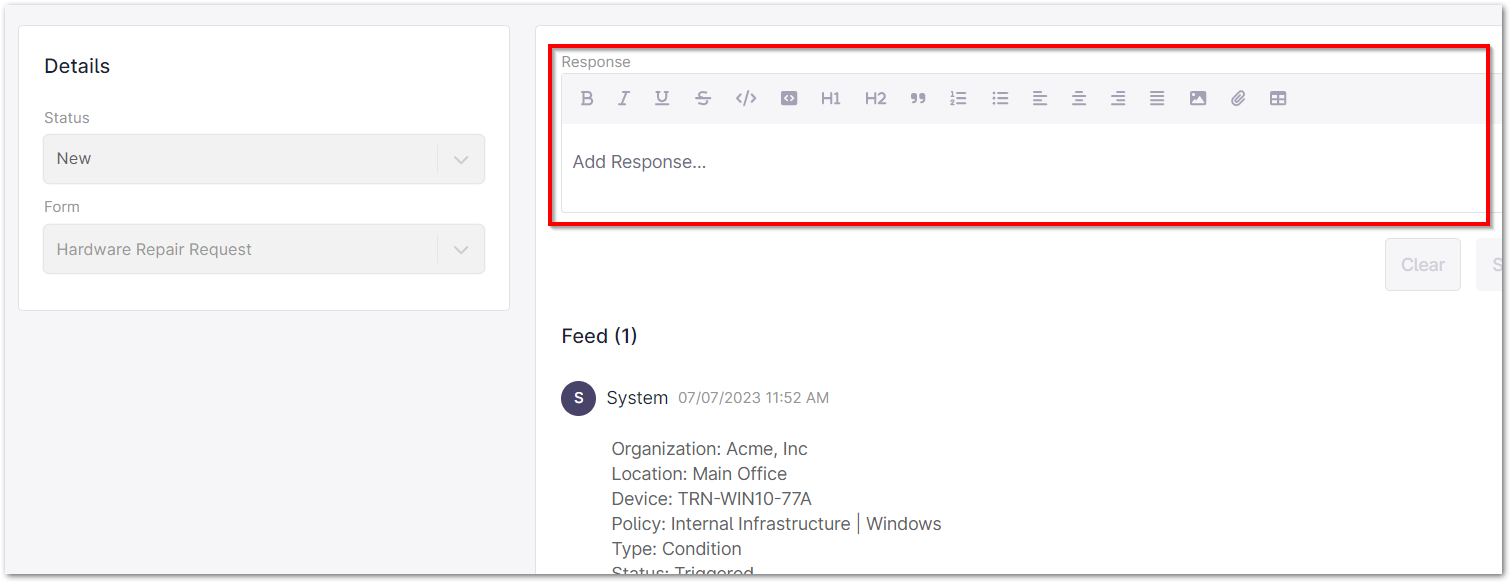
- Click a ticket to open and view the activity. End users may send a response from this view if they are assigned as the reporter of that ticket.