
Topic
This article shows you where to find the NinjaOne API endpoint that will allow you to filter NinjaOne tickets and lists the supported operator conditions.
Environment
- NinjaOne Ticketing
- NinjaOne Public API
Description
Select a category to learn more:
- API Operator Conditions Supported by NinjaOne
- Access the API Endpoint for Filtering Tickets
- Additional Resources
API Operator Conditions Supported by NinjaOne
- present
- not_present
- equals
- not_equals
- greater_than
- less_than
- greater_or_equal_than
- less_or_equal_than
- contains
- does_not_contains
- contains_any
- contains_none
- changed
- changed_to
- between
- is
- in
- not_in
Access the API Endpoint for Filtering Tickets
Access the NinjaOne Public API to find endpoints and parameters that return tickets matching the board condition and filters. Execute the provided endpoints in your preferred API development tool.
- Familiarize yourself with our API by reviewing NinjaOne Documentation: Public API. This document describes how to access and use the NinjaOne Public API.
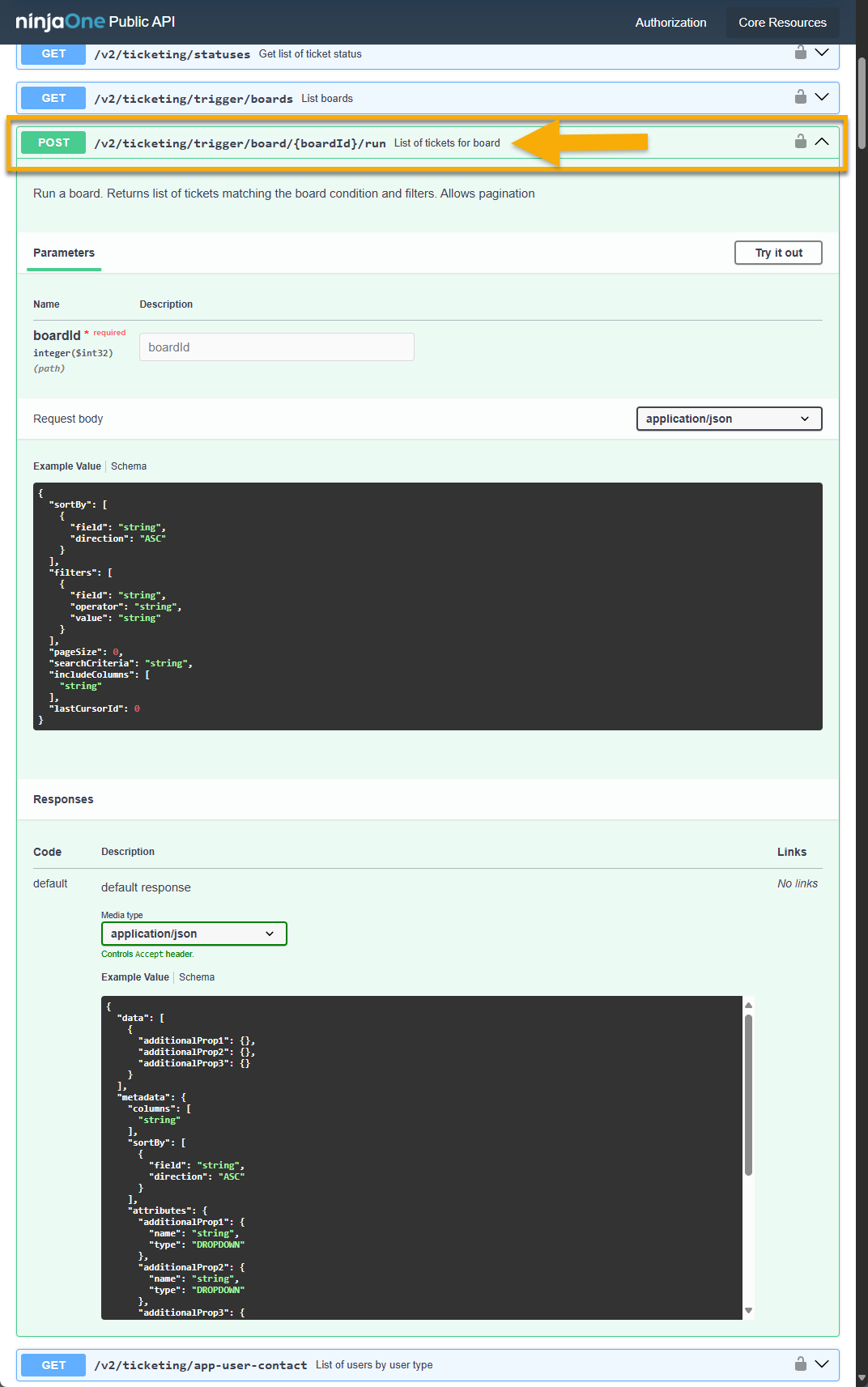
- Find the Ticketing section within the API documentation and expand the List of tickets for board request.
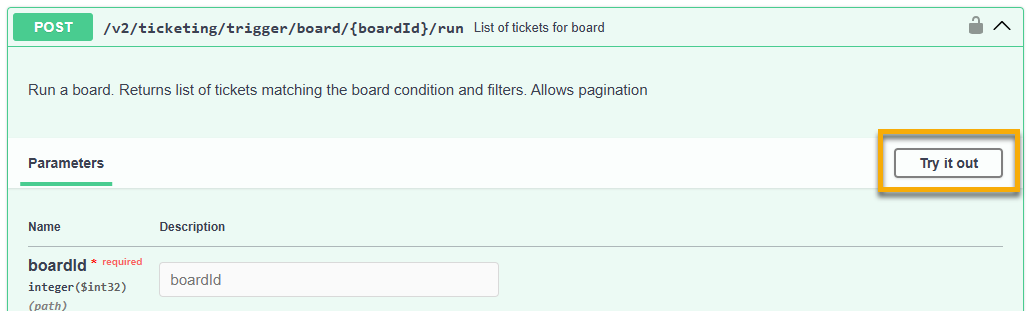
- Click Try it out.
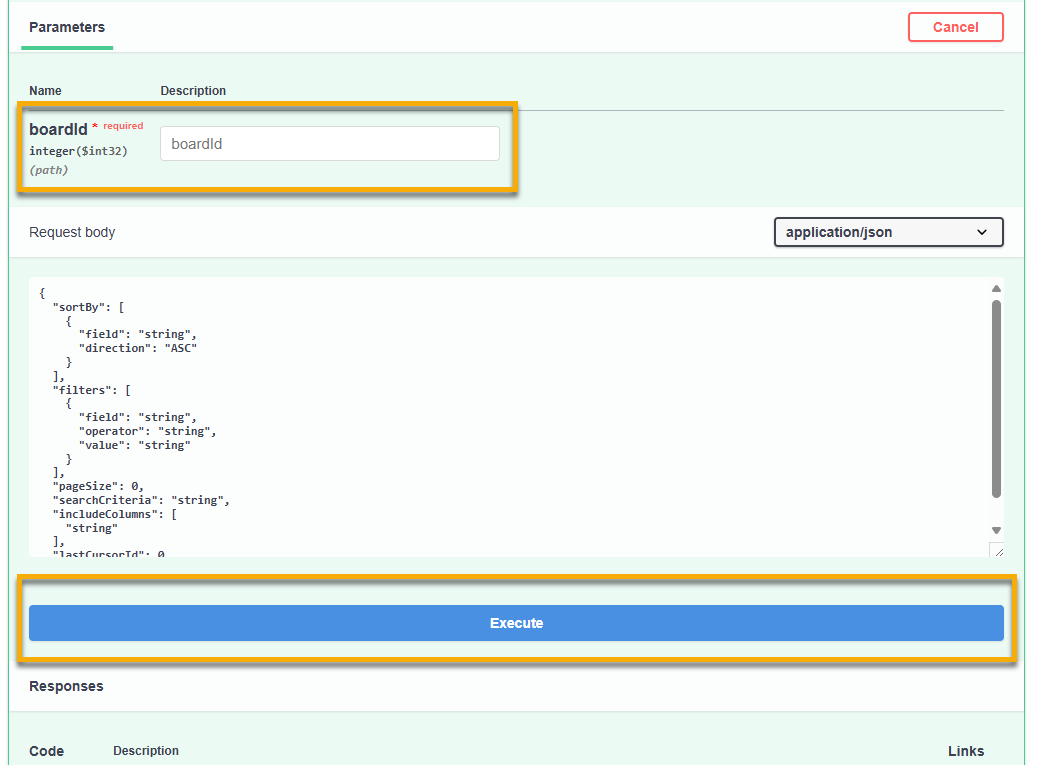
- Enter the number of the ticket board that you would like to filter in the Description field. You can find this number at the end of the Web address when you have the ticket board open.
- Click Execute.
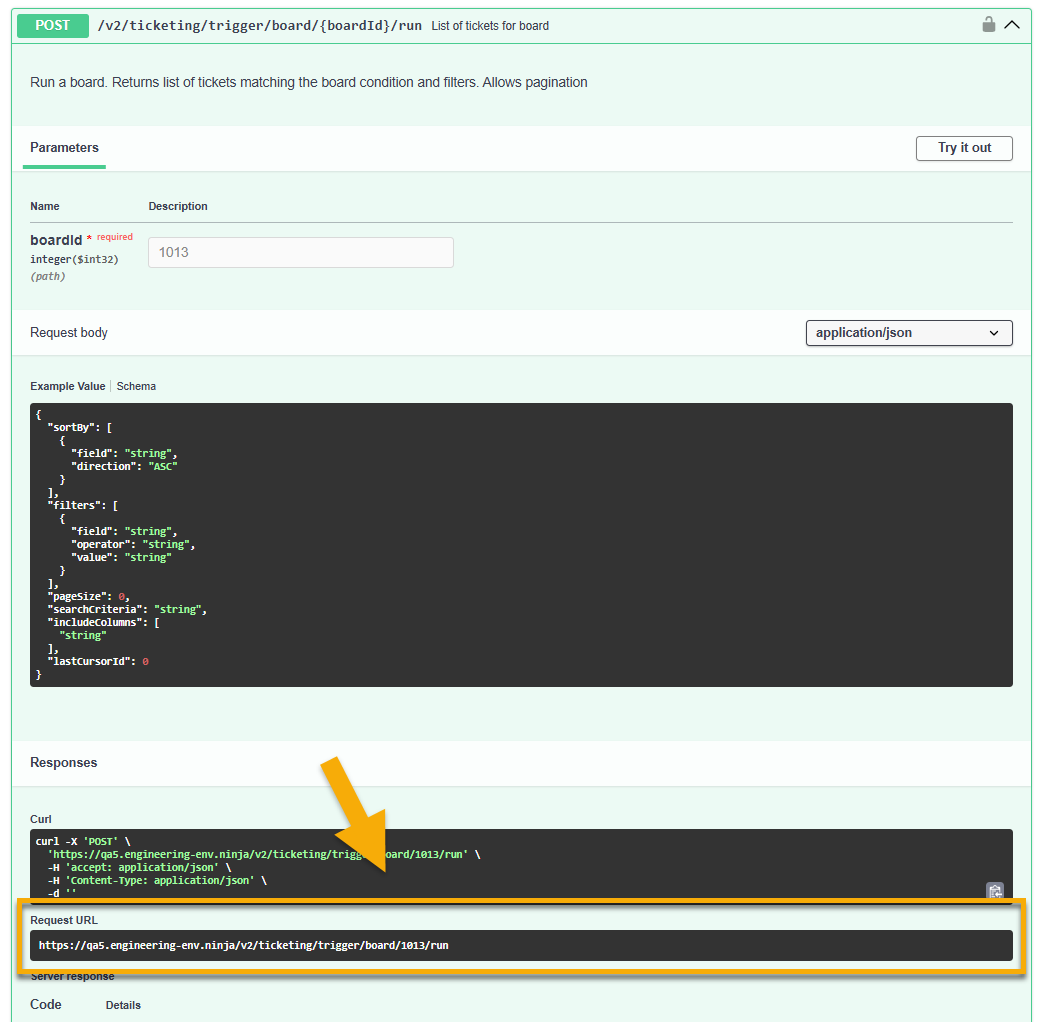
The results display in the Responses section. You can use the Request URL to post the command in your API client.
Additional Resources
Refer to the following resources to learn more about NinjaOne Ticketing and our Public API: