
Issue
Error status: "The code you entered was incorrect."
Environment
NinjaOne Remote
Quick Connect
Cause
This issue is caused by using the incorrect instance when attempting to connect.
Resolution
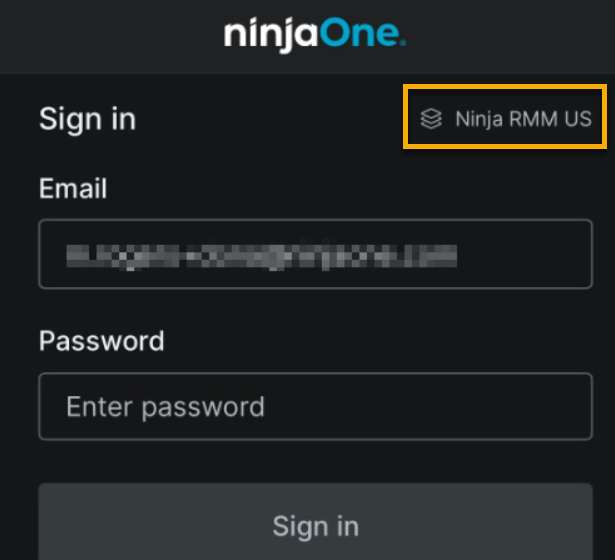
To avoid errors when connecting to Quick Connect via NinjaOne Assist, select the correct region or instance before establishing the connection. To do so, click the top right drop-down menu in the mobile app on the login screen.
Additional Resources
Refer to Remote Access: Resource Catalog to learn more about connecting to devices with NinjaOne Remote.