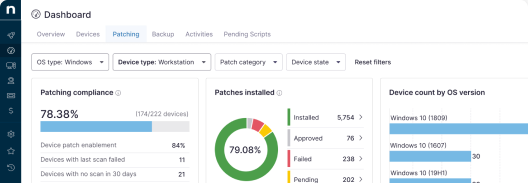

The NinjaOne 16.0 release helps IT teams and MSPs speed time to resolution. With mobile support, real-time user communication, and broader device coverage, technicians can resolve issues more quickly across all endpoints. Explore our latest updates to see how NinjaOne gives technicians a faster path from alert to resolution.
Support from anywhere with the NinjaOne Assist technician app
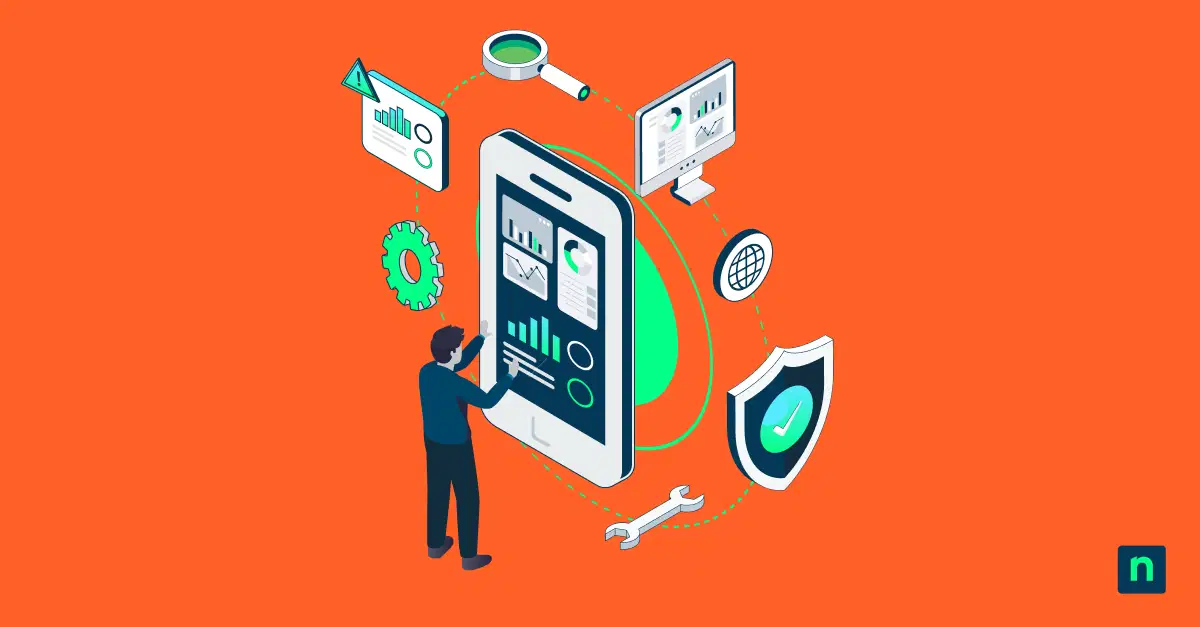
NinjaOne Assist now includes a technician experience alongside the existing end-user experience in a single app. Technicians can handle remote support and device management from their phones, so urgent issues no longer wait until they return to their desk. Field techs and on-call teams respond faster, wherever they are.
Login credentials automatically route technicians to the appropriate interface, keeping deployment and training simple. Your team members get the tools they need on the go, helping trim ticket response times.
Explore NinjaOne Endpoint Management
Unify visibility and control across all devices to reduce complexity, improve efficiency, and strengthen security all from a single console.
Learn more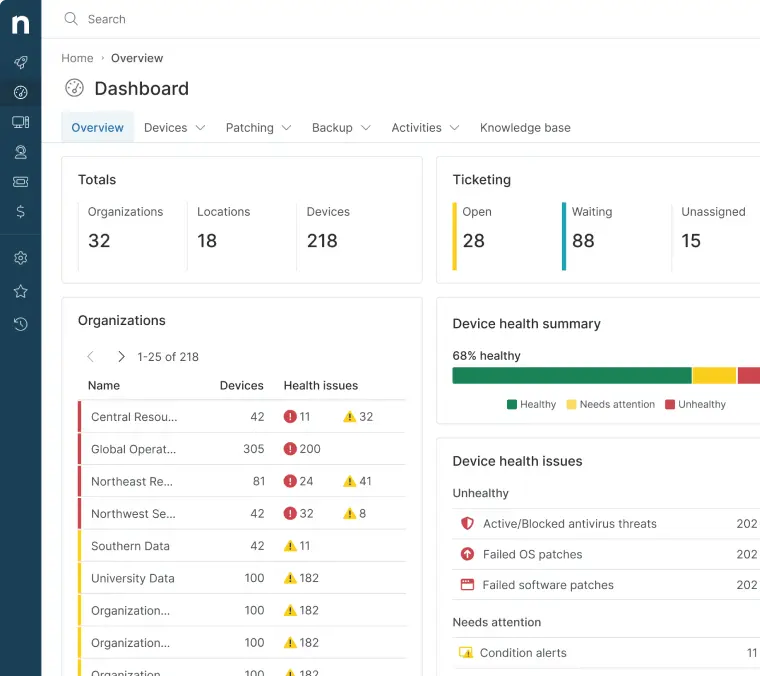
Requests resolved in seconds with NinjaOne Chat
Using NinjaOne Chat, technicians can initiate a chat with the person logged in to a managed device, who can reply in the chat window. A quick question, a status update, or a simple step-by-step guide can happen in real time without a phone call or a new ticket. Technicians gather context before troubleshooting and avoid unnecessary back-and-forth.
Users stay informed during longer fixes, whether that means a heads-up before a reboot or a progress update. Fast check-ins replace lengthy ticket threads, saving your team time and keeping users productive. Chat is technician-initiated and available for Windows devices at launch.
One inventory for every endpoint, now with ChromeOS
ChromeOS and ChromeOS Flex device support bring Chromebooks into the same view as the rest of your fleet. NinjaOne syncs devices from Google Workspace, so teams get unified asset tracking, reporting, and user context without switching between platforms. You can reboot, erase user data, or open a Chrome Remote Desktop session straight from NinjaOne.
Education teams and distributed IT departments can now report on large ChromeOS fleets alongside every other device type. MSPs can consolidate reporting across multiple Google Workspace tenants without logging in to each admin console. Closing this gap means one system of record and fewer tools for your team to manage.
Finally, this release introduces Early Access (EA) cloud visibility with AWS and Azure integrations, bringing EC2 and Azure virtual machines into NinjaOne as discovered devices that can be promoted to managed or unmanaged devices for a single view of your hybrid IT estate. Both integrations help you track workloads and understand where endpoints depend on critical cloud services.
Also in EA, self-service OS updates let end users install policy-approved OS updates from the NinjaOne End User Portal without waiting on a ticket or maintenance window. Ring patch deployment arrives as EA in the 16.1 release, so IT teams can vet approved patches on pilot devices before they reach critical systems.
Learn about all the updates in the release notes or try out EA features by contacting your Account Manager. Be sure to let us know what you think!