Topic
This article explains where to find your current NinjaOne release version.
Environment
NinjaOne Platform
Description
To find the current version installed for your NinjaOne account, press the CTRL key on your keyboard and move your mouse cursor over the NinjaOne logo.

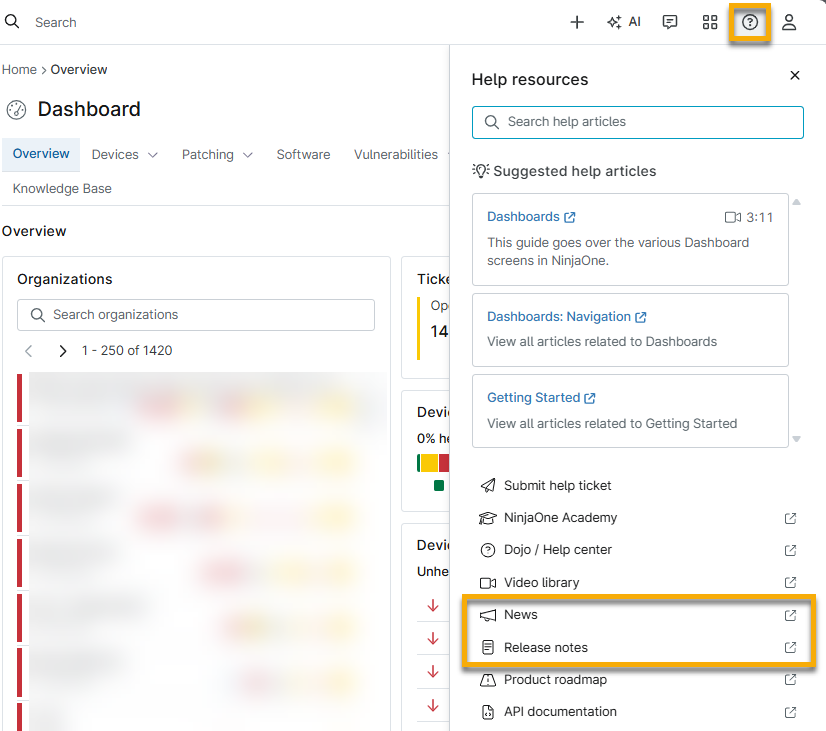
You can also receive notifications for upcoming releases by subscribing to our NinjaOne Status updates at NinjaOne Trust Status. To view the latest release notes, use the Help resources in NinjaOne.