Topic
This document covers the organization and device-level dashboards for NinjaOne Ticketing.
Environment
NinjaOne Ticketing
Description
- Organization Level Ticketing Dashboard
- Device Level Ticketing Dashboard
- System and Organization Level Ticketing Widget
Organization Level Ticketing Dashboard:
To view the organization level ticketing dashboard, first navigate to one of your organizations and then select the Ticketing tab.
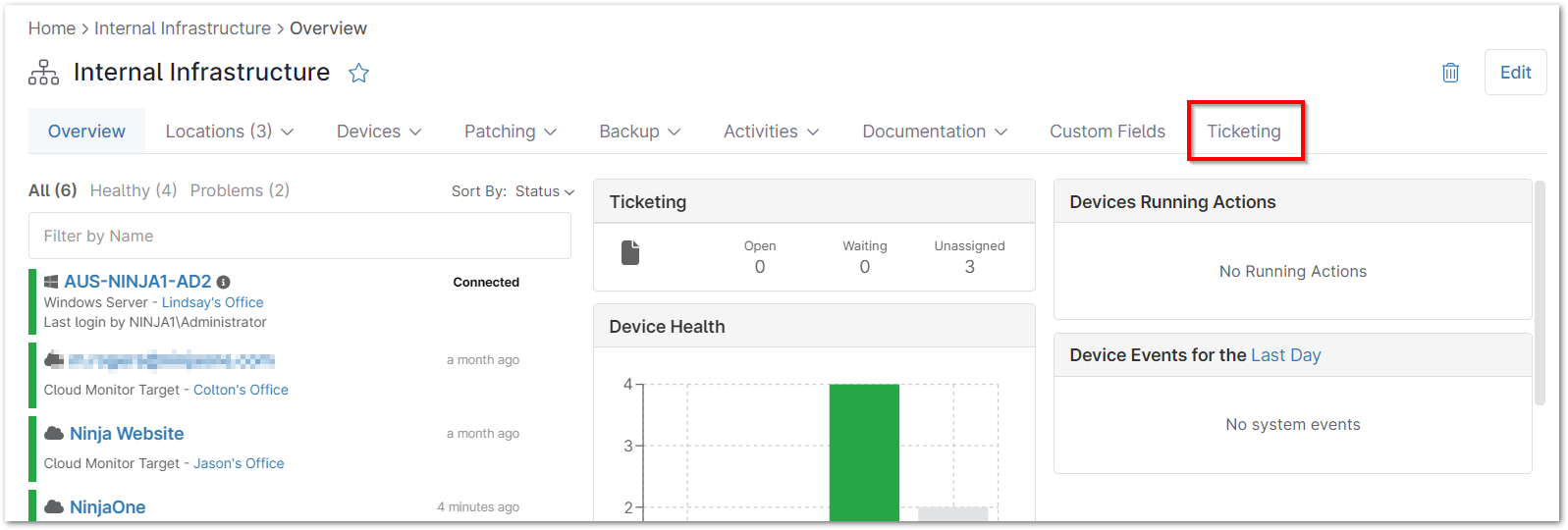
Below is an overview of the sections of the organization level ticketing dashboard, which include:
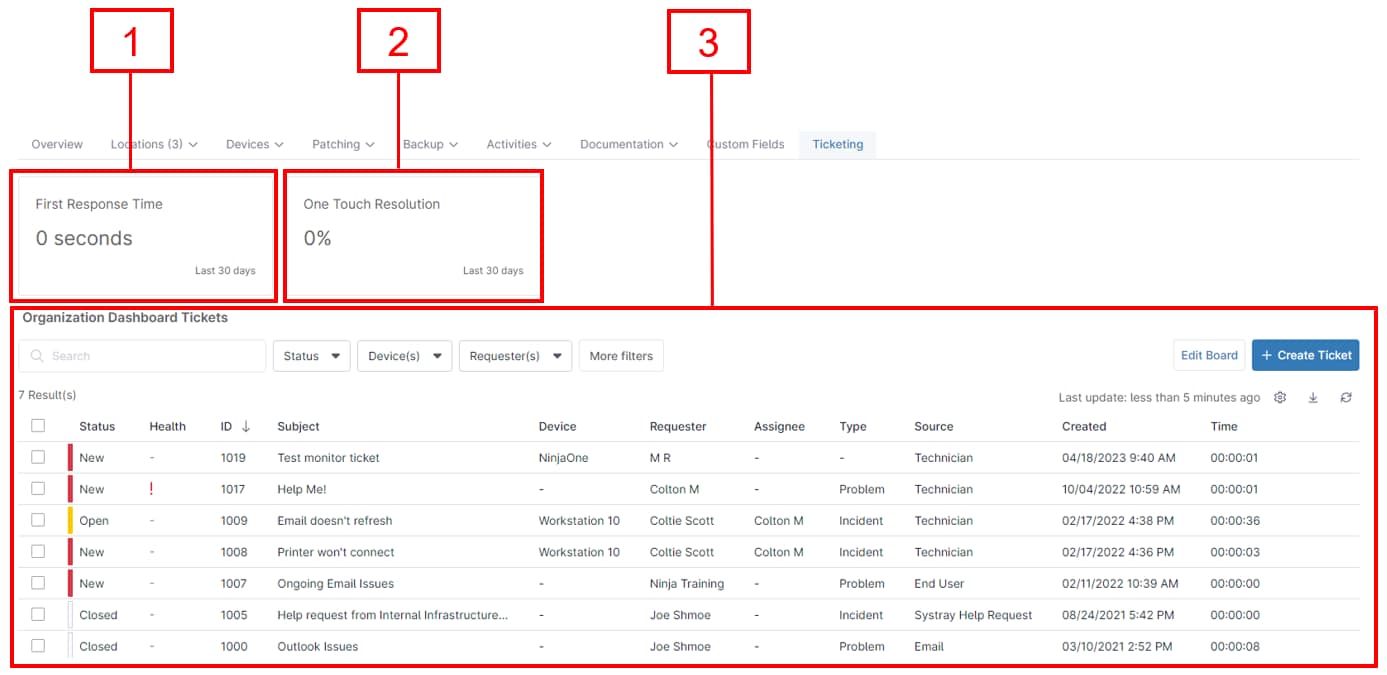
Average First Response Time
The first section in the organization level ticketing dashboard provides the average First Response Time for the last 30 days. The First Response is the first public comment added to a ticket after the ticket creation (to learn more about internal/public commenting on tickets, please see
Move your mouse pointer over a ticket subject to view the associated tooltip.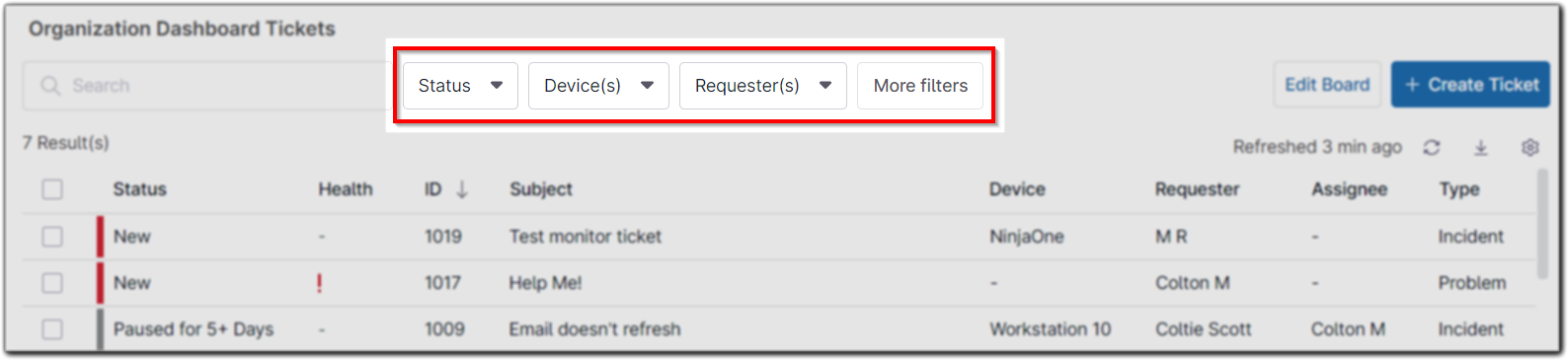
Device Level Ticketing Dashboard:
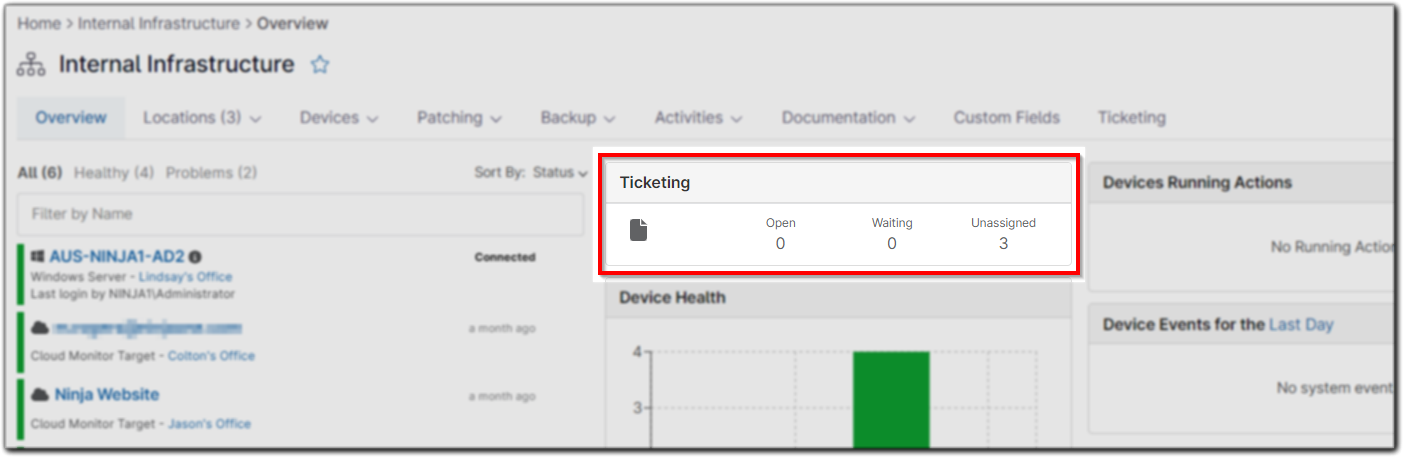
System and Organization Level Ticketing Widget:
An overview of ticketing is also available in the system and organization level
Lastly, ticket boards can be accessed via the left navigation pane below Devices.