

Please see the following for some recommended troubleshooting steps in the case that you encounter an issue with the CLI.
Command is not recognized:
Problem
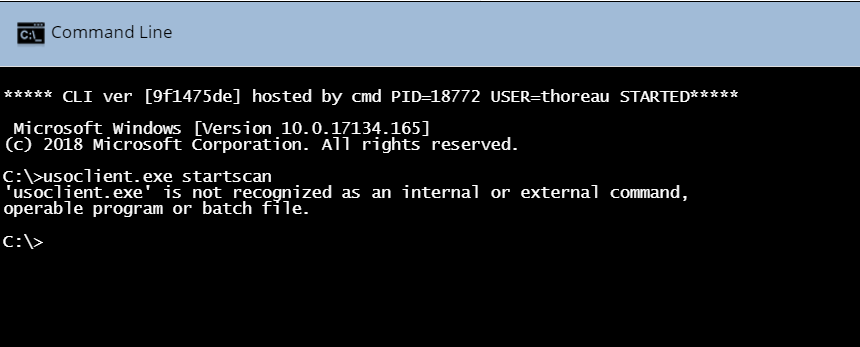
When attempting to run a command via the CLI in Ninja, you receive an error message similar to: "...is not recognized as an internal or external command, operable program or batch file."
Cause
This can occur when a 32-bit script is attempting to run in a 64-bit environment.
Solution
To verify the syntax and validity of the command, you can attempt to run the same command locally on your device. If the command runs successfully, try using the following Microsoft value to run the command via Ninja CLI in a sysnative environment:
%WINDIR%sysnative<YourCommand>
Replace <YourCommand> with the original command that you wish to run.
If the issue you are experiencing is not listed above, or if you need further assistance after attempting the recommended troubleshooting steps, please contact Ninja Support.