
Topic
This article instructs you on how to add Web apps from the Google Play Store in NinjaOne.
Environment
NinjaOne MDM
Description
A Web app is an app built for the web that you can access on any device. Refer to Create web apps - Android Enterprise Help (google.com) and Android Management API Google for Developers for more information about this process from Google.
Procedure
- Click Add apps and select Play Store.
- Select the Android connection (Enterprise account) from the drop-down in the top right corner. If you need to create a new Android connection, read MDM: Enable the Android Enterprise Device Management.
- Move your cursor over the left-side navigation pane and click Web Apps.
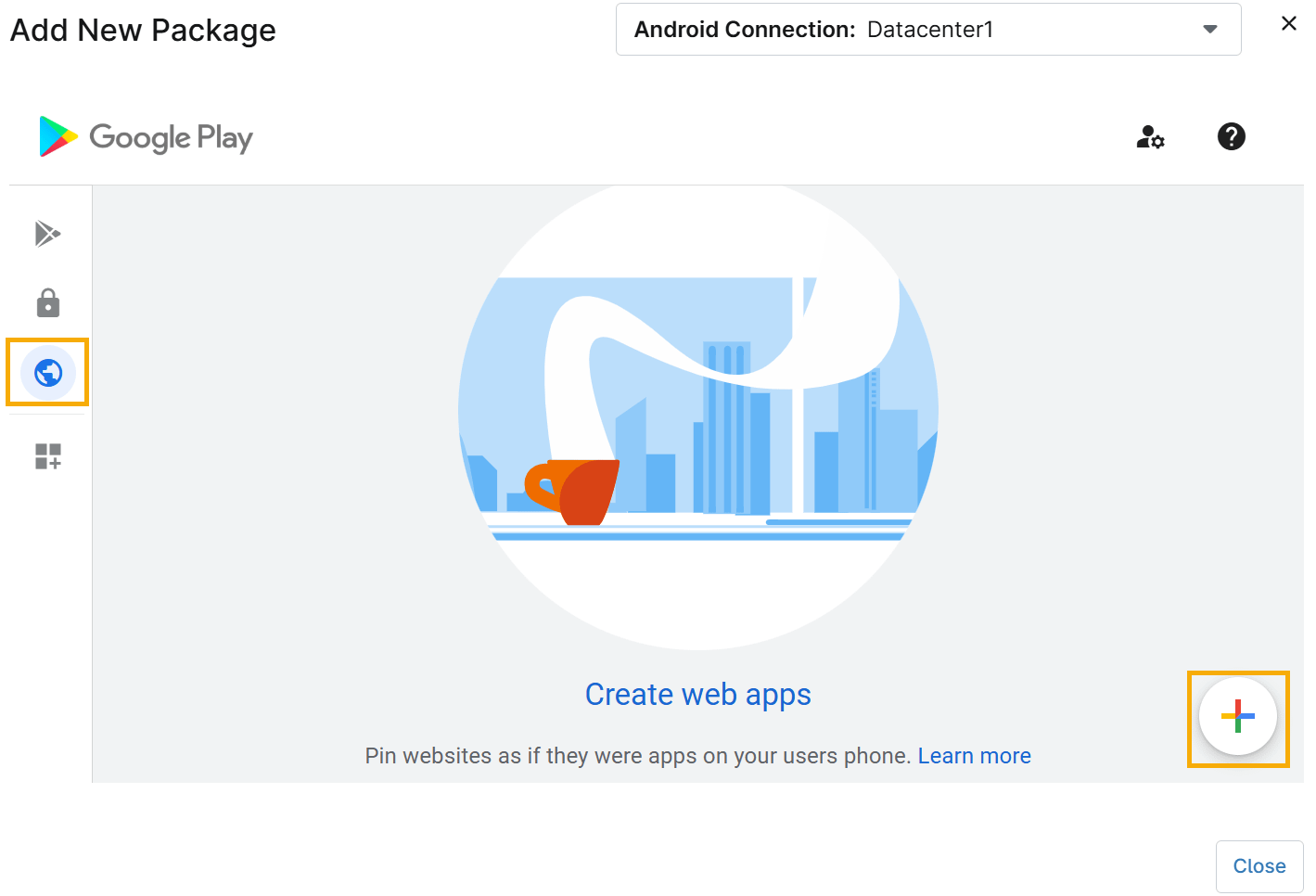
Figure 1: Adding the app from the Store (click to enlarge)
- Click the plus sign (+) icon in the bottom right corner to upload the Web apps.
- Follow the prompts to add the Web app.
Additional Resources
For further information about adding and managing Android applications, refer to NinjaOne MDM: Getting Started with Android Device Management.