
Issue
Updates fail with the following error message in Device Activities:
Patch Management Scan FAILED to complete. ERROR:  Patch Management scan
  FAILED to complete. Error:[-3005 Windows communication error, Find failed when
  performing missing patch search][Windows error code: 0x80240438 description:
  there is no route or network connectivity to the endpoint.]
Environment
- Windows Patching
- 3PP Patching
Cause
Possible causes can include:
- Group Policy Object (GPO) settings or registry key
- Firewall rules or AV/EDR tools interfering with Ninja processes
- Windows Update service on the machine isn’t working correctly
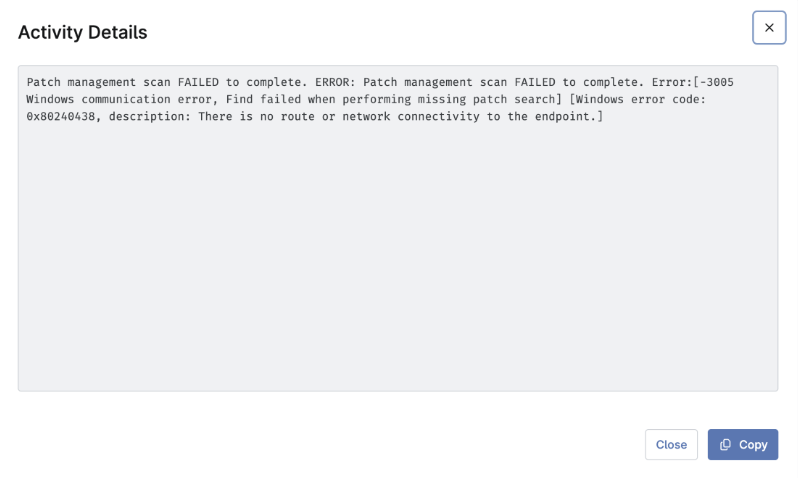
Figure 1: The failed update error message (click to enlarge)
Resolution
Check group policies
Remove any group policy objects for Windows Updates
Check for a Registry issue
Make a backup, then delete the following registry keys:
- HKLMSoftwarePoliciesMicrosoftWindowsWindowsUpdate
- HKLMSoftwarePoliciesMicrosoftWindowsWindowsUpdateAU
- HKLMSoftwarePoliciesMicrosoftWindowsDeliveryOptimization
If Windows feature updates or full OS upgrades are intentionally blocked, consider preserving the following registry keys:
- HKLMSoftwarePoliciesMicrosoftWindowsWindowsUpdateProductVersion
- HKLMSoftwarePoliciesMicrosoftWindowsWindowsUpdateTargetReleaseVersion
- HKLMSoftwarePoliciesMicrosoftWindowsWindowsUpdateTargetReleaseVersionInfo
Check firewall rules
Your managed environment must adhere to both the global and region-specific allowlist requirements to ensure proper communication with Microsoft patching servers. For more information, refer to Global Allowlist (Whitelist) Information.
Check Antivirus and Endpoint Detection and Response (EDR) rules
Unblock any Ninja processes flagged in your Antivirus or EDR systems.
Check Windows Update Service Health
NinjaOne provides an automation in the Template Library. Navigate to Administration → Library → Automation and search for Windows Update Diagnostic.
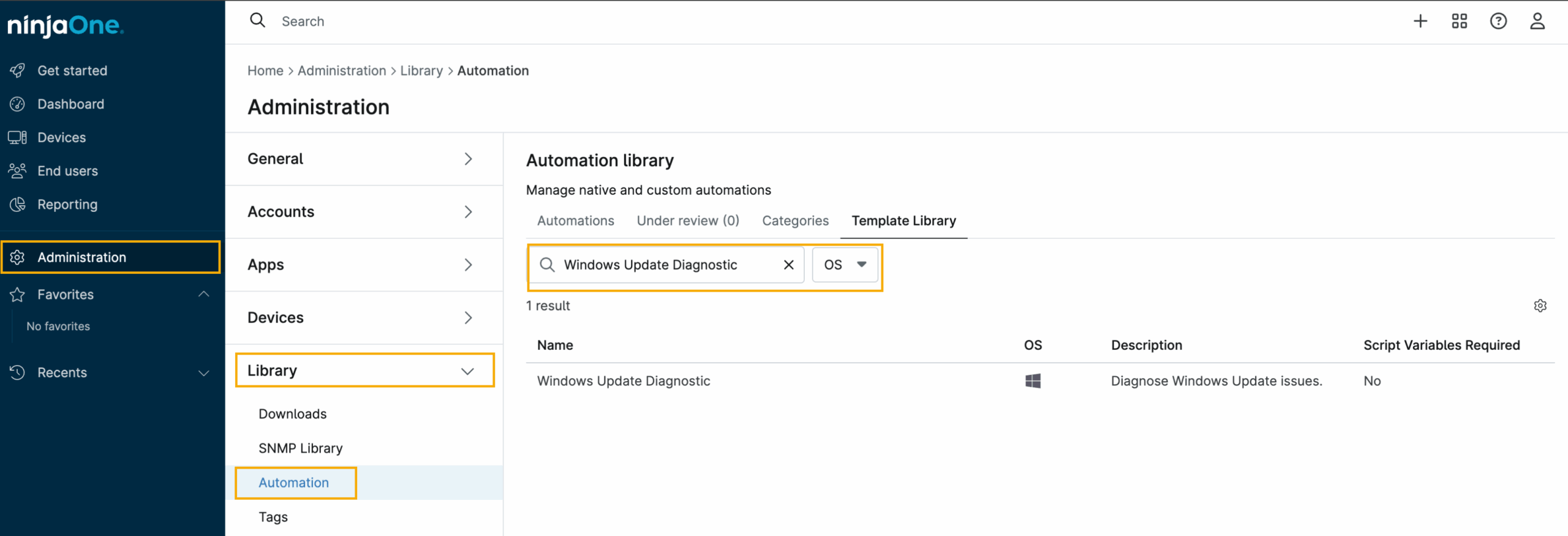
Figure 2: The Automation Library (click to enlarge)
Additional Resources
Your managed environment must adhere to both the global and region-specific allowlist requirements to ensure proper communication with Microsoft patching servers. Refer to Global Allowlist (Whitelist) Information to learn more.