NinjaOne vs. ScreenConnect

NinjaOne and ScreenConnect both provide remote access: NinjaOne delivers it as one native capability inside a unified IT operations platform, while ScreenConnect delivers it as a standalone tool built by ConnectWise.

NinjaOne

VS
This comparison reflects our assessment as of July 2026 This comparison represents our assessment of publicly available product capabilities from G2 as of July 2026. If you believe any information here is inaccurate or incomplete, please contact us and we will evaluate and address it as appropriate.

NinjaOne is designed for

ScreenConnect is designed for

Enterprise IT teams and MSPs that want remote access built into a broader endpoint management platform
Managed service providers and IT teams looking for a dedicated remote support tool
Organizations that manage patching, monitoring, and remote support from a single console
Organizations that already run other ConnectWise products
Environments with distributed, multi-OS endpoints that need consolidated tooling
Teams that require one-off or on-demand remote support sessions rather than full endpoint management
Teams that want remote troubleshooting connected directly to device health and patch data
IT providers that offer remote support as a discrete service line

Key differences between NinjaOne and ScreenConnect

The main differences between NinjaOne and ScreenConnect are
DimensionNinjaOneScreenConnect
Deployment modelCloud-native, delivered as one hosted platform.Available as a cloud-hosted service or a self-hosted, on-premises instance.
Operational modelRemote access operates as one native capability inside a single console alongside patching, monitoring, backup and automation.Operates as a standalone remote support tool, with broader endpoint management typically handled by a separate ConnectWise product.
Implementation complexityRemote sessions launch directly from the same device detail page already used for other IT operations, with no separate setup to connect and access endpoint data.Runs as a dedicated remote session tool, so connecting it to RMM or patch data means implementing and configuring a separate ConnectWise product.
Remediation approachTechnicians can trigger scripts, patch updates, and automation policies from the same platform during a remote session.Technicians can run scripts, files, or executables during a session through ScreenConnect’s Toolbox, a separate repository maintained apart from a full RMM’s automation library unless paired with one.
Team modelIdeal for teams that want remote support alongside patching and monitoring of endpoints, handled in one workflow.Suits teams that already run a separate RMM or PSA stack and want a dedicated remote-support layer alongside it.

When NinjaOne is the better choice

Choose NinjaOne when

You have thousands of endpoints that run on Windows and macOS, and would benefit from remote access that’s integrated with a unified IT operations platform.
Your technicians need to work on devices in the background, without disrupting the end user mid-session
Your team manages distributed environments with endpoints stationed at different locations
Your organization manages a multi-OS environment and wants file transfer, session recording, and multi-monitor support included natively.
Your team wants to reduce the number of vendor relationships tied to endpoint support

Why IT teams choose NinjaOne over ScreenConnect

Unified IT operations platform

NinjaOne provides a remote access solution tied to other endpoint management capabilities in a single console. It allows technicians to view a device’s health or patch status and launch remote sessions from the same screen, creating a seamless workflow while eliminating significant operational downtime.
Security is a top priority for NinjaOne, especially when it comes to remote access capabilities. NinjaOne Remote operates with strong encryption, role-based access controls, and session recording to help ensure every remote session stays private and secure.
NinjaOne also delivers speed and flexibility to keep technicians moving. Sessions launch in seconds directly from a device’s page in NinjaOne or from a ticket. NinjaOne also has a mobile app that extends full remote support to iOS and Android, so technicians can launch sessions, chat with users, and troubleshoot from anywhere. The remote access solution also has an end-user portal that lets employees securely connect to their own devices with permission-based access, local printing, and screen blanking for privacy.
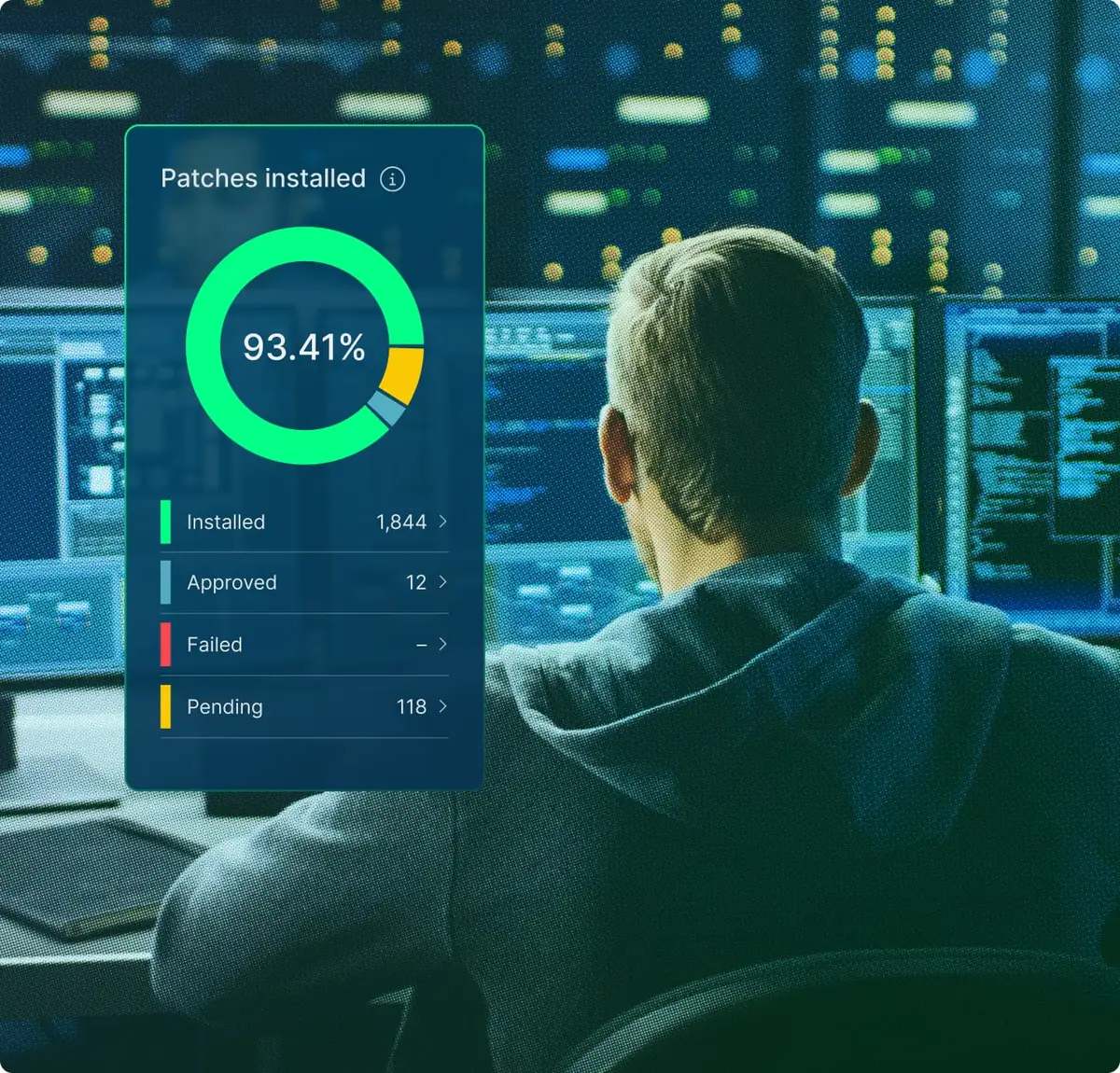
IT technician with image of NinjaOne dashboard

User reviews and ratings: NinjaOne vs. ScreenConnect

NinjaOne

4.7

Overall G2 rating (4,910)

ScreenConnect

4.7

Overall G2 rating (504)

Information as per product capabilities from G2 This comparison represents our assessment of publicly available product capabilities from G2 as of July 2026. If you believe any information here is inaccurate or incomplete, please contact us and we will evaluate and address it as appropriate.

Discover value in 5 minutes.

NinjaOne integrations for IT environments 

NinjaOne integrates with tools commonly used alongside remote access in MSP and enterprise IT stacks, including PSA, documentation, and ITSM platforms.

How to evaluate the decision between NinjaOne vs. ScreenConnect

When evaluating NinjaOne vs. ScreenConnect, consider:
  • Whether you want remote access as part of a broader endpoint management platform or as a standalone tool paired with a separate RMM
  • How much of your IT stack you want to consolidate into one console
  • Whether your organization needs remote session security, such as encryption and session recording, to be a built-in platform feature
  • Whether your endpoint fleet spans multiple operating systems and locations that would benefit from managing remote access alongside monitoring and patching
  • Whether your team already relies on other ConnectWise products for RMM and PSA, which affects how well a standalone remote tool fits your workflow

NinjaOne vs.  ScreenConnect FAQs

NinjaOne and ScreenConnect both provide remote access to endpoints, but NinjaOne delivers it as one capability inside a unified IT operations platform, while ScreenConnect is a standalone remote support tool from ConnectWise.
The main difference is platform scope: NinjaOne connects remote access to the same console used for patching, monitoring, and backup, while ScreenConnect is a dedicated remote session tool that typically pairs with a separate RMM product.
Yes. NinjaOne is a strong alternative for organizations that want enterprise-level remote access consolidated with the rest of their endpoint management workflow rather than running as a separate product.
This depends on your organization’s requirements. Choose NinjaOne when you want remote access tied to endpoint monitoring and patch data in a centralized console. Choose ScreenConnect when you need a dedicated remote support tool to pair with an existing RMM or PSA stack.
For teams that want to consolidate tools, yes: NinjaOne Remote covers the core remote access use case within a single platform. Teams that rely on other ConnectWise products for RMM or PSA would need to evaluate those separately, since ScreenConnect itself does not include patching or monitoring.
Ready to simplify work with unified IT?

Snapshot Report Citation: IDC Business Value Snapshot sponsored by NinjaOne, The Business Value of NinjaOne for IT Operations, Doc #US54520326-BVS, May 2026.


GARTNER is a registered trademark and service mark of Gartner, Inc. and/or its affiliates in the U.S. and internationally and is used herein with permission. All rights reserved. Magic Quadrant is a registered trademark of Gartner, Inc. and/or its affiliates and is used herein with permission. All rights reserved.

Gartner does not endorse any company, vendor, product or service depicted in its publications, and does not advise technology users to select only those vendors with the highest ratings or other designation. Gartner publications consist of the opinions of Gartner’s business and technology insights organization and should not be construed as statements of fact. Gartner disclaims all warranties, expressed or implied, with respect to this publication, including any warranties of merchantability or fitness for a particular purpose.


This comparison represents our assessment of publicly available product capabilities as of July 2026. Our evaluation draws on vendor-provided materials, including product documentation and release notes, as well as publicly available pricing information, customer feedback, and analyst insights. Where applicable, details were reviewed against the vendor’s then-current generally available (GA) release as of the date indicated.


Enterprise IT leaders evaluating endpoint management platforms don’t just compare features: they also assess the time it takes to deliver value, the number of people needed to operate the system, and the actual cost after deployment, training, and ongoing operation.

NinjaOne delivers measurable results. On average, deployment is completed in less than 30 days; operators become proficient in less than 10 days. There is no infrastructure to provision, no phased rollout, and no deployment project scope to define: cloud-native SaaS means your team becomes productive in days, not months.

Your team configures, operates, and scales the system without dedicated administrators, proprietary query languages, or ongoing vendor support. And all of this on a unified platform, with no mandatory professional services, no premium support tiers, no hidden renewal costs, and rich features that don’t compromise the digital employee experience your organization is striving for.