NinjaOne vs. Datto

NinjaOne and Datto are both RMM platforms: NinjaOne, a unified IT operations platform, covers Windows, macOS, Linux, and mobile devices, while Datto, the RMM in the Kaseya IT Complete portfolio, is strongest on Windows.

NinjaOne

VS
This comparison reflects our assessment as of August 2026 This comparison represents our assessment of publicly available product capabilities from G2 as of August 2026. If you believe any information here is inaccurate or incomplete, please contact us and we will evaluate and address it as appropriate.

NinjaOne is designed for

Datto is designed for

MSPs and internal IT teams managing Windows, macOS, and Linux endpoints alongside iOS and Android devices from one console.
MSPs and IT teams already invested in the Kaseya IT Complete ecosystem who want unified billing and vendor consolidation across RMM, backup, and PSA.
Technicians who want file, registry, task, and service management tools available inside the same browser session used for monitoring and patching.
Backup-first MSPs prioritizing tight integration between RMM and Datto BCDR.
Organizations that want broad third-party patching without purchasing a separate add-on.
Teams comfortable running core technician tools in a separate desktop application rather than the web console.
Teams that need free onboarding, training, and 24/7 support during migration or fast growth.
Predominantly Windows environments, since macOS and Linux functionality is more limited than Windows.

Key differences between NinjaOne and Datto

The main differences between NinjaOne and Datto are
DimensionNinjaOneDatto
Device and platform coverageNative agent and remote tools for Windows, macOS, and Linux, plus native MDM for iOS and Android in the same console.Strongest on Windows; macOS and Linux functionality is more limited, and mobile devices require a separate MDM tool.
Remote troubleshooting workflowFile Browser, Remote Registry, Task Manager, and Service Manager are built into the web console remote session.These technician tools live in a separate desktop application outside the web console.
Third-party patching modelA broad third-party application library plus WinGet is included in the core subscription.Third-party patching; broader coverage requires the paid Advanced Software Management add-on.
Commercial modelSingle subscription; broader patching and reporting are included, not sold as add-ons.Core RMM plus optional paid add-ons (e.g., Advanced Application Management) layered on for broader coverage.

When NinjaOne is the better choice

Choose NinjaOne when

Your endpoints span Windows, macOS, and Linux alongside iOS and Android devices, and you want one console instead of a bolted-on mobile tool.
Your third-party patching needs go beyond a couple dozen applications and you don’t want to buy an add-on to get there.
You’re consolidating tools after an acquisition or replacing a legacy RMM and want one subscription instead of stacked modules.
Your team needs scheduled, automated client reporting rather than building reports manually from fixed templates.
Your technicians can’t afford to context-switch to a second app mid-ticket.

Why IT teams choose NinjaOne over Datto

Manage every device, not just Windows

NinjaOne manages Windows, macOS, and Linux endpoints alongside iOS and Android devices from a single console, with native mobile device management included. Datto RMM has no native way to manage iOS or Android devices, and its macOS and Linux support is more limited than Windows, especially for patching and remote tools.
Switching to a separate tool for file, registry, task, and service management costs a technician time on every single ticket. NinjaOne builds that toolset directly into the same browser session used for monitoring and patching, so nothing about a routine fix requires leaving the console.
Policy-based automation and scripting on the NinjaOne platform work across tenants and endpoint groups, so IT teams can build one automation and apply it broadly. On the other hand, building a single automation that applies across tenants or endpoint groups in Datto often requires workarounds or contacting support, rather than a native setting.
NinjaOne pairs customizable dashboards with automated, scheduled report delivery, so a technician can build a report once and have it land in a client’s inbox on its own from then on. Datto’s reporting templates are more fixed, which means more manual work to turn raw data into something client-ready.
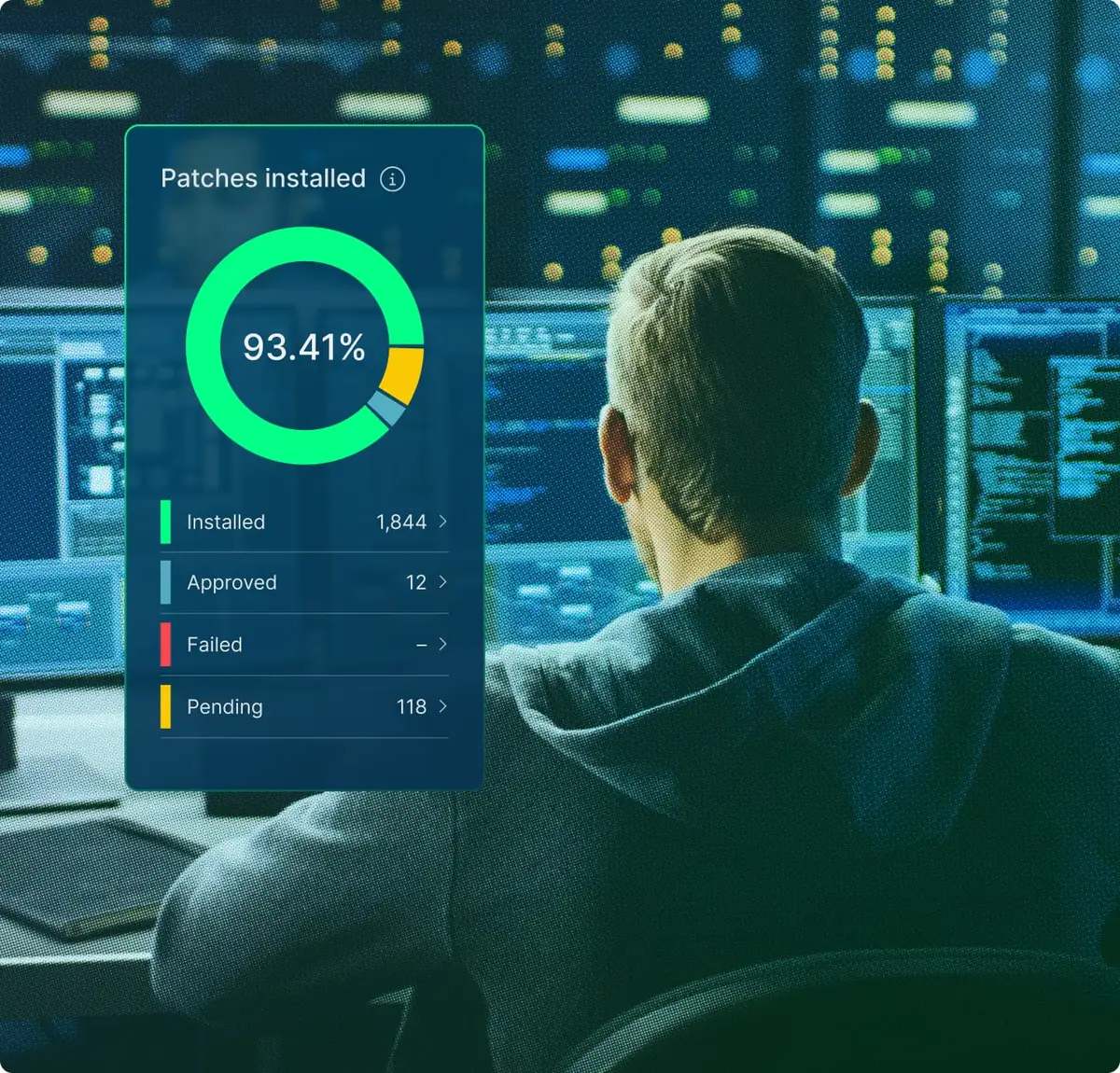
IT technician with image of NinjaOne dashboard

User reviews and ratings: NinjaOne vs. Datto

NinjaOne

4.7

Overall G2 rating (5,012))

Datto

4.5

Overall G2 rating (795)

Information as per product capabilities from G2 This comparison represents our assessment of publicly available product capabilities from G2 as of August 2026. If you believe any information here is inaccurate or incomplete, please contact us and we will evaluate and address it as appropriate.

Discover value in 5 minutes.

NinjaOne integrations for IT environments

NinjaOne integrates with tools commonly used in Datto environments, including PSA platforms, IT documentation, endpoint security solutions, and remote access tools.

How to evaluate the decision between NinjaOne vs. Datto

When evaluating NinjaOne vs. Datto, consider the following criteria
  • Whether your environment includes mobile devices, since native iOS and Android management is included in some platforms and entirely absent in others.
  • The level of automation reliability your workflows require, particularly for building reusable automations across tenants rather than configuring them per client.
  • Whether your technicians need remote troubleshooting tools built into the browser session or can work with a separate desktop utility.
  • How much third-party application patching your team needs covered by default, versus as a paid add-on.
  • How much implementation and administrative overhead your team can realistically support (configuring one console vs. managing several connected products)

NinjaOne vs. Datto FAQs

The clearest differences are device coverage and where technician tools live. NinjaOne manages Windows, macOS, Linux, iOS, and Android natively from one console, with File Browser, Remote Registry, Task Manager, and Service Manager built into the web-based remote session. Datto RMM is strongest on Windows, has no native mobile device management, and runs its equivalent technician tools in a separate desktop application.
Datto does offer third-party patching, but it is limited compared to NinjaOne. Some G2 users have said that Datto’s patch management does not automatically patch all business applications, with some software needing to be manually patched. Conversely, NinjaOne uses automation to improve your patching compliance.
As an entirely cloud-based solution, NinjaOne is incredibly quick to set up and implement. In addition, NinjaOne offers free and unlimited onboarding, training, and support, contributing to its market-leading 98% CSAT (customer satisfaction score) for more than five years. While Datto is also cloud-based, its platform has an initial learning curve that can overwhelm beginner IT technicians.
Yes, for basic remote access, but not for the deeper technician tools. Datto RMM’s file browsing, registry access, and task and service management are limited to a separate, Windows-only utility. NinjaOne builds all of that directly into the same web-based remote session for Windows and macOS, with agent-based management for Linux endpoints, so technicians get the full toolset in one place without switching tools or platforms.
While Datto does offer a built-in remote access tool, it may struggle with connectivity issues, especially when it comes to macOS support. On the other hand, NinjaOne Remote enables technicians to connect to Windows and macOS endpoints with a single click, allowing them to diagnose and resolve issues more efficiently.
NinjaOne Backup, including NinjaOne SaaS Backup, delivers automated, policy-driven backups for endpoints, servers, and SaaS applications like Microsoft 365 and Google Workspace from a single console, with configurable schedules and item- and version-level restore.
NinjaOne is a relevant alternative for MSPs and IT teams that need native mobile device management, consistent macOS and Linux support, or broader third-party patching without an add-on purchase.
Ready to simplify work with unified IT?

Snapshot Report Citation: IDC Business Value Snapshot sponsored by NinjaOne, The Business Value of NinjaOne for IT Operations, Doc #US54520326-BVS, May 2026.


GARTNER is a registered trademark and service mark of Gartner, Inc. and/or its affiliates in the U.S. and internationally and is used herein with permission. All rights reserved. Magic Quadrant is a registered trademark of Gartner, Inc. and/or its affiliates and is used herein with permission. All rights reserved.

Gartner does not endorse any company, vendor, product or service depicted in its publications, and does not advise technology users to select only those vendors with the highest ratings or other designation. Gartner publications consist of the opinions of Gartner’s business and technology insights organization and should not be construed as statements of fact. Gartner disclaims all warranties, expressed or implied, with respect to this publication, including any warranties of merchantability or fitness for a particular purpose.


This comparison represents our assessment of publicly available product capabilities as of August 2026. Our evaluation draws on vendor-provided materials, including product documentation and release notes, as well as publicly available pricing information, customer feedback, and analyst insights. Where applicable, details were reviewed against the vendor’s then-current generally available (GA) release as of the date indicated.


Enterprise IT leaders evaluating endpoint management platforms don’t just compare features: they also assess the time it takes to deliver value, the number of people needed to operate the system, and the actual cost after deployment, training, and ongoing operation.

NinjaOne delivers measurable results. On average, deployment is completed in less than 30 days; operators become proficient in less than 10 days. There is no infrastructure to provision, no phased rollout, and no deployment project scope to define: cloud-native SaaS means your team becomes productive in days, not months.

Your team configures, operates, and scales the system without dedicated administrators, proprietary query languages, or ongoing vendor support. And all of this on a unified platform, with no mandatory professional services, no premium support tiers, no hidden renewal costs, and rich features that don’t compromise the digital employee experience your organization is striving for.