NinjaOne vs. ManageEngine Endpoint Central

NinjaOne and ManageEngine Endpoint Central are both endpoint management platforms: NinjaOne is cloud-native and delivers endpoint monitoring, patching, automation, remote access, backup, ticketing, and mobile device management from one console, while Endpoint Central is the endpoint management product within ManageEngine's broader IT management portfolio, available in cloud and on-premises editions.

NinjaOne

VS
Information as per product capabilities from G2 This comparison represents our assessment of publicly available product capabilities from G2 as of June 2026. If you believe any information here is inaccurate or incomplete, please contact us and we will evaluate and address it as appropriate.

Where NinjaOne fits

Where ManageEngine Endpoint Central fits

IT teams and MSPs managing mixed Windows, macOS, and Linux fleets alongside mobile devices, from a few hundred endpoints to tens of thousands.

Organizations already standardized on the ManageEngine portfolio that want endpoint management from the same vendor as their service desk, identity, and analytics tooling.

Teams that want endpoint monitoring, patching, automation, remote access, backup, ticketing, and mobile device management native to one console and one agent.

Larger IT organizations with dedicated platform administrators available to configure and maintain a multi-module deployment.

Teams that want policy-driven automation and Patch Intelligence AI to act on endpoint risk before it reaches end users.

Teams with an air-gapped or on-premises mandate, where the deployment requirement outweighs capability differences between its editions, often shortlist Endpoint Central for its self-hosted edition.

Key differences between NinjaOne and ManageEngine Endpoint Central

The main differences between NinjaOne and ManageEngine Endpoint Central are:

DimensionNinjaOneManageEngine
Speed of actionNinjaOne monitors device conditions in near real time and runs ad hoc scripts, tasks, and policy changes across the fleet on demand, in seconds, with reusable parameters and conditional logic.Endpoint Central’s standard custom-script workflow relies on technician-initiated deployment or preset execution events, requiring more configuration and hands-on intervention for rapid, ad hoc remediation.
Real-time visibility and self-healingReal-time performance monitoring, condition-based alerting, and self-healing automation are core NinjaOne platform capabilities, configured in the same console the technician already works in.Real-time monitoring and automated remediation are marketed as add-on purchases rather than part of the endpoint management product, so teams that need live device health acquire it alongside the platform they already run.
Console consolidationOne console and one agent cover endpoint monitoring, patching, automation, remote access, backup, ticketing, and mobile device management, with multi-tenant separation across separate organizations, business units, or client environments.Completing a full endpoint workflow can mean working across more than one ManageEngine component, and user sentiment commonly cites that switching as a drag on ticket handling.
OS and third-party patchingNinjaOne patches operating systems and more than 8,800 third-party applications from one platform. Patch Intelligence AI flags updates that are causing problems in the field, so risky patches are caught before they deploy.Endpoint Central's third-party application catalog is marketed at 1,000+ applications, with severity-based prioritization for OS patches and compliance reporting.
Deployment and capability parityNinjaOne runs cloud-native with a single capability set, so every customer runs the same platform with no management infrastructure to size, patch, or fail over.Endpoint Central is available in cloud and on-premises editions, and the capabilities offered differ between editions, with some security capabilities offered only in one deployment model.
Support and onboardingOnboarding, training, and 24/7 human support are included at no additional cost, for the original team and for every technician hired afterward.User sentiment commonly cites slower support turnaround and repeated requests for diagnostic information before an issue progresses.

When NinjaOne is the better choice

Choose NinjaOne when

Your team needs an urgent change, script, or patch to reach every endpoint the moment it is approved.

Your fleet spans Windows, macOS, and Linux alongside mobile devices, and you want one console and one agent for all of them.

You are trying to reduce the number of consoles, agents, and vendor renewals your team carries as your endpoint requirements grow.

Your IT team is lean, and every hour spent administering the management platform is an hour not spent on endpoints and end users.

You need patching decisions that account for update risk, not only update availability.

Why IT teams choose NinjaOne over ManageEngine Endpoint Central

Act the moment the decision is made

A zero-day drops on Friday afternoon, and the change is approved in ten minutes, but the fix does not land in ten minutes. In Endpoint Central, ad hoc scripts and configuration changes execute on the agent’s next refresh interval or a defined trigger, and the script has to be in the repository first. NinjaOne runs the same action across the entire fleet on demand, with conditional logic and reboot-persistent workflows, so multi-step remediation completes without a technician watching each step. The window between decision and containment closes from hours to minutes, which is the window that shows up in every incident review.

Teams buy an endpoint management platform and then need live device performance data that is not part of it. With Endpoint Central, real-time endpoint monitoring, intelligent alerting, and automated remediation are marketed as add-on purchases rather than part of the endpoint management product. NinjaOne monitors CPU, memory, disk, and network conditions in near real time as a core platform capability, and condition-based automation resolves common faults before a ticket is opened. Fewer tickets reach the queue, and the ones that do arrive with diagnostic context attached.

Suite breadth is real, and so is the cost of moving between the pieces that deliver it. Completing one endpoint workflow in Endpoint Central can mean working across more than one ManageEngine component, and reporting across them takes extra time to reconcile. NinjaOne consolidates endpoint monitoring, patching, automation, remote access, backup, ticketing, and mobile device management behind one console and one agent, so a technician finishes the task where the alert appeared. Technicians ramp quickly, and the reports a CIO asks for take minutes to produce.

Endpoint management should not decide the rest of your architecture. NinjaOne integrates with the antivirus, backup, virtualization, documentation, and identity tooling your team already runs, with open APIs for the rest, so consolidation happens on your terms rather than a single vendor’s. IT keeps the freedom to replace one component without renegotiating the whole stack.

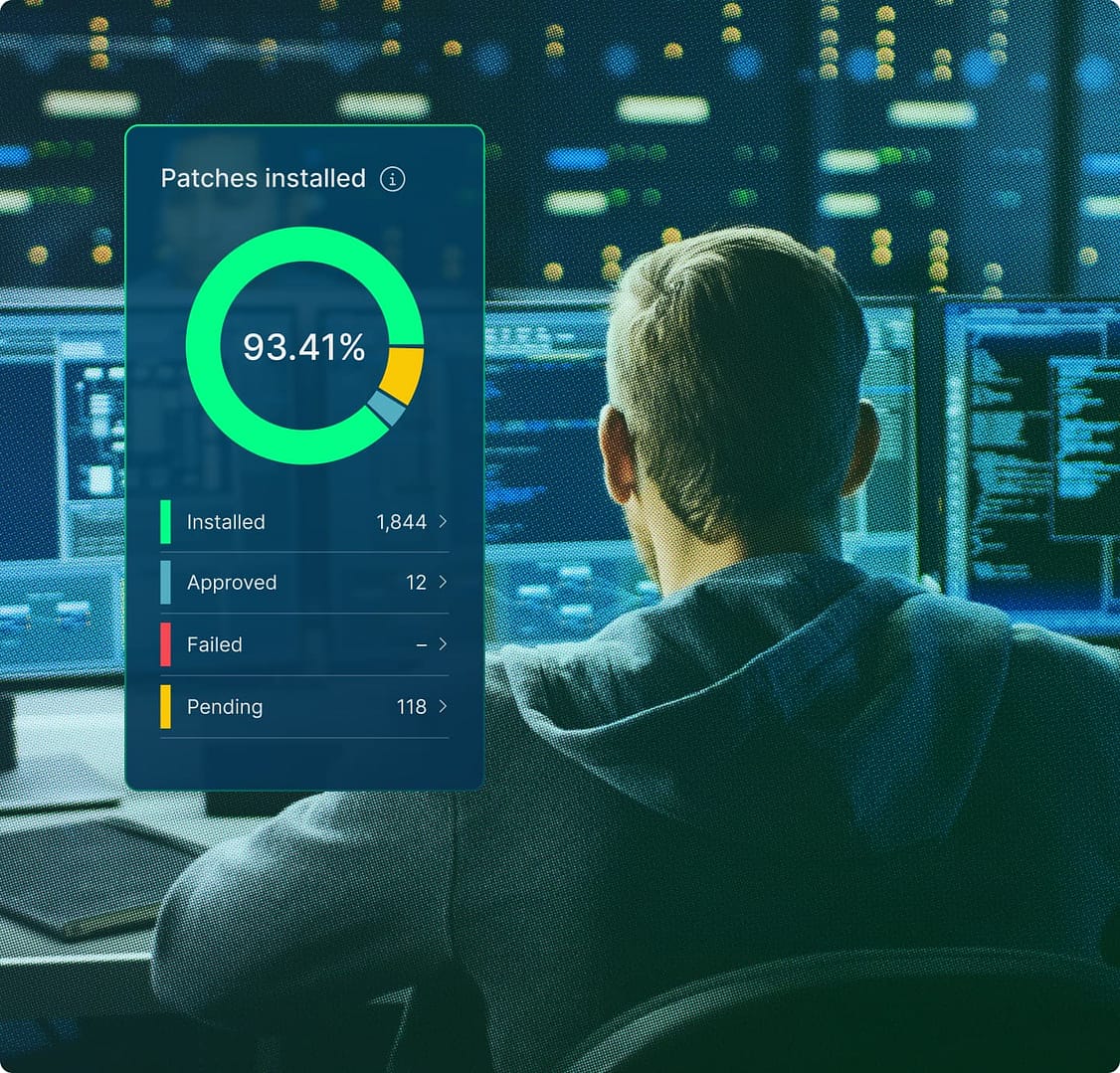
IT technician with image of NinjaOne dashboard

User reviews and ratings: NinjaOne vs ManageEngine Endpoint Central

G2 reviews data as of September 2026.

NinjaOne

4.7

Overall G2 rating (4,308) 

ManageEngine

4.5

Overall G2 rating (1,103)

Information as per product capabilities from G2 This comparison represents our assessment of publicly available product capabilities from G2 as of June 2026. If you believe any information here is inaccurate or incomplete, please contact us and we will evaluate and address it as appropriate.

Discover value in 5 minutes.

NinjaOne integrations for IT environments 

NinjaOne integrates with tools commonly used in ManageEngine environments and across broader MSP and enterprise IT stacks, including Microsoft ecosystem tools, IT service management platforms, and endpoint security solutions. 

How to evaluate the decision between NinjaOne vs. ManageEngine

When evaluating NinjaOne vs. ManageEngine, consider the following criteria: 

  • Whether your team requires a single, unified platform for endpoint management or can operationally support a modular suite of integrated products 
  • The configuration overhead your IT staff can realistically absorb during deployment and ongoing maintenance, relative to team size and endpoint volume 
  • Whether your organization operates primarily in the cloud or requires on-premises infrastructure control over where endpoint data and management tooling reside 
  • How deeply your existing IT stack is tied to third-party tools outside a single vendor ecosystem and how much integration flexibility your environment requires
  • The level of support responsiveness and accountability your team depends on when resolving complex platform issues at scale 

NinjaOne vs. ManageEngine FAQs 

NinjaOne is a unified IT operations platform; ManageEngine is a modular product suite that includes Endpoint Central and RMM Central among other products. NinjaOne consolidates endpoint management, patch management, automation, remote access, backup, and ticketing in one console, while ManageEngine requires those functions to be connected across separate products. 

NinjaOne is cloud-native with all core functions built into a single console. ManageEngine supports cloud and on-premises deployment across separate products.  NinjaOne also integrates more broadly with third-party tools beyond a single vendor ecosystem. 

Yes, particularly for MSPs and IT teams managing distributed endpoints who need monitoring, patching, remote access, backup, and ticketing in a single platform without extensive configuration. NinjaOne is well suited to cloud-first environments and teams managing a high endpoint-to-staff ratio. 

NinjaOne is better suited for organizations that need a single platform covering the full endpoint management workflow. ManageEngine may be a stronger fit for teams already invested in its broader product ecosystem. For lean IT teams or MSPs managing distributed endpoints at scale, NinjaOne’s built-in automation and unified architecture reduce the operational overhead that a modular suite approach introduces. 

NinjaOne covers the core functions of ManageEngine Endpoint Central—endpoint monitoring, patch management, remote access, and automation—within a single platform. Organizations moving from ManageEngine typically do so to consolidate those functions and reduce the configuration overhead of managing a modular product suite. 

Ready to simplify work with unified IT?

Snapshot Report Citation: IDC Business Value Snapshot sponsored by NinjaOne, The Business Value of NinjaOne for IT Operations, Doc #US54520326-BVS, May 2026.


GARTNER is a registered trademark and service mark of Gartner, Inc. and/or its affiliates in the U.S. and internationally and is used herein with permission. All rights reserved. Magic Quadrant is a registered trademark of Gartner, Inc. and/or its affiliates and is used herein with permission. All rights reserved.

Gartner does not endorse any company, vendor, product or service depicted in its publications, and does not advise technology users to select only those vendors with the highest ratings or other designation. Gartner publications consist of the opinions of Gartner’s business and technology insights organization and should not be construed as statements of fact. Gartner disclaims all warranties, expressed or implied, with respect to this publication, including any warranties of merchantability or fitness for a particular purpose.


This comparison represents our assessment of publicly available product capabilities as of June 2026. Our evaluation draws on vendor-provided materials, including product documentation and release notes, as well as publicly available pricing information, customer feedback, and analyst insights. Where applicable, details were reviewed against the vendor’s then-current generally available (GA) release as of the date indicated.


Enterprise IT leaders evaluating endpoint management platforms don’t just compare features: they also assess the time it takes to deliver value, the number of people needed to operate the system, and the actual cost after deployment, training, and ongoing operation.

NinjaOne delivers measurable results. On average, deployment is completed in less than 30 days; operators become proficient in less than 10 days. There is no infrastructure to provision, no phased rollout, and no deployment project scope to define: cloud-native SaaS means your team becomes productive in days, not months.

Your team configures, operates, and scales the system without dedicated administrators, proprietary query languages, or ongoing vendor support. And all of this on a unified platform, with no mandatory professional services, no premium support tiers, no hidden renewal costs, and rich features that don’t compromise the digital employee experience your organization is striving for.