


Key Points
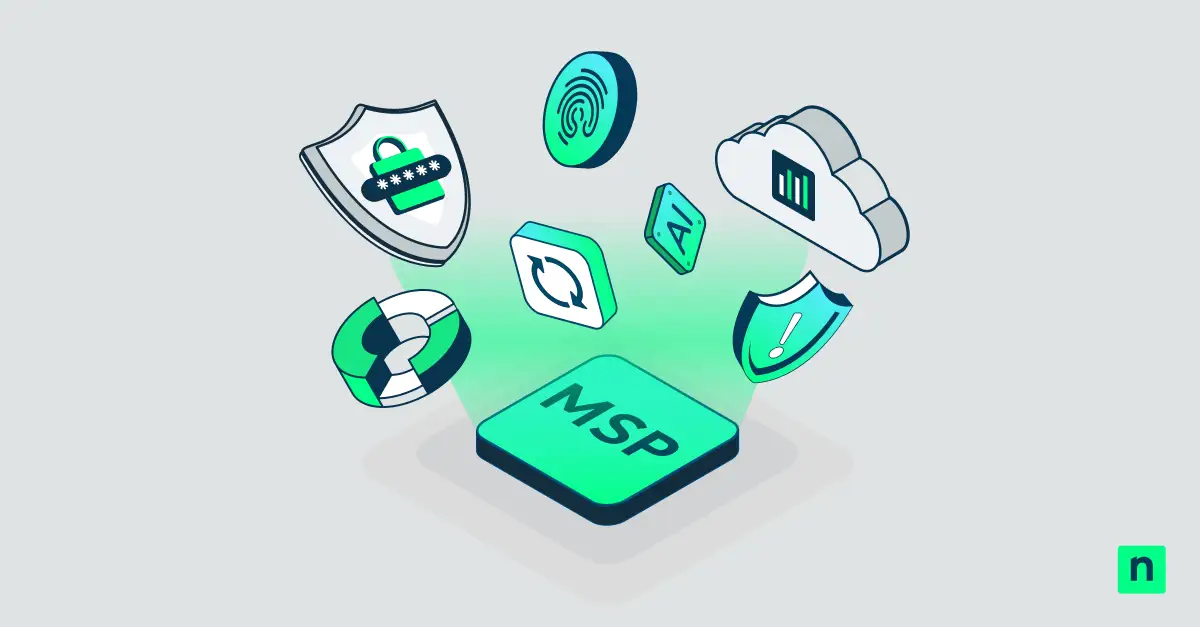
- An MSP platform is an all-in-one software suite that consolidates RMM, PSA, patch management, ticketing, and reporting into a single solution.
- It helps Managed Service Providers (MSPs) reduce costs, improve service delivery, and scale operations without adding overhead.
- Core features include remote monitoring and management, professional services automation, asset management, helpdesk/ticketing, and automation tools for patching and reporting.
- MSP platforms improve efficiency, customer satisfaction, and compliance by unifying workflows and eliminating siloed tools.
- Advanced MSP software integrates with security tools, APIs, and AI, allowing providers to automate tasks, enhance incident response, and support future growth.
Managed Service Providers (MSPs) are taking on an increasingly diverse and mission-critical array of responsibilities for the organizations they provide IT services for. This includes maintaining infrastructure, keeping end users satisfied, and ensuring that their clients’ services are available to their own customers – all while minimizing costs, meeting service-level agreements, and remaining compliant with ever-changing security and privacy requirements.
Boost technician efficiency by reducing tool sprawl.
This is a tall order for streamlined IT teams that rely on a small core group of cross-functional technicians and support staff. MSP software platforms make this possible by consolidating functionality and information into a single tool, ensuring that services always meet the expectations of established clients while maintaining capacity for the future growth of your MSP business. This guide explains how MSP platforms achieve this, and the features you should look out for when choosing the software platform your MSP business will thrive on.
For a visual breakdown of this topic, watch What Is an MSP Platform?.
What is an MSP platform?
An MSP platform is a unified IT management system that allows managed service providers (MSPs) to monitor, manage, patch, secure, and support multiple customers from a single centralized dashboard.
Many small- to-medium-sized businesses do not need an in-house IT department, while many larger organizations lack the in-house expertise to build a scalable IT support infrastructure.
Managed service providers solve both of these problems: smaller organizations can rely on them to outsource the management of their IT operations, while larger organizations can immediately benefit from an experienced, battle-hardened IT department with a proven track record, backed by service-level agreements. This makes the benefits of an MSP platform especially critical for SMBs and enterprises seeking scalable IT service management.
The ongoing success of an MSP relies on its reputation and its ability to deliver the services it promises while minimizing its overheads. End users stuck on hold, unstable networks, and cybersecurity incidents caused by under-resourced technicians will quickly lead to customer churn.
Key features of an MSP Platform (All-in-One RMM and PSA)
Aside from a knack for problem-solving and a friendly customer-service demeanor, an IT support technician is as good as the tools they are provided with and the information at their disposal. Standalone tools and siloed information slow down troubleshooting and resolution, as well as incur additional costs, since each tool has its own licensing model and separate subscription fees.
This is the primary value MSP platforms seek to provide: a single view into your IT infrastructure, devices, and users, that combines all the common tools MSP technicians require to perform their daily duties:
- Remote monitoring and management (RMM): This is the key functionality of any MSP platform, giving your tech team the ability to gather real-time information from your IT infrastructure and connect to devices to remotely configure and control them. RMM is the foundation of any all-in-one MSP platform, giving providers real-time visibility and remote access capabilities. Continuous monitoring means that problems can be preemptively addressed before your customers are affected, become frustrated, and contact your help desk.
- Professional services automation (PSA): Your MSP platform should either include PSA functionality or integrate seamlessly with an existing PSA tool, as many vendors separate these capabilities. Professional Services Automation (PSA) is a key element of modern MSP software platforms, streamlining operations across service, sales, and billing.
- Help desk and ticketing: MSPs rely on their help desk software to interact with clients and track To meet modern expectations, it must be user-friendly and offer self-service functionality. On the MSP side, help desk integration and ticketing systems allows technicians to quickly connect to end-user devices to directly resolve tricky issues.
- Asset/inventory management: Each managed IT asset, including hardware, software, servers, and networking devices, must be documented so IT teams can track asset health, configurations, and lifecycle status. Technicians can also monitor assets’ support history to quickly resolve repetitive errors and diagnose broader issues. IT asset management can form the backbone of an effective knowledge management.
- Patch management and automation: Protecting your clients’ data is one of your primary responsibilities as an MSP. All software must be patched to the latest version, and automation can be leveraged to automatically deploy security fixes and other scripted tasks.
- Reporting and analytics: Scaling requires capacity planning informed by real-time data. You can also demonstrate your proactive approach and positive impact on your clients’ security, productivity, and bottom line through insightful reports and visualizations that make metrics easier to understand.
Third-party integration is also becoming increasingly important for any business tool. MSP platforms should integrate with endpoint protection to provide full visibility into potential threats. MSP platforms that can be accessed programmatically via an API can also be extended to meet unique needs and implement cutting-edge technologies. For example, AI tools could be integrated to analyze logs and support requests, identify issues, and generate documentation in a knowledge-based system.
Empower your team with the right support. Watch how to choose a managed service provider.
How Secure Are MSP Platforms?
Generally, MSP platforms are designed to meet the unique security and compliance requirements of MSPs managing the IT environments of multiple clients. MSP platforms rely on a multitenant architecture, allowing MSPs to manage all tenants without wasting time switching between software. This design also securely separates customer data, ensuring that each client’s systems, credentials, and configurations remain isolated. This helps prevent unauthorized access while still consolidating total control and visibility of each environment into a single platform.
To support clients operating in tightly regulated industries, leading MSP platforms offer automated workflows that help align IT operations with common regulatory and security standards, such as HIPAA, SOC 2, and GDPR.
Choose an MSP platform that consolidates all your IT management needs.
An all-in-one MSP platform that unifies your remote support toolchain
The right MSP software platform should provide unified IT service management for MSPs, enabling streamlined processes and consistent delivery.
NinjaOne provides a comprehensive MSP platform that brings together industry-leading RMM, MDM, endpoint management, patch management, and remote access into a single platform. It integrates with AI-powered incident detection and response platforms, including Microsoft Defender and SentinelOne, and provides built-in cloud backup for your services and end-user devices. On the business side, it includes PSA for contract management, billing, and service management.
These tools automatically turn all gathered information and context into documentation, ensuring institutional knowledge is maintained and tribal knowledge is not lost over time. A REST API is also available for securely connecting external tools and extending the platform to meet unique use cases or extend its functionality.
The NinjaOne suite of MSP tools is available on any device via a unified web interface, letting you respond to tickets, monitor your infrastructure, and control devices from your phone, tablet, or laptop.
Make sure you evaluate your MSP platform options to find the best tools that can adapt to how your team works and that provide the functionality and reliability you need to meet your customers’ expectations.
RMM is at the heart of every successful MSP platform. Check out our in-depth RMM FAQ guide to learn more.