Key Points
- An MSP stack is the collection of tools and platforms used to deliver managed services.
- Most MSP stacks benefit from a core set of foundational capabilities, such as RMM, PSA, documentation, backup, reporting, and security tools
- MSPs typically benefit from continuous monitoring, a defined security baseline, and automated operational or security response workflows integrated into their service stack.
- A marketing tool stack connects CRM, SEO, analytics, automation, and reporting into a pipeline to help MSPs win clients.
- Choosing the right tools means asking whether each one integrates, scales, supports compliance, and will actually be useful for technicians.
In today’s fast-paced environment, MSPs need best-in-class tools to help support clients, automate workflows, and rise above the competition. An MSP stack supports service delivery capabilities, and optimizing your technology stack can improve operational efficiency, assist with compliance-related processes, and enhance the overall client experience.
Build a securely managed toolset
Tailoring your tools to your service model and integration needs helps support operational efficiency as your business grows.
What an MSP stack is
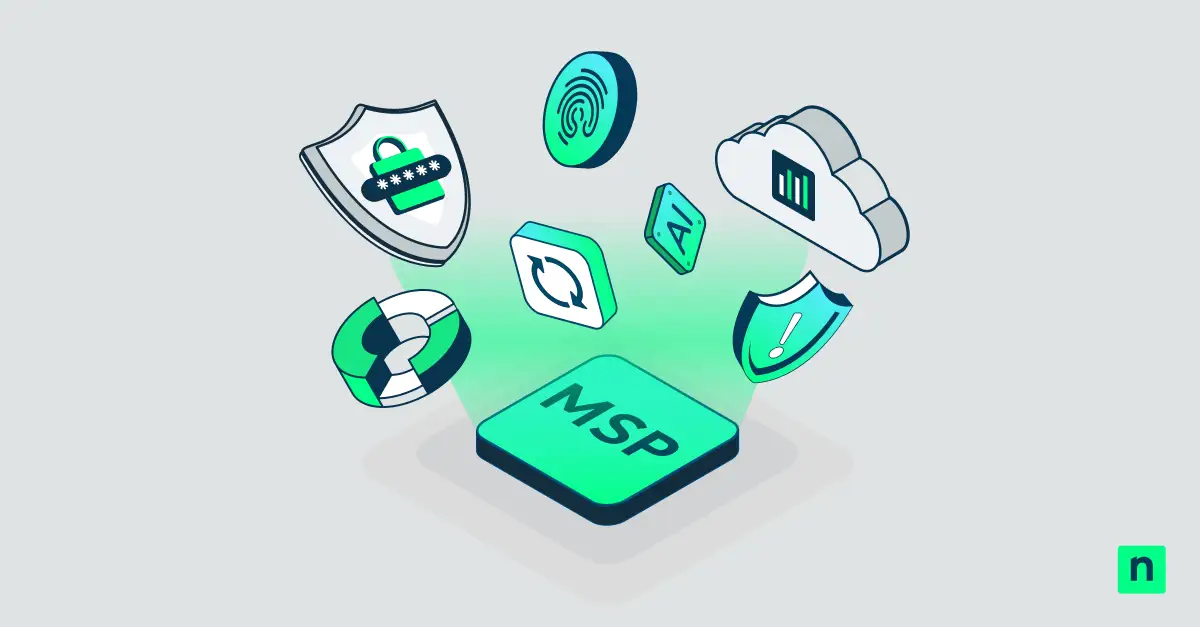
An MSP stack is a collection of platforms and tools used to deliver managed services. Typical examples include RMM platforms, PSA systems, documentation tools, security solutions, backup platforms, and endpoint monitoring tools.
Standardized and repeatable service delivery processes enable more effective use of the MSP stack. This makes it easier for your IT team to respond to emergencies while simplifying multi-client management involving various toolsets.
Core tools in a managed technology stack
Every MSP stack must have the baseline capabilities to support service delivery. Before you optimize, make sure your managed technology stack includes the following:
- Remote Monitoring and Management for endpoints (such as NinjaOne)
- PSA or Ticketing platforms
- Documentation
- Backup and recovery workflows
- Reporting platform
MSP security tools
As cyber threats continue to evolve, security has become a foundational requirement for most MSPs. Continuous monitoring and appropriately designed automation can improve visibility and operational response efficiency.
As you build your MSP stack, establish a standardized security baseline for your clients and apply additional controls where needed. Advanced services can provide further value, while standardized service delivery helps improve operational consistency and support security management.
🥷🏻| Unified endpoint management platforms centralize control while reducing risk and remediating vulnerabilities faster with automated workflows.
Here’s how NinjaOne consolidates IT and security.
MSP marketing tool stack
After securing your technology infrastructure, marketing your services is often the next step. Parts of your marketing stack all work in unison to win customers. Here are common tools you should have in your marketing tool stack:
| Tool category | What it does | Importance for MSPs |
| CRM (Customer Relationship Management) | Keeps track of customers in your funnel |
|
| Website analytics | Monitors who visits your platform and their on-site behavior |
|
| SEO tools | Helps improve your website’s visibility in search engines |
|
| Marketing automation | Automates marketing tasks and follow-up actions based on customer activity |
|
| Reporting dashboards | Consolidates data into a single pane of glass |
|
How to choose tools for the MSP stack
When you’re considering adding a tool to your MSP stack, ask yourself the following questions:
- Does this tool support a defined service promise?
- Will your technicians actually use this tool regularly?
- Does it integrate with existing RMM, PSA, documentation, or security tools?
- Can it scale with your business?
- Does it support client report needs and compliance standards?
- Does it introduce too much overhead?
- Does the vendor provide post-sale onboarding and support?
Common mistakes that MSPs make
Buying tools before defining workflows
Adding a new tool to your MSP stack without research typically leads to forced processes that can disrupt your general output. Always map out an expected workflow before procuring a new license.
Choosing based on feature count instead of usability
If your technicians find it confusing or slow to use, it’ll either sit unused or be used incorrectly. A simpler tool that provides the versatility you need takes precedence over “powerful” tools no one uses.
Failing to review tool costs against client profitability
Your tool might not actually provide enough value to justify its cost. Evaluate whether the platform improves efficiency, supports service delivery, and contributes positively to profitability before investing.
Adding security tools without ownership or response processes
If a tool in your MSP stack sends out an alert, but no one in your support desk is accountable for that tool, remediation slows down. Security tools are only as good as the human process behind them. Designate owners and a clear response playbook to avoid the noise.
Streamline your MSP stack for enhanced support and simplicity
Your MSP stack comprises the tools and platforms that your business uses to deliver value to your clients. Optimizing the stack requires thoughtful tool selection, ongoing management, and appropriate security controls. A centralized management approach can improve visibility and operational efficiency, but it should complement, not replace, security processes and controls.
Related topics: