Key Points
- An HTTP proxy routes web requests between clients and servers as an intermediary.
- Forward proxies control outbound client traffic, while reverse proxies operate on behalf of servers.
- HTTP proxies are used to control, monitor, and filter outbound web access.
- Proxy placement affects performance, reliability, and policy enforcement.
- HTTPS encryption and application behavior limit proxy visibility.
- HTTP proxies work best as part of a layered security architecture.
Web traffic is not as simple as a direct connection between a device and a website. Nowadays, many enterprises, managed service providers (MSPs), and security-conscious organizations opt to route requests through an intermediary system, such as an HTTP proxy server, to control and protect outbound web traffic. It sits between clients and destination servers, mediating web requests and responses.
Keep reading to learn how HTTP proxies work and the role they play in web traffic flow.
What an HTTP proxy does
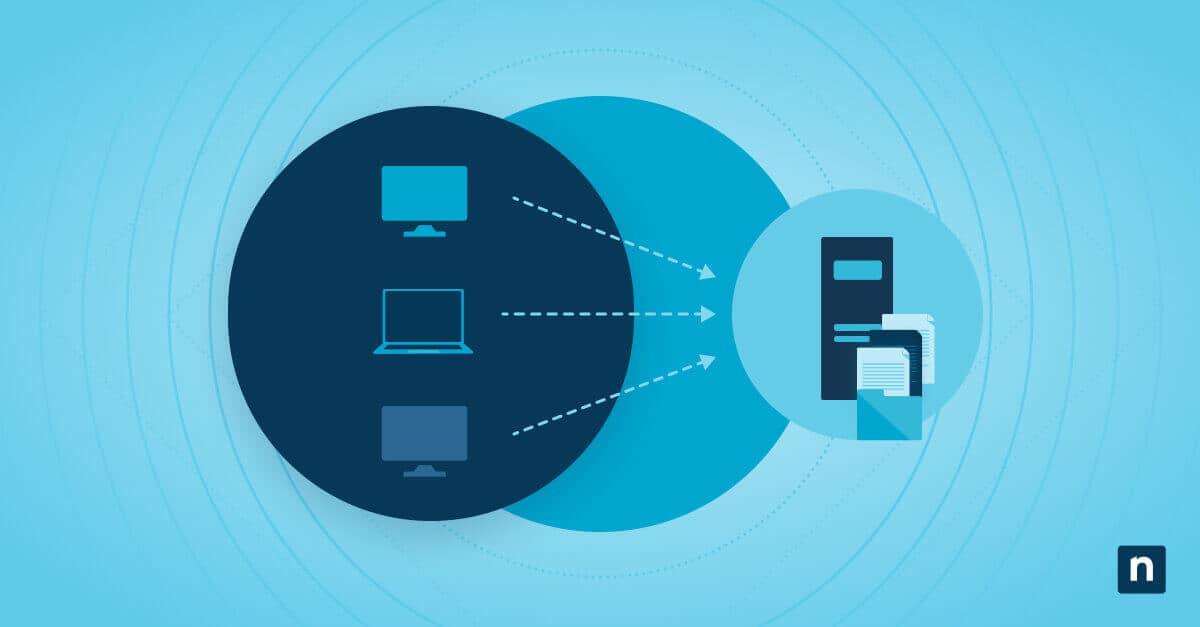
An HTTP (Hypertext Transfer Protocol) proxy acts as an intermediary layer in web communications that sits between the client device and destination web servers. It manages how requests and responses flow across the network by handling interaction on the client’s behalf.
An HTTP proxy performs these functions at a high level:
- Receives HTTP requests from client devices and inspects, logs, or applies policy decisions before traffic leaves the local environment.
- Forwards the requests to the destination server, acting as the request source to avoid exposing the original client.
- Returns server responses back to the client to ensure the requested content is delivered while keeping the proxy’s role as the intermediary.
Forward proxies versus reverse proxies
Many people confuse an HTTP proxy, which is a forward proxy, with a reverse proxy. However, they are designed to solve different problems and operate at different points in the traffic flow, so it’s crucial to understand this distinction.
Forward proxies support and regulate client activity by:
- Representing client devices
- Monitoring and regulating outbound web traffic
- Enabling filtering, auditing, and policy-based decision-making
On the other hand, reverse proxies are positioned in front of servers and focus on protecting and optimizing backend services.
Common use cases for HTTP proxies
Organizations deploy HTTP proxies to meet various operational and security requirements for outbound web access.
Some typical use cases include:
- Applying web usage standards that limit access to inappropriate or non-approved online resources.
- Preventing access to known or undesired websites to reduce exposure to security threats or policy violations.
- Recording and reviewing web access activity to support monitoring, investigations, and compliance needs.
- Caching frequently requested web content to lower bandwidth consumption and improve response times.
Each of these objectives influences how HTTP proxies are positioned in the network and how policies are defined and maintained.
Where HTTP proxies sit in the network
Depending on organizational needs regarding scale, control requirements, and architectural constraints, HTTP proxies can be introduced at different points in the network. It’s important to note that placement decisions can directly impact performance, availability, and the effectiveness of policy enforcement.
Some typical placement models include the following:
- Local network proxies that manage web traffic for a single office or physical location
- Centralized proxy services that handle outbound traffic for multiple sites or remote users from a shared control point
- Per-device proxy configurations applied through operating system settings or mobile device management platforms
Limitations of HTTP proxies
HTTP proxies give valuable control and visibility, but they are not a comprehensive solution for managing all network traffic. They have a few constraints that need to be considered to set realistic expectations and avoid coverage gaps.
These include the following points:
- Encrypted HTTPS (Hypertext Transfer Protocol Secure) traffic prevents the HTTP proxy from inspecting content without additional decryption mechanisms.
- Traffic that doesn’t use HTTP or HTTPS protocols can bypass the proxy entirely.
- Certain apps, like video conferencing apps and real-time collaboration software, ignore system-level proxy settings and establish direct network connections.
- Incorrect or incomplete proxy configuration can interfere with normal app behavior and connectivity.
How proxies interact with modern environments
To address the aforementioned limitations, organizations deploy HTTP proxies as part of a broader, layered security and management approach rather than a standalone control. A layered model can strengthen coverage, reduce blind spots, and improve overall resilience against modern threats.
To do just that, HTTP proxies are often combined with:
- DNS filtering solutions that restrict access at the domain level before connections are established.
- Endpoint-based agents that provide visibility into application behavior and user context.
- Identity-driven access controls that apply web policies based on user or device identity.
- Cloud-delivered security and inspection platforms that extend protection beyond the traditional network perimeter.
Additional considerations
It’s important to consider several factors that can influence reliability and user experience when planning or maintaining an HTTP proxy deployment. See the following points:
- Some environments require users or devices to authenticate to the proxy before web access is permitted.
- Undersized or heavily used proxies can become bottlenecks and can negatively affect browsing performance.
- Not all applications interact with proxies in the same way, which can lead to inconsistent behavior across software.
- Poorly managed changes to proxy settings or policies can result in widespread connectivity disruptions.
Common issues to evaluate
When using HTTP proxies, network administrators may encounter some connectivity or performance issues.
Web access failures
Confirm that the proxy service is reachable on the network and that authentication requirements are being met. Expired credentials, incorrect proxy addresses, or blocked ports are common contributors.
Applications bypass proxy controls
As mentioned, some apps establish direct connections that bypass system proxy settings. Validate which protocols the application uses and whether it supports proxy enforcement or requires alternative controls.
Slow browsing performance
Performance issues often mean that the proxy is overloaded or poorly placed in the network path. Review utilization, latency, and capacity to help determine whether scaling or architectural changes are needed.
Unexpected blocking
When legitimate traffic is blocked, review proxy filtering categories and applied policy rules. Overly broad policies or outdated rule sets are frequent sources of unintended access restrictions.
NinjaOne integration
NinjaOne helps organizations apply HTTP proxy controls consistently by managing proxy settings at the device level. NinjaOne does this by:
- Configuring proxy settings centrally across managed devices to ensure consistent and predictable web traffic routing.
- Enforcing proxy-related policies through device management to reduce manual configuration and errors.
- Supporting controlled changes to proxy settings that minimize disruption to end users and applications.
Understanding the practical impact of HTTP proxies
HTTP proxies have become key components in many modern enterprise network architectures, as they provide a practical way to access, observe, and control web traffic. Although they have a few limitations, they enable policy enforcement, visibility, and operational efficiency by acting as intermediaries between clients and destination servers. With an understanding of HTTP proxies, organizations can use them effectively while avoiding various issues.
Related topic: