


Key Points
- MySQL error codes are numeric tied to specific database issues, each paired with an error message and contextual details about the failed operation.
- Common MySQL errors span connection failures, syntax and query errors, data integrity violations, locking issues, and authentication problems, each pointing to a different type of issue.
- Use error codes like 2002, 1064, 1366, and 1062 with full query context to find root causes accurately, since the same code can mean different things depending on your setup.
- Treat error codes as a starting point for troubleshooting, and validate fixes by reviewing logs, recent activity, and performance data to avoid repeat failures.
- Correlate error codes with performance monitoring, infrastructure health, and application behavior to catch deeper reliability problems before they escalate.
You must be able to detect and troubleshoot MySQL errors promptly, or risk potentially costly service disruption to your users. Many MySQL warnings and errors include error codes, and being able to understand and classify them is key to efficient and reliable MySQL database operations.
This guide explains what you need to know to understand and interpret MySQL error codes, from how they work and how to use them to troubleshoot database issues and maintain the integrity of your data and the availability of your applications.
What MySQL error codes represent
Each MySQL error code indicates a specific issue or condition in your MySQL database system. They are numeric identifiers that are associated with error messages, used for both clarity and brevity in logs and error messages.
When a MySQL database client or server generates an error, it usually includes:
- The numeric error identifier
- The associated error message text
- Context about the operation that failed
Understanding each is key to identifying the cause of the issue. Error codes are particularly useful as they provide a consistent reference to the error: while table names, query data, and the queries themselves are all highly unique to your database’s use case, consistent error codes are easy to look up and search for.
Categorizing MySQL errors
Categorizing errors, from their type to their severity, assists with triage and prioritization, as well as actual troubleshooting. These are some common error categories you will likely encounter when working with MySQL (and forks like MariaDB).
- Connection errors
- Authentication and permission errors
- Query and syntax errors
- Resource and performance errors
- Replication and consistency errors
While the server will respond with query and syntax errors, it may only internally log things like replication and performance errors that should be regularly checked.
Common MySQL errors and their meanings
MySQL error codes can be broadly categorized to assess their cause and severity.
Common MySQL errors returned to the client, and their meanings:
Connection:
- 2002: Can’t connect to server
- 2006: MySQL server has gone away
- 2013: Lost connection to server during query
Syntax/query:
- 1049: Unknown database
- 1054: Unknown column
- 1064: Syntax error
- 1146: Table does not exist
Data value:
- 1366: Incorrect type for specified column
- 1292: Invalid date value
Data integrity/constraints:
- 1048: Column cannot be null
- 1062: Duplicate entry for unique column
- 1451: Cannot delete or update due to a foreign key constraint
- 1452: Foreign key constraint failed when inserting or updating
Locking:
- 1205: Timeout waiting for lock
- 1213: Deadlock (multiple transactions unable to complete because they hold locks that another needs) detected
Authentication/permissions:
- 1044: Access denied to database due to permissions
- 1045: Access denied due to login failure
- 1130: Host not allowed due to privileges
Why context matters when interpreting MySQL errors
Every database is different, with different tables, columns, and use cases. Because of this, the same error codes can have different causes, so they act as a starting point for troubleshooting. The numeric error code itself will help you search for a solution, but you’ll also need the context and details that were provided with it.
This context is vital for quick and accurate diagnoses, as every database is different, as demonstrated in the examples below.
MySQL query error examples, and how to use error codes to guide troubleshooting
Below is an example of a typical MySQL error:
First, the query:
SELECT * FROM customers WHERE id=’Ellen Ripley’;
This results in the error:
ERROR 1366 (HY000): Incorrect integer value: ‘Ellen Ripley’ for column ‘id’ at row 1
In this case, the numerical error code is MySQL error 1366, the error message is Incorrect integer value, and the additional detail ‘Ellen Ripley’ for column ‘id’ at row 1 is provided.
With the original query as context, it becomes clear that the id column is of the type INT and expects an integer value in its WHERE clause.
Another example query:
SELECT name FROM clients;
Results in the error:
ERROR 1146 (42S02): Table ‘shop_database.clients’ doesn’t exist
In this case, the user or app making the query has mistakenly tried to access a table named clients instead of customers, generating error 1146. This demonstrates why context matters: while the SELECT statement above is syntactically correct, it generates an error because the table doesn’t exist in this database.
A final example query:
INSERT INTO customers (id, name) VALUES (1, ‘Carter Burke’);
Results in the error:
ERROR 1062 (23000): Duplicate entry ‘1’ for key ‘PRIMARY’
Here, an attempt to create a record with a duplicate primary key value results in error 1062. You would need to determine whether the user or program making the query intended to add a new unique individual who happens to have the same name, is attempting to update an existing record, or is indeed trying to create a duplicate, which would need to be handled in code.
MySQL errors that only appear in logs
Some errors, such as for server crashes, do not usually appear as responses to queries and will instead appear in MySQL system logs. For example:
[ERROR] Table ‘./shop_database/orders’ is marked as crashed and should be repaired
This may not appear in query results, unless you are directly querying for errors. Error logs often include far more detail for troubleshooting beyond error codes returned by queries. You should regularly check error logs for critical issues like database corruption and replication issues – errors that aren’t returned in queries can be a blind spot for database admins.
Error codes are just the starting point for complex troubleshooting
Error codes help you quickly identify problems with your queries, but are only a starting point for diagnosing and fixing complex issues. You will also need to review recent activity and logs to uncover the root cause of issues beyond simple syntax mistakes and typos.
For example, a client may receive the following error when making a query:
ERROR 1030 (HY000): Got error 176 “Read page with wrong checksum” from storage engine
This, on its own, is difficult to diagnose, as it’s not related to the submitted query. It does suggest however, that the logs for the storage engine may have more detail, where you might find something like the following:
2027-03-12T06:29:45.123456Z 0 [ERROR] InnoDB: Database page corruption on disk or a failed file read of page [page id: space=12, page number=34].
2027-03-12T06:29:45.123789Z 0 [Note] InnoDB: Attempting to recover page from doublewrite buffer.
2027-03-12T06:29:45.124012Z 0 [ERROR] InnoDB: Unable to recover page [page id: space=12, page number=34].
2027-03-12T06:29:45.124200Z 0 [ERROR] InnoDB: Database may be corrupt. You may need to restore from backup.
From here, you can understand the cause of the error code returned by the query, know that the suggested action is to restore from a backup, and then continue troubleshooting why the database may have become corrupted through other system logs that may reveal storage issues.
Performance data may also need to be correlated: slow databases may not return errors to the client, and just be poorly optimized or running on under-specced hardware. Centralizing performance monitoring and logging in a single platform assists with troubleshooting these kinds of issues.
Avoiding common mistakes in error handling
The most common mistake made when troubleshooting using MySQL error codes is to not consider the broader context of the error, or treating it as an isolated event. You must understand the root cause of the issue to properly address it – the cause could be with infrastructure, database architecture, or even with the end-user or code making the query.
Focusing on symptoms instead of finding the cause wastes time and extends the time to resolution.
Centralizing MySQL logs and performance monitoring, and analyzing error codes
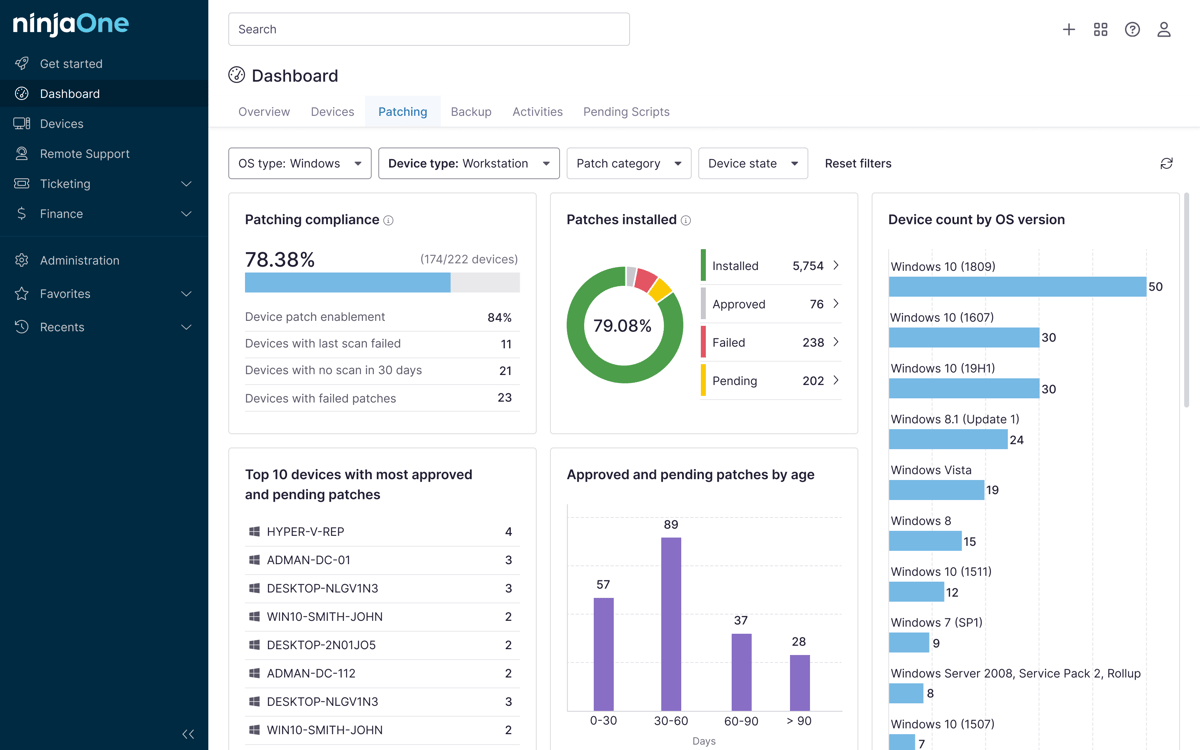
Ongoing visibility is key for the efficient and reliable operation of critical infrastructure like MySQL databases. NinjaOne provides an automated platform for centralizing logs, performance monitoring, and triggering and sending alerts to engineers based on criteria, ensuring the right person is notified when there is a problem with one of your databases.