
Key Points
- Define compliance scope and map controls to frameworks like SOC 2, ISO 27001, or HIPAA for each client.
- Build cross-OS audit baselines in RMM to standardize checks for Windows, macOS, and Linux.
- Use dashboards and KPIs to make compliance posture visible and actionable for clients and internal teams.
- Automate evidence collection, retention, and governance to stay audit-ready with minimal manual effort.
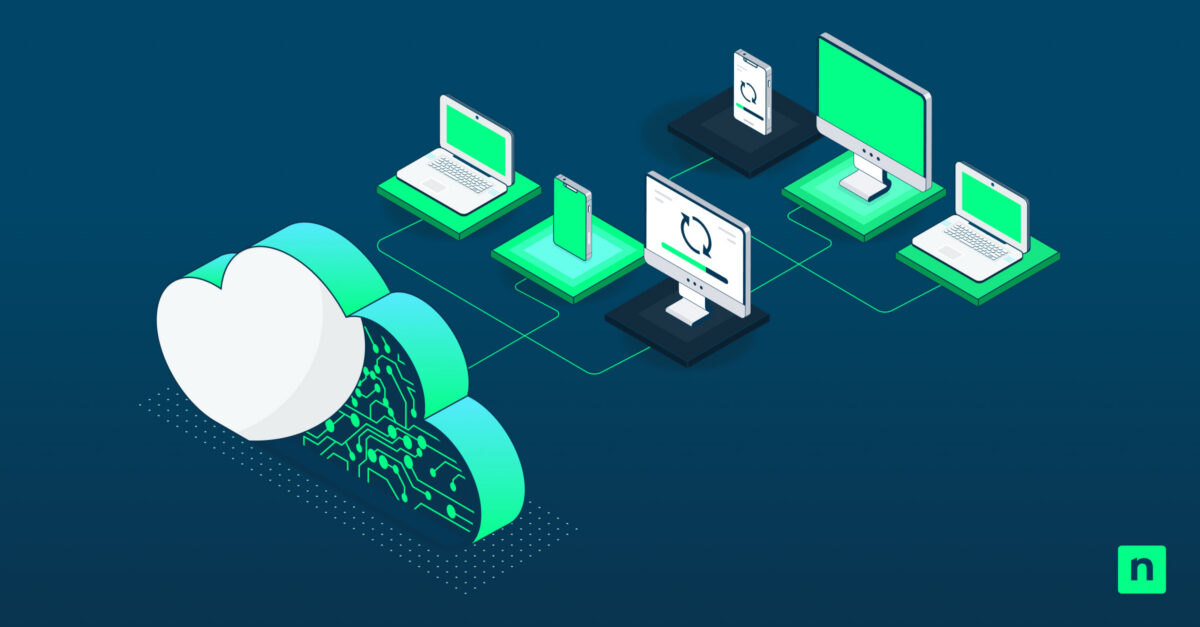
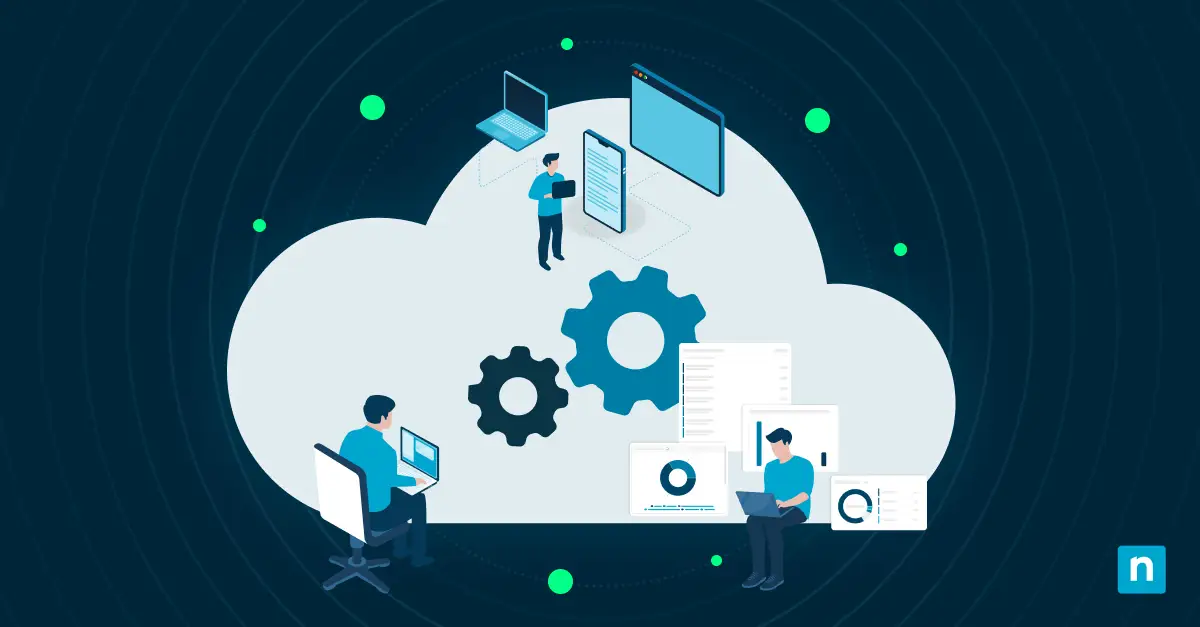
CaaS operates as an ongoing process that ties controls, data, and reporting together. To make it work, translate frameworks into checks, move evidence on a set schedule, and track improvements through defined KPIs. When your RMM manages collection, normalization, and alerts, it integrates every step into one system, keeping your compliance consistent, audit-ready, and aligned with CaaS regulations.
This guide explains how to deliver Continuous Compliance as a Service with RMM. For a visual breakdown of this topic, watch How to Deliver Continuous Compliance as a Service With RMM.
Steps to deliver Continuous Compliance as a Service with RMM
Before setting up Continuous Compliance as a Service, make sure you have these requirements in place:
- Target frameworks per tenant and a control map. Examples: SOC 2, ISO 27001, PCI, HIPAA, NIS2, DORA.
- Remote Monitoring and Management (RMM) access across all managed endpoints and servers. Include connectors for cloud platforms where in scope.
- An evidence repository with folders organized per control family and a retention policy.
- A QBR template that highlights compliance KPIs and exceptions.
With these prerequisites in place, you can proceed to define scopes and translate them into actionable checks.
Step 1: Pick scopes and translate to checks
Start with the basics. Before setting up continuous compliance automation, know exactly what you’re complying with. This step helps you define your scope and turn those regulatory or internal policy requirements into clear, measurable checks your RMM can enforce and document.
Actions:
List the controls that apply to each client based on their industry and risk level. Identify which rules matter to them. For every control, define:
- One automated check: Use a script, policy, or configuration that verifies if a control is working.
- One evidence artifact: Keep a record that proves it, such as a report, log, or screenshot.
In practice, mapping these controls can look like:
| Control | Automated check | Evidence artifact |
| Disk encryption | Is BitLocker enabled? | Screenshot or log |
| Antivirus | Is AV active and updated? | AV status report |
| Patch management | Are critical patches installed within the SLA? | Patch logs |
| Audit logging | Is logging enabled on endpoints? | Log configuration file |
| Backup | Are backups successful within RPO? | Backup success report |
Outcome: A matrix that maps each compliance requirement to a check and an artifact. Once this foundation is in place, your RMM can start tracking and reporting compliance automatically.
Step 2: Build the cross OS audit baseline in RMM
Once compliance requirements are mapped to specific checks, the next move is to collect those signals consistently across all operating systems. This is where your RMM becomes the backbone of your compliance work.
Actions:
- Set up audit scripts or queries for each platform you manage.
- For Windows:
- Check BitLocker status to confirm disk encryption.
- Verify that Microsoft Defender or another approved antivirus is running and up to date.
- Make sure the local firewall is enabled.
- Review installed updates and match them against your patch SLAs.
- Compare configuration settings with your baseline policies.
- For macOS:
- Check FileVault encryption.
- Validate firewall and update status.
- Make sure system updates are current.
- Confirm required services, such as endpoint protection, are running.
- For Linux:
- Check disk encryption (LUKS, eCryptfs) where applicable.
- Verify the firewall (UFW or iptables) is active.
- List installed packages and update status.
- Check logging and backup agent services.
- For Windows:
- Standardize output to include: Device ID, Owner, Criticality, Last Seen, Check Result, and Evidence Path.
Outcome: When this is in place, you’ll have consistent audit data from every endpoint, no matter the OS. That data can be fed directly into your dashboards, reports, or automation rules without requiring extra cleanup.
Step 3: Make posture visible and actionable
When audit signals are flowing in from all endpoints, it’s time to make that data visible. In this step, you turn raw compliance results into clear insights using dashboards, KPIs, and automated workflows. This helps you identify what’s compliant, what’s drifting, and what needs attention.
Actions:
- Build dashboards and reports that show compliance posture. Track key metrics:
- Patch compliance across devices
- Devices missing critical updates
- Encryption coverage (BitLocker or FileVault)
- Antivirus status and updates
- Backup success rate within RPO
- Segment dashboards by tenant, OS, or severity for quick context.
- Use alerting tools in your RMM to flag devices that are below the threshold.
- Auto-generate tickets for failed checks and include:
- Failing check name
- Device ID and owner
- Remediation link or script
- Route tickets to the right technician group based on tags or criticality.
Outcome: You now have clear KPIs and automated tickets directed to the right teams, helping you maintain compliance steadily without adding manual overhead.
Step 4: Automate evidence and governance
Now that you’ve defined, collected, and visualized compliance data, the next step is to make sure it’s documented and always ready for review. Automate the collection, storage, and governance of evidence so you stay audit-ready with minimal manual work.
Actions:
- Schedule monthly or quarterly report exports (CSV or PDF) from your RMM.
- Include summaries like:
- Patch compliance history
- Encryption coverage logs
- Antivirus activity reports
- Backup verification results
- Save reports in tenant-specific evidence folders with consistent names.
- Include summaries like:
- Maintain a living exceptions register.
- Record: Device, Failing Check, Owner, Due Date, and Compensating Controls.
- Update this list as tickets close or new issues come up.
- Version key policy and configuration snapshots.
- Save snapshots of system configurations and policy files.
- Keep timestamps and change logs for traceability.
- Use versioning to show before-and-after states when remediating.
Outcome: Once you have this in place, your compliance records update themselves. Evidence is organized, versioned, and available at any time.
Step 5: Add cloud and third-party coverage
To complete Continuous Compliance as a Service, extend monitoring beyond endpoints. Include cloud posture and vendor integrations so your compliance reflects the full environment.
Actions:
- Pull key compliance signals from cloud platforms:
- Identity posture:
- Review sign-in risk summaries.
- Verify MFA enforcement.
- Track admin role activity.
- Logging and audit status:
- Confirm key services have logging enabled.
- Check that logs are retained for the required duration.
- Data protection:
- Verify storage encryption.
- Review backup posture and success rates.
- Identity posture:
- Track connector health.
- Monitor the last data collection.
- Set alerts if a connector fails or data isn’t refreshed within SLA.
- Make sure connectors are scoped correctly for each tenant.
- Finally, align this cloud data with your existing continuous compliance framework. Use the same field names and structure as your endpoint reports so everything can be compared side by side.
Outcome: Comprehensive coverage across endpoints, cloud systems, and third-party tools for a single, accurate compliance view.
Step 6: Package CaaS as a service
With your automation, reporting, and governance now in place, the final step is to turn Continuous Compliance as a Service (CaaS) into something clients can easily understand and buy. This involves setting clear service tiers, expectations, and pricing that reflect the value of the service.
Actions:
- Define service tiers by scope and cadence.
| Tier | Scope | Cadence |
| Essential | Patch compliance, AV status, encryption, backups | Monthly |
| Standard | Essential + cloud posture (e.g., Microsoft 365), access reviews | Monthly |
| Advanced | Standard + quarterly tabletop exercises, DR evidence, policy reviews | Quarterly |
- Set SLAs and reporting cadence.
- Define SLA targets for compliance health (e.g., >95% patch compliance within 14 days).
- Set reporting dates (e.g., 1st Monday of each month).
- Include delivery formats (e.g., PDF report, dashboard access).
- Next, decide how you’ll price the service. Options include:
- Per managed asset (e.g., per endpoint or server).
- Per tenant (flat monthly rate).
- Optional add-ons (e.g., incident response, policy creation).
Outcome: A structured, scalable CaaS offering with clear tiers, pricing, and deliverables ready to market and deliver.
NinjaOne integration
NinjaOne is the RMM tool that brings everything together for Continuous Compliance as a Service. It delivers continuous compliance monitoring and automation on a single platform, allowing you to collect data, apply policies, and store evidence efficiently.
| Function | Description |
| Scripts and policies | Run cross-OS checks for patching, antivirus, encryption, and backups. Schedule evidence exports and auto-ticket exceptions with device details for fast fixes. |
| Dashboards | Monitor patch, security, and backup KPIs across devices and tenants. Generate roll-up reports showing overall compliance trends. |
| Documentation | Keep tenant folders organized. Attach monthly reports, policy snapshots, and exception logs for easy access during audits. |
Meeting CaaS regulations with scalable RMM workflows
CaaS keeps compliance moving. To meet compliance requirements within a CaaS model, map every control to a corresponding check, automate the collection and storage of evidence, and keep your KPIs visible. Finally, review and close gaps on a set schedule. This steady cycle is what builds reliable compliance and keeps client trust.
Related topics: