


Key Points
- Standalone browser security tools add consoles, agents, and blind spots because they can’t see device status, patch levels, or user identity.
- Integrated browser management gives IT unified policies, consistent enforcement across Chrome, Edge, and Firefox, better incident response, extended compliance coverage, and faster service desk resolution.
- NinjaOne Browser Management shows every extension on managed devices with a risk score, plus URL and domain allow or block policies, incognito controls, and browsing history visibility, with no new agent.
- Consolidating browser management into your endpoint platform reduces tool sprawl, contracts, and the manual work of matching data across systems.
Ask most IT leaders to list their endpoint management priorities, and you’ll hear the same answers every time: patching, compliance, vulnerability remediation, device configuration. The browser rarely makes the cut. That’s a strange blind spot, considering it’s where employees spend most of their workday and where a growing share of security and compliance risk now lives.
The browser is an endpoint layer
Browsers already run on every managed device, yet they’re rarely managed like the rest of the endpoint. Browser vulnerabilities, risky settings, and unapproved extensions are risks, but they’re rarely managed like OS patching or device compliance. As SaaS replaces more local software, managing browsers is becoming just as important as managing the operating system.
Leave the browser unmanaged, and you create a gap in your endpoint security that perimeter tools can’t fix. Firewalls and network tools have limited visibility into what happens inside browser tabs.
The problem with point products
The instinct to fix a gap is usually to bolt on a standalone browser security tool. It’s an understandable impulse, but it tends to create more problems than it solves.
- Each new tool means another console and another agent to manage. Every point product brings its own interface, policy system, and vendor relationship to keep track of.
- Enforcement is limited. Standalone tools cannot see device status, patch levels, or user identity, so their policies don’t reflect the full risk picture.
- Fragmentation increases as you scale. For IT and MSP teams managing many endpoints, each extra tool adds more cost and risk.
- Blind spots appear at the seams. When browser activity and endpoint status are tracked in different systems, you lose visibility during incidents, audits, and troubleshooting.
A separate browser tool moves the problem.
What integrated browser management enables
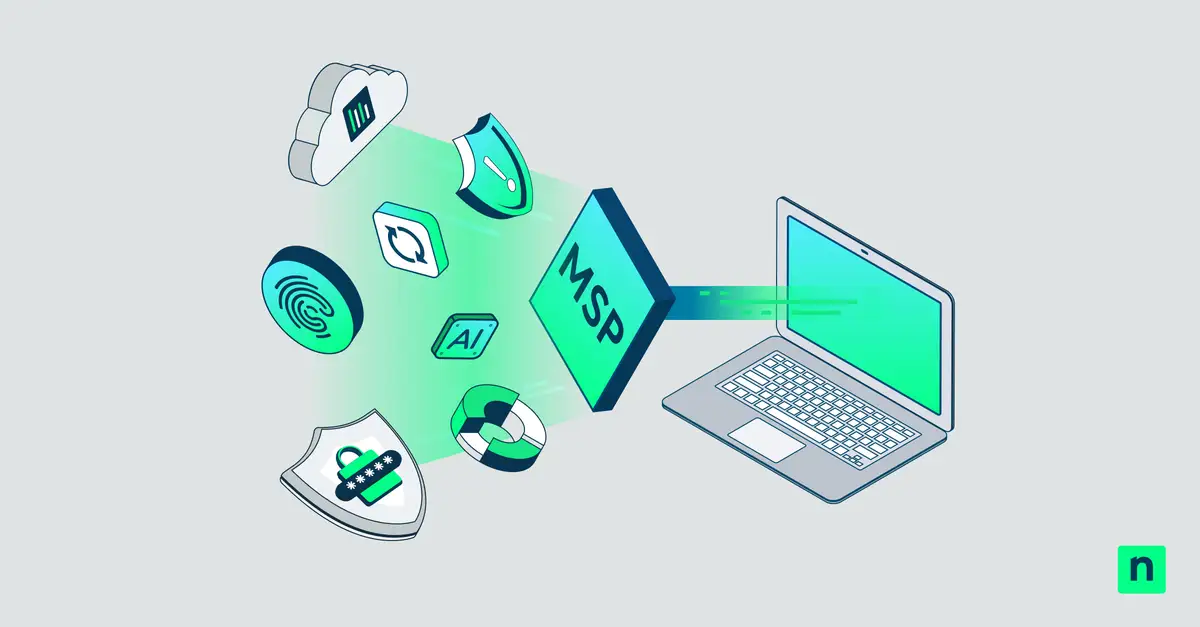
A better approach is to manage browsers using the same platform that handles the rest of the device. When browser policies are part of your existing endpoint management, several benefits become possible:
- Unified policy management. Set browser settings, extensions, and web access policies from the same console you use for patching and device setup. There is no need for a separate admin portal.
- Better incident response. You can connect browser activity and extension risks with device data, so investigations do not require switching between different tools to understand what happened.
- Consistent enforcement across browsers. You can apply the same policies to Chrome, Edge, and Firefox, no matter which browser a user chooses.
- Extended compliance coverage. You can bring the browser into your current audit and compliance processes without adding new tools or extra steps.
- Faster service desk resolution. Support teams get browser information along with endpoint details, which reduces the time spent switching between tools during a support ticket.
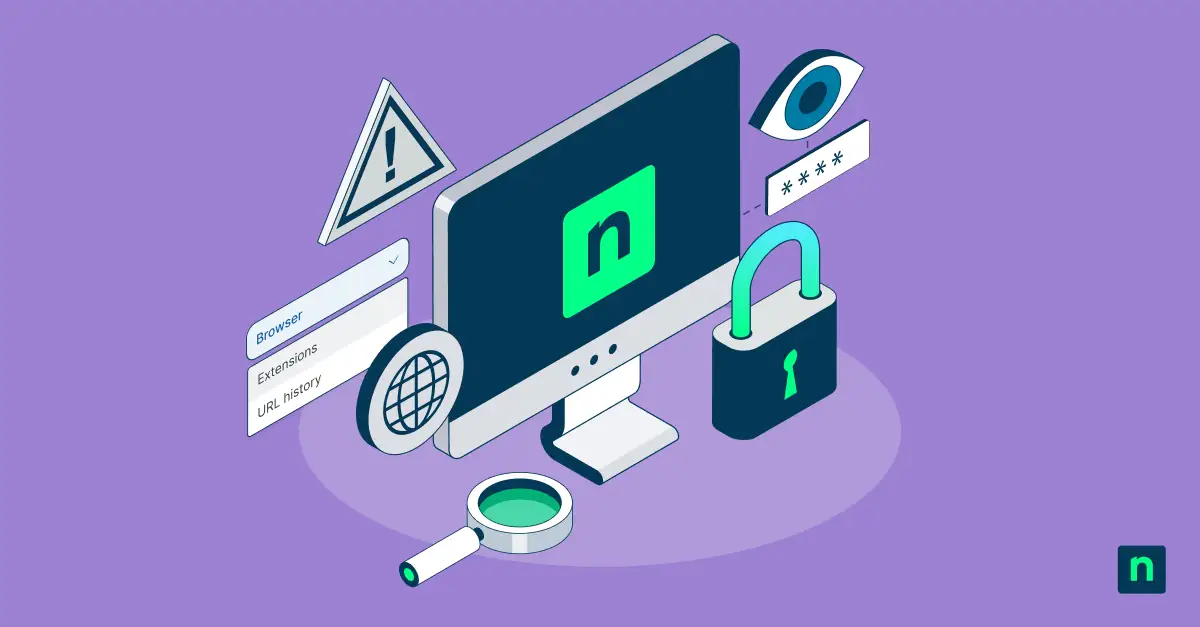
This is already happening in real environments. NinjaOne Browser Management gives IT teams a live list of every extension installed on managed devices, along with a risk score. This helps admins know what to review first. URL and domain-level allow or block policies, incognito mode controls, and browsing history visibility are all available next to patching and remote access tools. This means there is no new agent to install and no extra login for the IT team.
How to View Google Chrome Download History in Windows
Read moreThe consolidation argument
Tool sprawl means more training, more integrations, and more gaps someone has to fix by hand. Managing browsers inside your endpoint platform fixes that because the context is shared.
Device compliance, patch status, and browser activity live in one place, so IT spends less time matching data and more time acting. You also get fewer contracts to renew, fewer consoles to learn, and a lower total cost over time.
Closing the gap
The browser has always been right in front of us, but nobody has taken responsibility for it. That changes the moment an unapproved extension leaks data. It changes even faster when someone pastes confidential code or customer data into an unauthorized AI extension. It takes seconds; it happens in a regular browser tab, and most IT teams have no way to see it, block it, or prove it happened. When leadership or an auditor asks what was exposed, ‘we don’t know’ isn’t an answer anyone wants to give.
The organizations that get ahead will be the ones who look at the tools they already trust to manage every other endpoint and ask: why does our visibility stop at the browser?
Browser management should be a core part of your endpoint strategy. The sooner IT teams recognize this, the sooner “fully managed” will mean fully managed.