Key points
- Comprehensive backup strategies protect entire operating environments, configurations, SaaS tools, and system logs rather than just basic files.
- Targeted data prioritization focuses backup policies on core financial records, customer databases, and compliance-regulated files.
- Hybrid 3-2-1 backup models combine local storage for rapid recovery with cloud backups for offsite redundancy and ransomware resilience.
- Business-aligned scheduling sets recovery time and point objectives while optimizing total cost of ownership over raw storage prices.
- Unified management platforms consolidate backup, patch management, and endpoint security to eliminate tool sprawl across the environment.
Business data backups should cover four areas: core business files and financial records, application and database configurations, SaaS and cloud data, and often-overlooked data such as user profiles, permissions, and audit logs. Backing up files while ignoring systems, applications, and configurations leaves gaps in your business data backups that only show up during a recovery, when it is too late to fix them.
What kind of data should businesses be backing up?
As a business, all of your data is important and needs to be backed up, but it’s especially important to have multiple copies of files that are necessary to keep your operations running smoothly.
This includes core business files, such as documents, spreadsheets, and presentations. You also need to have a comprehensive backup of your financial records and invoices, as well as customer and operational data. Aside from that, if your business is subject to compliance and regulatory requirements, you also need to have backups of certain information, depending on the compliance requirements you have to follow.
What are the different aspects of a business that need to be backed up?
- Systems and operating environments: This includes servers and workstations that may contain documents, spreadsheets, and presentations that are needed for your business’s day-to-day operations.
- Applications and software data: This includes data from business-critical applications, databases, and configuration files. The data from these tools enables you to continue to use all the necessary tools that keep your operation going.
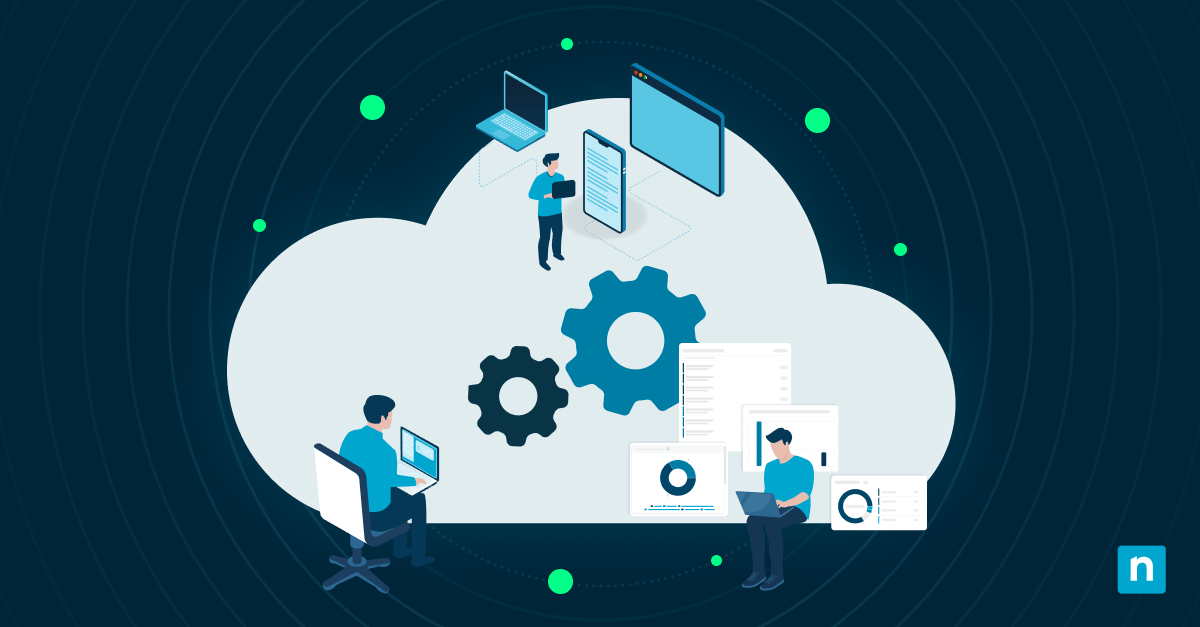
- SaaS and cloud data: This includes data from email platforms, cloud storage systems, and collaboration tools. The files exist in the cloud and may not always be protected. They will require additional cloud backup strategies to ensure that they’re protected.
- Hidden and overlooked data: This includes user profiles and permissions, logs and audit data, and integration configurations. Their importance may not be immediately evident, but failing to back them up may make full recovery slower and more difficult.
Back up essential files to safeguard business operations from disruptions
Why is it important to back up business files?
Losing data has a direct negative impact on your business. It can lead to operational downtime, reduced productivity, and the loss of customer information, all of which can affect your sales and reputation. Aside from that, if you are subject to regulatory requirements, data loss can put your compliance at risk.
Key Metrics to Guide Your Backup Plan:
- Recovery Point Objective (RPO): How much data you can afford to lose measured in time (e.g., losing 1 hour of transactions vs. 24 hours). This dictates your backup frequency.
- Recovery Time Objective (RTO): How long your systems can be down before the business suffers critical damage. This dictates your restoration speed.
Having comprehensive data backup plans can help avoid these scenarios. It helps ensure that your business data can be restored quickly and reliably.
Cloud backup vs local backup for businesses
Cloud backup
A cloud backup is automatic and scalable. It also offers off-site protection, making it more economical and convenient for your team. Users can access the backup from anywhere, and you don’t have to designate space and maintenance funds for an on-site server. Keep in mind that most cloud platforms operate under a shared responsibility model: the provider guarantees infrastructure uptime, but recovering your own accidentally deleted or corrupted data is still on you.
Local backup
Having a local server means you’ll have faster recovery times and you’ll have full control over your data. You also won’t be reliant on an Internet connection the way you would be with a cloud backup. However, a local backup will be harder to scale and cost more in terms of space and maintenance. Because neither approach alone covers every failure scenario, most businesses follow the 3-2-1 backup rule: three copies of your data, on two different types of storage, with at least one copy stored offsite or immutable.
The 3-2-1 Backup Rule at a glance:
- 3 copies of your data (1 primary + 2 backups)
- 2 different types of media (e.g., local server + cloud storage)
- 1 copy stored offsite or immutable (protected against local physical disasters and ransomware)
How much do business backup services usually cost?
The cost of business backup services will vary, depending on several factors, which will grow as your own operations grow. This can include:
- Data volume and system requirements
- Number of devices or systems
- Backup frequencies and retention policies
- Other features, such as security and automation
Evaluating Total Cost of Ownership (TCO)
When evaluating costs, look beyond storage price per gigabyte. Consider the hidden costs of downtime:
- Egress and Restore Fees: Some cloud providers charge when downloading large volumes of data during a recovery.
- Cost of Downtime vs. Speed: A cheaper, slower restore process may save money monthly but cost thousands per hour in lost productivity if an outage occurs.
Common mistakes businesses make with backups
Here are some mistakes that businesses often make when it comes to data backups. Avoiding them will greatly improve reliability and lead to more successful recoveries.
- Backing up business files but not systems – include full system and OS-level backups, not just file-level backups.
- Ignoring cloud and SaaS data – add dedicated SaaS backup for Microsoft 365, Google Workspace, and other cloud apps.
- Using only one backup method – combine local and cloud, or file and image backup, for layered protection.
- Not testing their recovery processes – schedule regular restore tests to confirm backups actually work.
- Overlooking their retention policies – set retention periods based on compliance needs and how quickly data changes.
Automate workflows for more efficient backup use
Protect your information with the right business backup solutions
Business data backup is more than just copying files. You need to protect systems, applications, and cloud data to ensure full recovery. A simple strategy that combines local and cloud backups provides the best balance of reliability and efficiency. Businesses that clearly define what to back up are better prepared to handle data loss and maintain operations.
Quick-Start Guide
NinjaOne offers two comprehensive backup solutions to protect your business data:
- NinjaOne SaaS Backup* (Cloud-Based)*
Protects cloud business data with automated, incremental backups:
Key Features:- Up to 3 backups per day
- 256-bit AES encryption at rest and in transit
- Multi-factor authentication (MFA) support
- Advanced search with 20+ criteria
- Point-in-time restores
- Restore, migrate, or download options
- Compliance and archiving capabilities (with Backup + Archiving plan)
- NinjaOne Device Backup* (Local & Cloud)*
Protects endpoint data with image-based and file-based backups:
Capabilities:- Image-based and file-based backup options
- Bandwidth throttling controls
- Local and cloud storage options
- Granular restore capabilities
Both solutions integrate directly into NinjaOne for centralized management and monitoring.
Related topics:
- Best Data Backup and Recovery Software: 13 Solutions for 2026
- What Is Data Backup and Recovery?
- Local Backup vs Offline Backup and Why Both Matter for Data Resilience
- IT Guide: Pros and Cons of Backup Storage Types
- Complete Guide to Data Backup & Recovery
- What Is a Backup Strategy? 4 Tips for Creating a Successful Backup Strategy