
Key Points
- Virtual server replication improves availability by maintaining a near real-time copy of a VM for rapid failover.
- Replication supports uptime during infrastructure failures, but it does not protect against accidental deletion, ransomware, corruption, insider threats, and the like.
- Replication mirrors the current state of a system, including errors and encrypted data, while backup enables rollback to a known-good restore point.
Virtual servers are the foundation of modern infrastructure. Organizations rely on data replication between virtual environments to improve availability. When done correctly, replication reduces downtime during infrastructure failures.
However, problems arise when replication is used as a substitute for recovery. This article will walk you through replication vs backup, how replication improves availability, and more.
What virtual server replication is designed to do
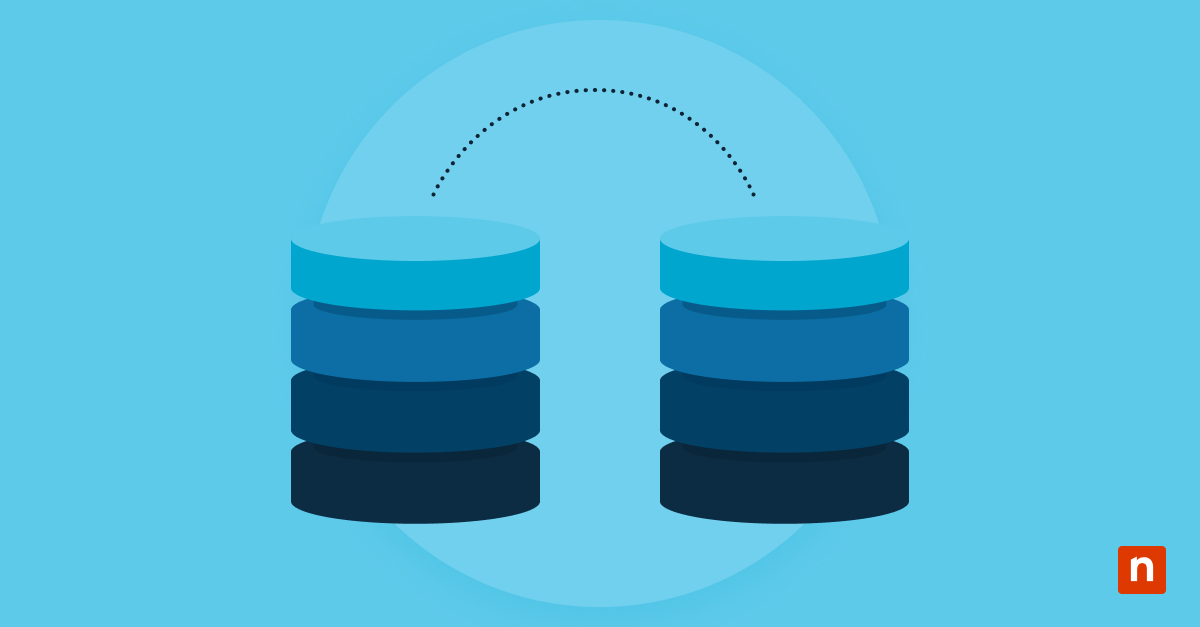
Virtual server replication maintains service continuity during infrastructure failures. It copies the state of a running virtual machine to a secondary host. If the primary server fails, the replicated VM can be powered on to reduce downtime.
Its objective is to improve availability and meet recovery time objectives (RTOs). Replication keeps workloads operational by ensuring a synchronized copy is ready. It mirrors the operating system and current data state.
However, replication focuses on preserving uptime and not history. It does not create restore points or maintain long-term retention. The goal is operations continuity and not restoration to an earlier point in time.
Why replication is often mistaken for backup
Replication is confused with backup since it creates a second copy of data. To some organizations, duplication equals protection. When a failover occurs during a hardware outage, it reinforces the belief that replication provides recovery.
The misunderstanding starts with how replication works. It mirrors the current state of a system. If data is deleted or corrupted, those changes are replicated immediately. There is no built-in historical versioning unless additional controls are configured.
Backup solutions capture data at specific intervals and preserve previous versions. This time-based separation enables rollback. Replication provides a standby environment, but it doesn’t provide historical recovery.
Failure scenarios replication does not protect against
Replication doesn’t protect against logical changes within a system. Accidental deletions are replicated as faithfully as actual updates. Once a file is removed on the source system, the replicated copy reflects the deletion.
Ransomware presents a similar limitation. Files encrypted on the primary virtual machine are synchronized to the replica. Application-level corruption and insider actions also propagate through replication.
Replication mirrors valid and harmful changes since it can’t distinguish the two. These limitations highlight why replication is not recovery. It ensures continuity of the current state, even when that state is compromised.
Availability versus recoverability
Availability and recoverability address different aspects. Availability focuses on keeping services online or restoring them as soon as possible. Replication supports this goal by enabling rapid failover to a secondary environment.
Recoverability focuses on restoring data to a good state. This requires historical retention and versioning, functions of backup systems. Replication reduces downtime during hardware failure, but it doesn’t provide rollback capability.
Backup enables restoration to previous states but doesn’t offer immediate service continuity. A strong disaster recovery strategy requires both. Mistaking availability with recoverability may create gaps in protection and lead to expenses during incidents.
Operational risks of overreliance on replication
Relying on replication alone may introduce significant operational risk. Without backups, organizations can’t roll back to a previous point in time. An error or incident can affect primary and secondary systems simultaneously.
Replication can also limit forensic insight. Because it mirrors changes continuously, evidence of when corruption began may be overwritten. This complicates root cause analysis and compliance investigations. However, the most concerning aspect is the false sense of security that replication creates.
The presence of a secondary system may create confidence that data is protected even without historical recovery. Overreliance on replication may leave companies vulnerable to logical failures and cyberattacks.
How to position replication correctly
Organizations should position replication as a high-availability solution. Its purpose is to reduce downtime during infrastructure failures by enabling rapid failover.
To address data loss scenarios, it’s best to pair replication with structured backup processes that include retention policies and versioning. Backups provide rollback capability, while replication ensures service continuity.
Clear communication within IT teams and leadership is essential. Stakeholders should understand that replication improves uptime but does not replace backup. When properly integrated, these two complement each other and strengthen overall disaster recovery readiness.
NinjaOne services that support virtual environments
NinjaOne supports virtual environments by providing monitoring and operational workflows that help teams validate replication health. This also ensures backups and recovery processes align with real-world failure scenarios.
Replication vs disaster recovery: Why you need both
Virtual server replication is a powerful tool, but it shouldn’t be treated as a reliable recovery solution. IT teams that understand the difference between keeping systems online and restoring data will likely make better infrastructure decisions and avoid unnecessary expenses during incidents.
Related topics: