


Key Points
- Defining tool sprawl: Tool sprawl occurs when organizations accumulate multiple overlapping IT tools, leading to data silos and fragmented workflows.
- Impacts of tool sprawl: Tool sprawl reduces productivity by forcing IT teams to switch between systems, duplicate efforts, and manage inconsistent processes.
- The real cost of tool sprawl: The real cost shows up in fragmented workflows, duplicated systems, and inefficiencies that impact onboarding speed, SLA consistency, and technician productivity.
- Integration vs variance: Integrations alone don’t solve the problem, because connected tools can still produce inconsistent workflows and processes across teams and environments.
- Why unified operations is a strong solution: Unified operations enable MSPs to standardize workflows, reduce complexity, and scale efficiently by applying consistent processes across the entire organization.
As enterprises scale their IT operations, their needs and objectives evolve. Often, this results in acquiring tools or platforms that meet these needs. However, this can also lead to the slippery slope of tool sprawl.
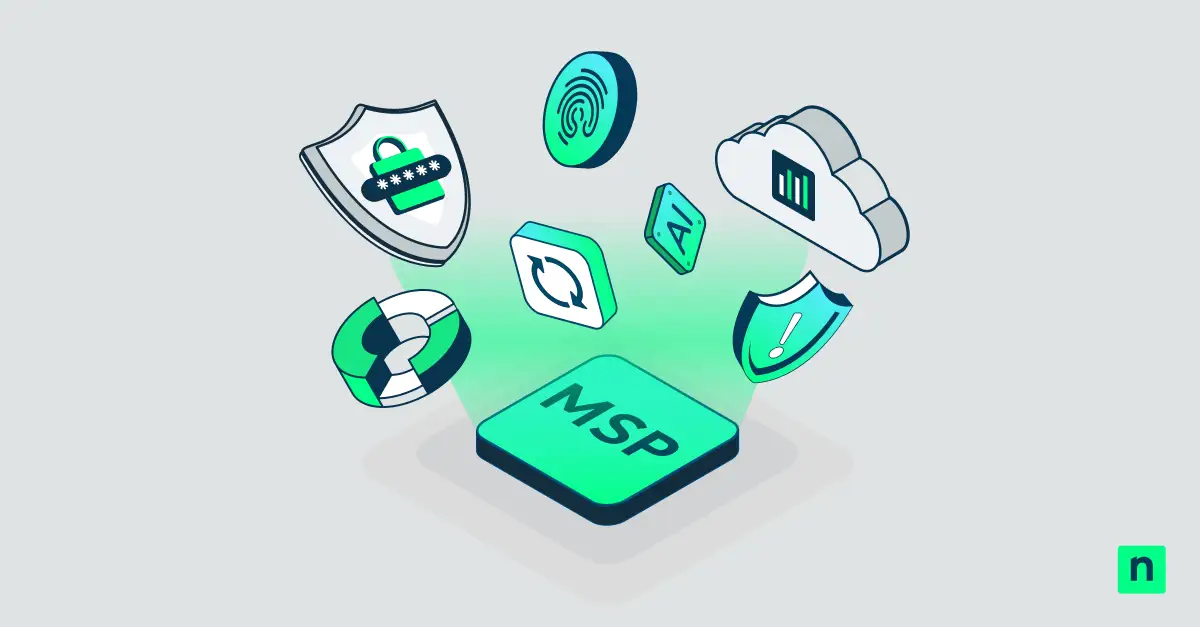
Unified operations offer a different path forward. Instead of stitching together multiple tools, enterprise MSPs can standardize on a cohesive operational model that simplifies workflows, improves visibility, and reduces friction across the organization. The result is not just fewer tools, but a more scalable and resilient approach to service delivery.
In this article, we discuss what tool sprawl is, what it’s really costing businesses, and how a unified approach can solve these potential issues.
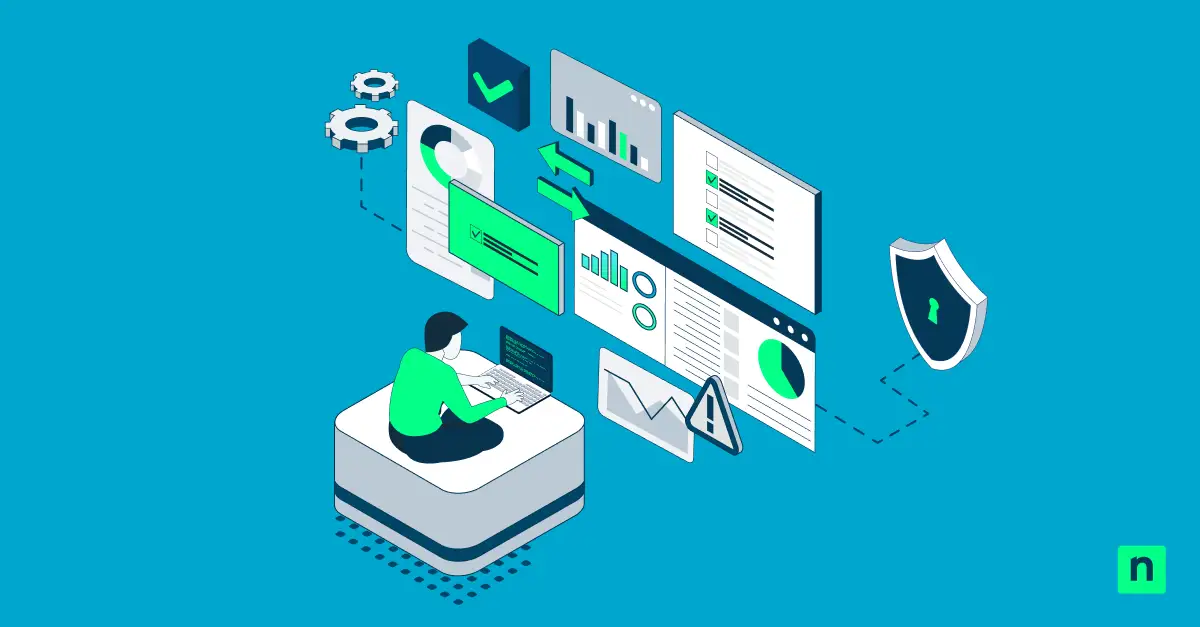
Eliminate tool sprawl and benefit from centralized IT management.
What is tool sprawl?
Tool sprawl, also known as tool fatigue, is a problem that occurs when companies acquire multiple IT tools to address different use cases. In such cases, each tool creates a data silo that requires manual data translation, complicating data migration and overall IT productivity.
The impacts of tool sprawl
Tool sprawl often slows IT teams down rather than improving efficiency. In turn, many day-to-day operations are affected. These impacts can be seen in the following:
Productivity
The presence of too many tools can be counterproductive. Instead of streamlining processes, these numerous (and often incompatible) tools increase the turnaround time for certain tasks. This decreases overall productivity.
Costs
Tool sprawl can significantly bloat your budget. Because you have too many tools, you also need to manage more license fees and maintenance costs. This becomes even more egregious when you have redundant tools.
Security
Having more tools means having a larger attack surface and more potential vulnerabilities. This can make security management more complex as multiple consoles, dashboards, and interfaces need to be monitored.
Why 2026 is an inflection point
Enterprise MSPs aren’t struggling because they lack tools. They’re struggling because they’ve accumulated too many, often inherited, overlapping, and stitched together across years of expansion. At a smaller scale, strong people and strong processes can cover the cracks; at an enterprise scale, those cracks become operational variance that’s hard to see until it shows up in outcomes.
In 2026, the MSPs that pull ahead will be the ones that can standardize faster than complexity grows. That’s what “reward” looks like in practice: faster onboarding, more predictable service delivery, and more leverage per technician.
The real cost of tool sprawl
Tool sprawl is rarely a deliberate strategy. It’s a byproduct of growth: entering new markets, adding services, meeting new requirements, and acquiring other providers with their own stacks and ways of working. The issue isn’t just the number of tools, it’s the number of operating models that those tools create across the business.
In practice, fragmentation often looks like:
- Multiple RMM and PSA instances after acquisitions, each with different baselines, scripts, policies, and reporting.
- Inconsistent automation and patch standards that vary by region, team, customer tier, or legacy platform.
- Technician inefficiency driven by context switching and duplicated workflows.
- Higher TCO and margin compression from overlapping contracts, integration work, and operational rework.
- Burnout and operational drag when reliability depends on a few people who “know how this client works.”
None of this is theoretical. It shows up in onboarding timelines, SLA predictability, escalation rates, and the amount of senior time spent reconciling systems instead of improving delivery.
Why “integration” doesn’t solve “variance”
Integrations can help systems exchange data. They don’t automatically create one consistent way of operating. Enterprise MSPs can end up with tools that “connect,” yet workflows still vary depending on the client, geography, or inherited environment a technician is working in.
That’s where the hidden tax grows:
- Exceptions become normal.
- Standards drift across teams and acquisitions.
- Training and enablement get harder because there isn’t one “right” workflow.
- M&A integration slows because every acquisition brings another set of tools and processes to reconcile.
This is why the market is shifting from “What can we connect?” to “What can we run the business on?”
Related resource
If you’re evaluating what a more unified operational model could look like in 2026, this overview of the NinjaOne platform for MSPs breaks down how endpoint management, backup, ticketing, and automation work together in a single environment. Explore NinjaOne for MSPs →
What “unified” means (and what it doesn’t)
“Unified” shouldn’t mean “a bundle of integrated products” or “a collection of acquired modules.” At the enterprise MSP level, unified needs to translate into operational consistency, so core work runs the same way across the organization.
A unified operational model typically includes:
- Consistent workflows for onboarding, patching, remediation, ticketing, backup, and reporting.
- One automation approach that scales across customers and teams, rather than being reinvented for each tool or acquisition.
- Standard baselines and policies that apply predictably, with fewer one-off processes.
A useful litmus test is simple: after an acquisition, can the new environment be brought into your standards quickly, without rebuilding processes from scratch or creating a “special case” that persists for years? If not, the MSP isn’t scaling operations; it’s accumulating platform debt.
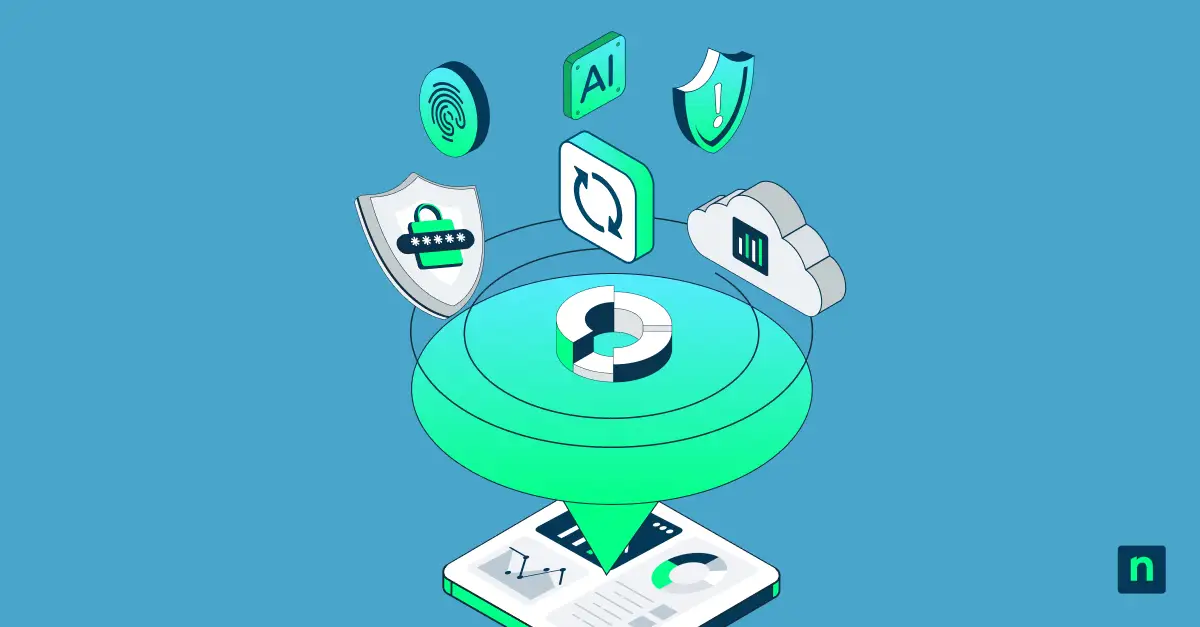
Enhance productivity by reducing reliance on disparate tools for IT operations.
The business outcomes unified platforms unlock
Unifying operations isn’t an architecture preference. It’s how enterprise MSPs create leverage, because improvements compound when they apply everywhere. Instead of fixing the same issue five different ways across five different stacks, you standardize once and scale it.
Outcomes enterprise MSP leaders typically care about include:
- Faster onboarding because baselines and workflows are repeatable.
- Higher technician-to-endpoint leverage because automation scales consistently.
- Reduced TCO by cutting overlap, rework, and integration burden.
- More predictable SLAs through consistent delivery standards.
- Easier compliance execution because controls and evidence collection can be systematized.
- Faster M&A integration payoff because operational consolidation happens sooner.
In other words: unified platforms don’t just simplify toolsets; they simplify decisions, execution, and delivery at scale.
Why the future of MSP growth is unified
This isn’t about chasing an “all-in-one” label. It’s about choosing an environment that’s SaaS-native and operationally consistent so the business can run on standards, not exceptions. In a post‑M&A world, that consistency is what turns growth into leverage instead of drag.
As enterprise MSPs head into 2026, unified operations become a strategic advantage: the ability to integrate faster, onboard faster, and deliver predictably, without burning out the team that has to make it all work.
If your team is evaluating how to simplify operations and scale more efficiently in 2026, schedule a demo with a NinjaOne product expert.