Key Points:
- Establish Network Performance Baselines: Set clear baselines for traffic, device behavior, and resource usage so you can quickly identify unusual activity.
- Use Proactive Monitoring Tools: Proactive tools help detect issues before they impact uptime and strengthen overall network performance management.
- Maintain IT Asset Inventory: Keeping an up-to-date inventory of network devices ensures complete visibility into your infrastructure.
- Automate Network Discovery: Automated network discovery identifies new devices instantly, while automated monitoring workflows streamline tasks.
- Leverage Reporting and Performance Insights: Advanced reporting tools generate insights into bandwidth usage, device health, traffic patterns, and long-term trends.
- Choose the Right Network Monitoring Tools: Select solutions that provide end-to-end network visibility, customizable alerts, and remote management.
One of the most well-understood roles of an IT department or IT provider is that of keeping a business’s essential systems up and running.
According to the Uptime Institute’s Annual Outage Analysis 2025 keynote report, ““outages from IT and networking issues increased in 2024, totaling 23% of impactful outages […] likely caused by increased IT and network complexity.”
This is why implementing networking best practices is critical for any organization as they ensure that all networking components like routers, switches, servers, firewalls, and virtual machines – are tracked, evaluated, and optimized continuously.
In essence, proactive network performance monitoring prevents network downtime and failures. Some of the top network monitoring tools also offer remote management and network monitoring which reduces the time and resources needed to perform critical updates.
In this post, we’ll cover some general network monitoring and management best practices that managed service providers (MSPs) and IT departments use to support their organizations.
What is network monitoring?
Network monitoring provides IT professionals with detailed insight into networking devices and connections, allowing them to
- to detect and report failures,
- troubleshoot and remediate issues, and
- maintain compliance with industry or organization-specific security standards. Such systems have several important components, including:
Network device monitoring
When network devices fail, downtime, loss of productivity, or even security risks emerge. Hardware issues and errors can bring the entire infrastructure to a halt, while high CPU or network bandwidth usage can slow operations to a painful grind.
Network device monitoring allows technicians to instantly identify hardware issues and take steps to address them. Many network monitoring tools also provide added value by
- automatically adding new devices,
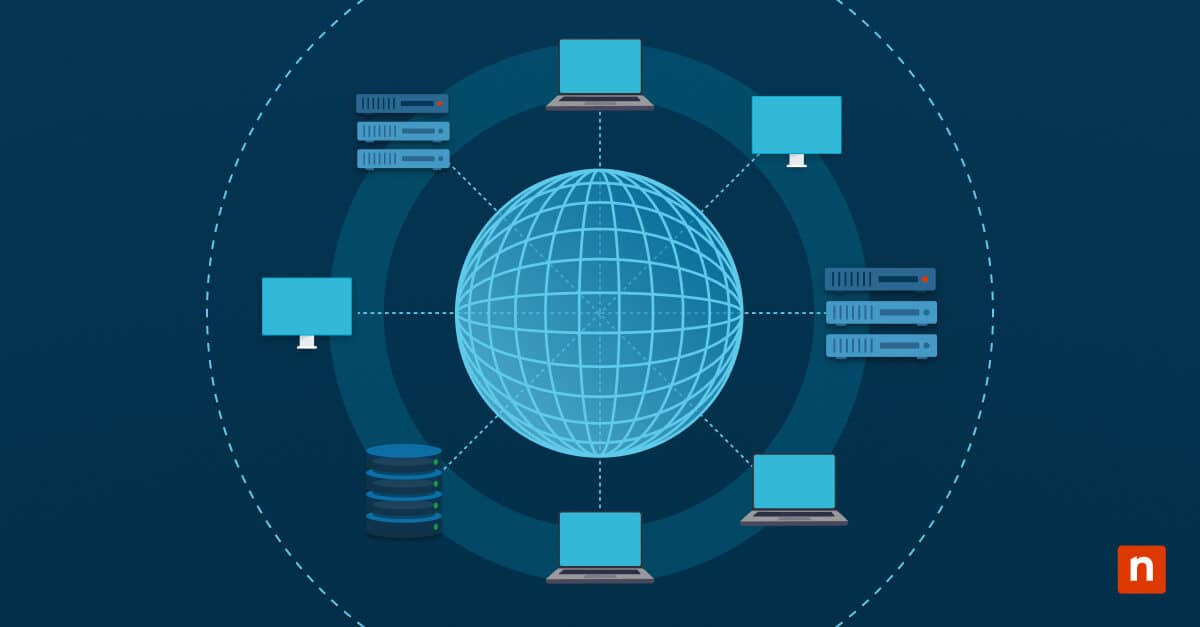
- mapping network topology, and
- revealing malicious activity or possible breaches.
Alerting systems:
When issues are identified by a network monitoring tool, alerts are automatically sent to technicians, enabling them to quickly response and resolve issues, minimizing downtime. Once the issue is validated as a credible fault or threat, the technicians can get to work on remediation.
Reporting:
Most network monitoring software can generate reports on network performance trends, allowing users to evaluate and improve their processes by implementing network best practices.
Gain an in-depth look into network monitoring performance processes with this guide.
The importance of network monitoring
A proper network management system will equip corporate IT departments and MSPs with the tools necessary to maintain and optimize their enterprise networks without excessive manual intervention and high labor costs. Complex networks can be managed fully, from end to end, via integrated wired and wireless management capabilities.
That said, various network management solutions may not include all the features we’ve discussed above, so be thorough when vetting your software options.
Network monitoring best practices & techniques
1. Establish a baseline for your network
First, network monitoring involves establishing a baseline of network performance. This makes it easier to spot unusual network behavior, such as unexplained increases in network traffic levels. Technicians can then intervene before the issue becomes costly, ensuring network reliability and lessening downtime.
2. Implement proactive network monitoring tools
The proactive monitoring of networks is a best practice and a cornerstone function of network management tools. Indeed, “proactive” is a watchword of the modern IT industry, emphasizing the ability to address issues before such issues bring down a network.
Proactive network performance monitoring is typically carried out through complex SNMP and API systems, streaming telemetry, cloud-native metrics, and so on. These give tools like NinjaOne several important capabilities:
- High-frequency polling and near real-time telemetry
- Hardware performance and NetFlow traffic data coalition
- Device discovery and automated configuration
- Customizable alerts
3. Keep track of your inventory
It’s important to maintain an up-to-date IT asset inventory for your network hardware and software so that you can easily see where switches, routers, and other networking assets are. Tools that allow for network mapping can help IT teams get a better overview of their infrastructure and network topology.
4. Utilize network discovery
The best way to improve your network monitoring performance is with automated network discovery tools that identify and locate new devices. Consider what your network configurations are, and make sure that the tool you’re using is flexible enough to keep track of your network infrastructure.
5. Automate network device monitoring workflows
As mentioned earlier, IT automation can reduce human error and speed up IT processes. When it comes to networking best practices, automation allows IT administrators to continuously locate and monitor their network devices, trigger alerts for issues or specific scenarios, and more. Automation also allows IT teams to take a proactive approach to network device monitoring and reduces the need for manual intervention.
6. Generate actionable network performance insights
Some network monitoring tools enable technicians to generate reports that show the performance of network components over a certain period of time. Decision-makers can use this data to analyze and determine when to upgrade network devices or scale their IT infrastructure to meet ever-revolving networking demands.
Explore a video walkthrough based on 6 Network Monitoring Best Practices.
How to pick the right network monitoring and management tools
As we mentioned earlier, advanced network monitoring software and tools, especially those utilizing automation enable businesses to implement networking best practices and significantly improve network performance. For this reason, IT decision-makers must evaluate tools that can tackle numerous networking issues, real-time performance assessments, and remote management functions.
With such an increased need for these types of solutions, many contenders have entered the market, leaving IT managers and MSPs wondering which network monitoring and management tool is the best for them.
Remember that an effective network management system will include a detailed network monitoring tool and give you the ability to automate basic troubleshooting tasks. You should also consider the benefits of having these features:
- The ability to visualize the entire IT infrastructure for proactive maintenance and predicting future IT needs for individual clients.
- The active monitoring of network, server, and application performance to prevent downtime and reduce the risk of cyberattacks.
- Automatic device configuration using predefined templates.
- Advanced reporting features with customization for each client, as well as the ability to schedule automated reports that are instantly sent to the end user.
Wondering how to choose the right RMM for your needs? Check out the NinjaOne RMM FAQ to understand features, capabilities, and other answers to common questions when evaluating remote monitoring tools.
What is SNMP?
Simple Network Management Protocol (SNMP) is an application-layer protocol used in network management to facilitate the exchange of information between network devices and management systems. SNMP-enabled devices communicate using this protocol to provide insights into device status, performance, and network health.
IT decision-makers should consider looking for SNMP networking monitoring tools, as they offer real-time monitoring of networking devices. This capability allows a networking monitoring tool to identify anomalies and issues and work quickly to resolve them.
There are some common features that you should look for in any SNMP monitoring tool:
- Device discovery: SNMP polling allows scanning of the network environment and identifying all devices — something that you can’t do manually and expect the same level of accuracy and detail. SNMP scanners can scan the network to identify new devices that appear. You should be able to stay on top of anything new that’s added to the network.
- Fault monitoring: Fault monitoring allows system administrators to quickly detect and resolve any issues that could put a network at risk. With the right SNMP monitoring tool, you can view the current node status and quickly identify how critical an error is.
How NinjaOne helps optimize network monitoring and management
NinjaOne’s network management suite utilizes the Ninja NMS Agent to provide user-friendly monitoring tools with single-pane visibility across all your SNMP devices: routers, switches, firewalls, printers, IoT devices, and more.
This suite’s capabilities include the following
- The monitoring all SNMP devices
- A discovery wizard
- High-frequency polling
- SNMP hardware performance thresholds
- Ping and latency tests
- Port status, port map monitoring, and SNMP traps
- Configuration backup and monitoring
- Hardware performance and NetFlow traffic data coalition
- SNMP v1, v2, v3 support
Get real-time alerts and comprehensive network control with NinjaOne’s network monitoring software.
Furthermore, NinjaOne’s network performance monitoring solution is built into its remote monitoring and management (RMM) platform, providing IT teams with a centralized and actionable dashboard for your entire IT organization.
Overall, by implementing the networking best practices listed in this article, you can boost your organization’s IT efficiency.
For a broader list of network monitoring solutions, including more robust and specialized tools, see our Ninja Guide to MSP Software.