



Key points
- What is MDM: MDM refers to software that allows IT teams and MSPs to manage, monitor, and control remote devices.
- What is MAM: MAM refers to a set of tools and practices that help with application management.
- Key Difference Between MDM and MAM: MDM offers device-wide management, ideal for COPE devices; meanwhile, MAM focuses solely on application management
- Best Practices: Best practices include integrating MDM and MAM in enterprise environments, combining layered security from MDM with the flexibility from MAM.
When to Use MDM: MDM is best for organizations that need full control over devices handling sensitive data, enabling features like remote wipe, device encryption, patch management, and policy enforcement.
When to Use MAM: MAM is ideal for BYOD programs because it secures corporate apps and data while preserving employee privacy and allowing users to manage their personal devices.
How to Choose Between MDM and MAM: The right solution depends on factors such as security requirements, device ownership, regulatory compliance, IT resources, and the balance between organizational control and employee privacy.
As work environments continue to evolve, IT teams and MSPs need to develop better unified endpoint management strategies. Today, such strategies typically include mobile device management (MDM) and mobile application management (MAM) solutions for organizations, especially those with remote and hybrid workforces. But which solution should you choose?
Understanding the key differences between MDM vs MAM is necessary to determine what you really need.
Mobile device management made simple.
Avoid costly mistakes and maximize your MDM success with our Dos and Don’ts guide.
What is mobile device management (MDM)?
MDM is the act of monitoring and managing mobile and remote devices. This includes phones, tablets, laptops, and even desktop computers for remote workers. Because the device is remotely managed, IT administrators can lock or wipe it, manage installed apps, monitor device activity, and enforce policies. MDM provides the most control over remote devices without necessarily being too invasive.
Apple’s iOS, iPadOS, and macOS all include built-in MDM functionality, as do Windows and Android devices. For visibility and management of a mixed fleet of devices from different vendors, NinjaOne MDM offers cross-platform mobile device management. This comes with additional functionality and unified control over remote devices.
| Benefits of MDM | Limitations of MDM |
|
|
Use cases and benefits for MDM
The benefits of MDM are best realized when the business owns all the devices being managed, and highly sensitive or valuable data is at stake.
Healthcare providers commonly deploy MDM due to the sensitive nature of their health information and the mobility of their staff. MDM allows them to enforce device-level encryption. It also ensures that access is controlled with passwords or biometrics and that only vetted applications can be installed. If a device goes missing, it can be remotely wiped. This is to ensure that no protected healthcare information can be improperly accessed.
What is mobile application management (MAM)?
MAM focuses only on monitoring and managing individual applications rather than entire devices. This approach can work well in as bring-your-own-device (BYOD) environments.
For example, MAM may be used to ensure that all activity in company email and team chat apps is tightly controlled and monitored, while allowing the rest of the device to remain under the employee’s control. This allows IT admins to secure data and ensure apps are used correctly.
MAM can be deployed for apps that have integrated mobile management functionality. Some will provide their own built-in mobile application management. Meanwhile others can integrate with MDM/MAM platforms for central management.
| Benefits of MAM | Limitations of MAM |
|
|
Use cases and benefits for MAM
MAM is best deployed in scenarios where employees are expected to use their own devices for work.
One example would be a plumbing contractor with staff who need to communicate and coordinate from their own devices while out on jobs. MAM would be ideal here, as their company assets can be locked down, monitored, and wiped. Especially if an employee leaves while leaving the rest of the device untouched. Employees are much more comfortable with this setup. This means that the business is less likely to have to supply them with devices for work use only.
You must carefully assess whether MAM is appropriate for your situation. While it’s sufficient for most businesses and the data they handle, there are critical applications where MDM should be deployed with strict rules — for example, if you develop popular password management tools.
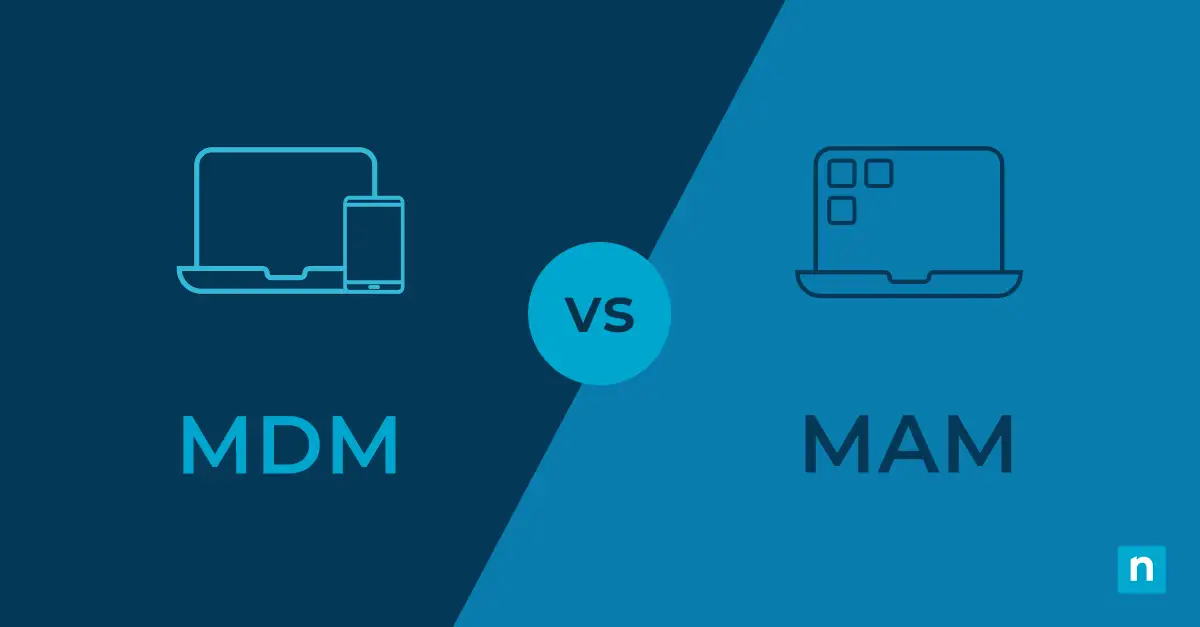
Making the choice: Key differences between MDM and MAM
Deciding between MDM or MAM highly depends on your specific organizational goals and IT budget. No option is better than the other, and both provide significant control over your mobile endpoints.
| MDM | MAM | |
| Security | Manages the entire device | Manages only apps |
| Control | Controls everything in the IT network | Only controls a MAM-enabled app |
| Flexibility | Restricts what users can and cannot do. | More flexibility for remote workers |
| Deployment | Users can only install apps vetted by their IT | Users can install their own apps |
| User privacy | Little to no user privacy | Offers more privacy |
| User experience | Limited privacy may lead to poor user experience | Generally more user-friendly |
| ROI | Higher initial costs, ROI is reliant on several factors | Lower implementation costs. ROI is almost always guaranteed |
| Customer data | Must comply with data protection regulations | Must comply with data protection regulations |
Deciding between device-level vs application-level monitoring has security, complexity, and cost implications for your business. It can also impact how effectively your staff can use their devices.
You should weigh up the following factors when making your decision between MDM and MAM:
- Security: As MDM lets you manage the entire device, protection is enhanced. This is because security policies can be enforced across the whole device. This prevents unauthorized application and user behavior, which in an MAM environment may be able to monitor or interact with your business apps without you being aware.
- Control: MAM can only control what happens within a MAM-enabled application. In contrast, MDM can control everything from device settings to application permissions and can even remotely track and wipe devices.
- Flexibility: MDM severely restricts what end users can do. MAM allows users to manage their own devices outside of managed applications, which is usually preferable to them.
- Deployment and management complexity: MDM has higher management overheads as users cannot perform many tasks on their own devices. This force them to request support from your IT team each time they want to install an app or make a configuration change.
- User privacy: Users (justifiably) do not like MDM being deployed to their personal devices. As it provides their employer control over their private data on a device they paid for. Imagine your employer deleting your family photos due to an MDM misconfiguration.
- User experience and satisfaction: MDM is considered invasive and, in some cases, may fall foul of regulations that guarantee employees’ right to disconnect.
- Cost implications and ROI: MDM involves higher costs due to increased infrastructure and oversight responsibilities. Meanwhile, MAM is simpler to deploy and manage as it covers a smaller surface area. ROI calculations for MDM are more difficult, so you must assess the value of the devices and data that you are protecting. Conversely, MAM encourages BYOD, which can reduce business expenses.
- Customer data concerns: You should ensure that customer data concerns (such as GDPR and CCPA) are met by your MDM or MAM implementation and policies. This covers your employees’ data and any customer databoth stored on employee devices.
Part of assessing which mobile management processes and policies to implement should be to take full inventory of your devices.
For deeper insights into MDM capabilities, explore NinjaOne MDM FAQ.
MDM and MAM: Integration and coexistence
Large organizations may find a mixed approach best suits them. For example, MDM can be deployed to key staff who handle the most sensitive data, while MAM mobile application management can be deployed more widely for those with fewer responsibilities. By integrating both MDM and MAM in enterprise environments, you can secure BYOD environments and even minimize deployment and management overhead issues associated with both solutions.
NinjaOne MDM is a comprehensive solution for device management
Whichever approach you choose, ensure your management strategy is as frictionless as possible for your users. You do not want users trying to work around your cybersecurity protections. This is because you’re enforcing restrictions that prevent them from using their own devices or performing their job roles effectively.
NinjaOne MDM is a robust solution with integrated MAM capabilities. It allows you to easily manage, support, and secure all your mobile devices from a single pane of glass.
If you’re ready, request a free quote, sign up for a 14-day free trial, or watch a demo.