Key Points
- Multi-tenant vulnerability management requires centralized dashboards, strict tenant segmentation, and continuous endpoint coverage to eliminate blind spots across all client environments.
- Vulnerability scanning must operate as a recurring workflow with scan frequency tiered by risk and client policies.
- Risk-based prioritization using severity, exploitability, and asset criticality prevents alert overload.
- Effective remediation coordination requires documented SOPs, automated ticketing, and direct integration with RMM and patch management platforms.
Handling one client environment is straightforward, but multi-tenant vulnerability management introduces complexity. With different remediation policies, high alert volumes, and inconsistent workflows, service providers need a structured framework for centralized control.
Secure multi tenancy with standardized coverage
Why MSP vulnerability management is difficult
Enterprises increasingly depend on MSPs to manage IT infrastructure vulnerabilities. This is because scanning, remediation, and security visibility across distributed environments become profoundly difficult when you try to secure dozens (or even hundreds) of applications, APIs, and more.
Vulnerability scanning is the foundation of proactive security services offered to clients. It involves continuous scanning to identify misconfigurations and exploitable security issues, but it also creates operational overhead if you don’t streamline IT management.
Centralizing multi-tenant vulnerability visibility
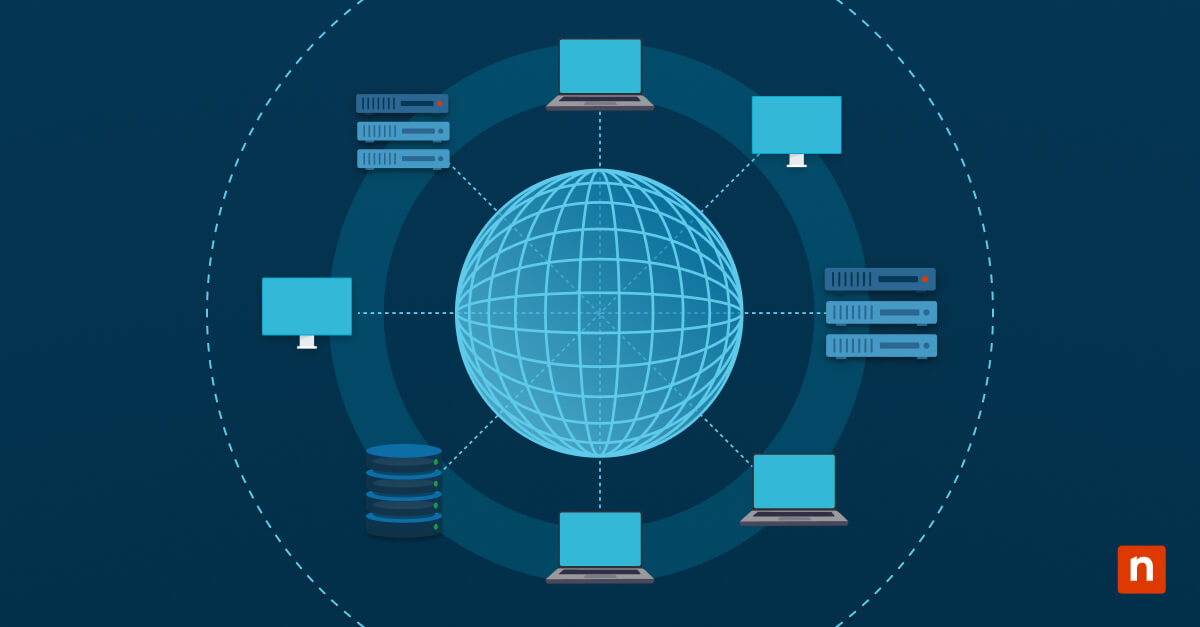
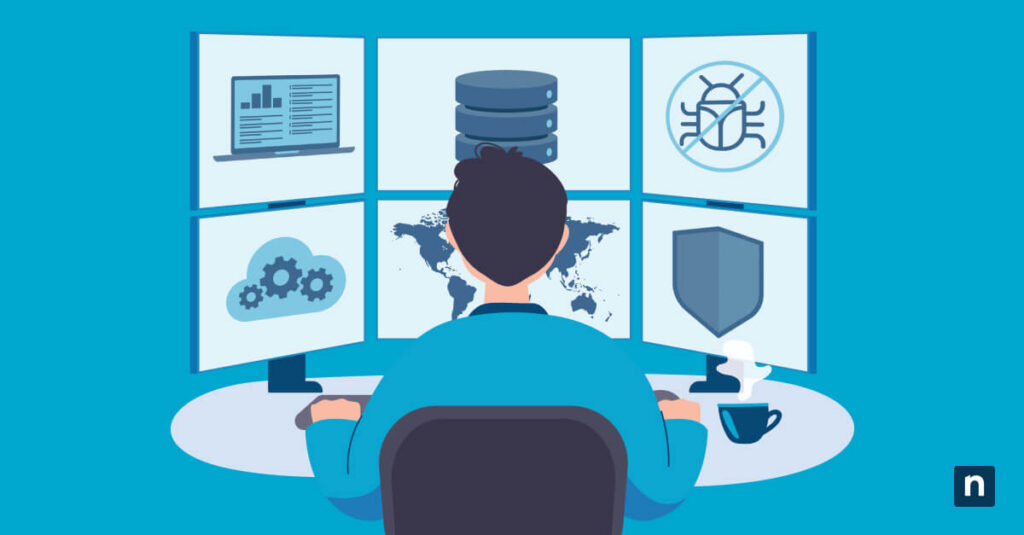
The first step to managing vulnerabilities across multiple clients is enhancing visibility. Identifying the problem is the first step, and having streamlined dashboards helps highlight severity, reduce blind spots, and create tenant-specific reports.
Moreover, maintaining strict client isolation is a proactive step that builds trust and enhances auditability for compliance agents and cyber-insurance assessors. Having a reporting scope, remediation workflows, and an owner matrix supports this and supports visibility efforts.
With that, monitoring the health of all your endpoints (for example, services, remote workstations, cloud systems) is a significant aspect of vulnerability management best practices. To do this, deploy lightweight agents or agentless scanners across all managed endpoints while verifying newly onboarded devices.
🥷🏻| Implement real-time CVE intelligence and automated vulnerability detection.
Operationalizing vulnerability scanning workflows
Instead of isolated point-in-time assessments, vulnerability scanning should function as a recurring process. This creates efficiency and simplifies work—both essential aspects when you manage a sprawling client environment.
To operationalize scanning workflows, do the following:
- Define which devices must be scanned (servers, workstations, cloud instances)
- Standardize scan frequency by risk tier
- Document scan schedules and reporting timelines according to client policy
- Audit scan policies every quarter to ensure policies reflect actual risk
Integrating your endpoint inventory in scanning workflows also ensures that no device goes unchecked. Doing so automatically adds new devices to your scan range, improving provisioning efforts.
What MSPs should prioritize in vulnerability platforms
Service providers should evaluate platforms on operational scalability instead of making generic lists. While multiple client environments differ, accuracy is a must. And automating security workflows enables your teams to fulfill SLAs while easing visibility.
| Priority | Why it matters | Action |
| Operational scalability over feature lists | MSPs must manage dozens of client environments efficiently | Benchmark platform performance across multiple tenants and verify automation efficiency. |
| Multi-tenant visibility | Cross-client dashboards prevent overlaps and sprawl | Configure dashboards to separate client data and centralize all tenants. |
| Automation across vulnerability workflows | Automation reduces human error | Enable continuous scanning for all endpoints and configure automated risk scoring with RMM/ITSM tools. |
| Remediation coordination | Findings must move through pre- defined, accountable workflows | Document SOPs for patching, firewall changes, etc., and set escalation triggers for overdue tickets |
Common MSP vulnerability management mistakes
Avoid these common roadblocks when configuring multi-tenant vulnerability management tools:
Treating vulnerability scans as isolated events
Software updates, configuration changes, and newly provisioned devices can introduce new vulnerabilities. Your multi-tenant security model must be an ongoing effort—not periodic scans—for total security.
Managing remediation manually
While having hands-on control can be beneficial, it cannot scale with multi-client environments. With dozens of tenants to manage, automating tasks like ticketing and escalation helps mitigate risk.
Failing to prioritize vulnerabilities effectively
Treating every alert equally leads to overload and wasted effort. Vulnerability assessment tools (such as, NinjaOne) help your organization prioritize and fix security gaps.
Maintaining fragmented reporting workflows
Disconnected workflows prevent MSPs from demonstrating a unified security posture to clients or auditors. Automated, client-ready reporting is one of the most important capabilities your multi-tenant vulnerability management should have.
Overlooking tenant segmentation
Securely separating client environments from each other is a must. Ensure that safeguards are in place to avoid data leaks and audit your configurations at a regular cadence.
Scaling vulnerability operations across enterprise clients
Enterprise vulnerability operations require continuous governance and consistency. As your client base grows, your multi-tenant vulnerability management plan (and the platform you use) should include:
- Centralized visibility
- Continuous visibility
- Risk-based prioritization
- Standardized remediation workflows
Quick-Start Guide
NinjaOne Can Manage Vulnerabilities Across Client Environments. NinjaOne provides comprehensive patch and vulnerability management capabilities across client environments:
Patch Management & Scanning
- Automated scanning for missing patches and security updates across all managed endpoints
- Support for Windows, Mac, and Linux devices
- Centralized patch status tracking (Approved, Pending, Installed, etc.)
Third-Party Software Patching
- WinGet integration for managing 6,000+ third-party applications on Windows 10+
- Automatic detection and deployment of security updates for third-party software
- Approval workflows to control patch deployment
Multi-Environment Support
- Manage vulnerabilities across multiple organizations and locations
- Policy-based deployment to target specific device groups
- Device-level and organization-level dashboards for visibility
Multi-tenant vulnerability management needs consistent monitoring
Managing multiple tenants as you scale requires more than frequent checks. Operationalize centralized visibility and establish workflows for ongoing monitoring to uphold service levels as your business grows.
Related topics: