
Key points
- A vulnerability scan report is a starting point, not an action plan, and requires a structured process to turn raw data into meaningful security improvements.
- Before taking action, validate the scan’s scope, credential health, and findings to filter out false positives and ensure the data is reliable.
- Prioritize remediation efforts by combining technical severity scores with real-world threat intelligence and your organization’s specific business context.
- Bridge the gap between security and IT operations by establishing clear ownership for every vulnerability and defining strict, risk-based remediation SLAs.
- Automate the vulnerability scanning process by integrating report findings directly into existing IT ticketing systems rather than relying on manual, static PDFs.
- Always verify remediation through targeted rescans and document formal exceptions to ensure risks are either neutralized or managed with oversight.
A vulnerability scan report often overwhelms teams with thousands of alerts, causing them to waste time on low-risk flaws while critical threats remain exposed. In this guide, you will learn how to operationalize these findings through structured validation, risk-based prioritization, and verified remediation.
Phase 1: How to understand vulnerability scan results
To efficiently use a cybersecurity vulnerability scan, you must first organize its raw technical data into logical, actionable categories.
A vulnerability scan report, at its core, is a structured summary of your environment’s health. By grouping this massive data dump into three core streams, teams streamline the vulnerability scanning process and avoid alert fatigue.
| Risks | Reversals |
| Asset Context | Affected IP addresses, hostnames, operating systems, and credential authentication status. |
| Vulnerability Data | CVE identifiers, CVSS severity scores, and real-world exploitability indicators. |
| Remediation Guidance | Specific missing software patches, required configuration changes, and compensating security controls. |
Read What is Vulnerability Remediation? Explained with Examples for more details.
Definition at a glance
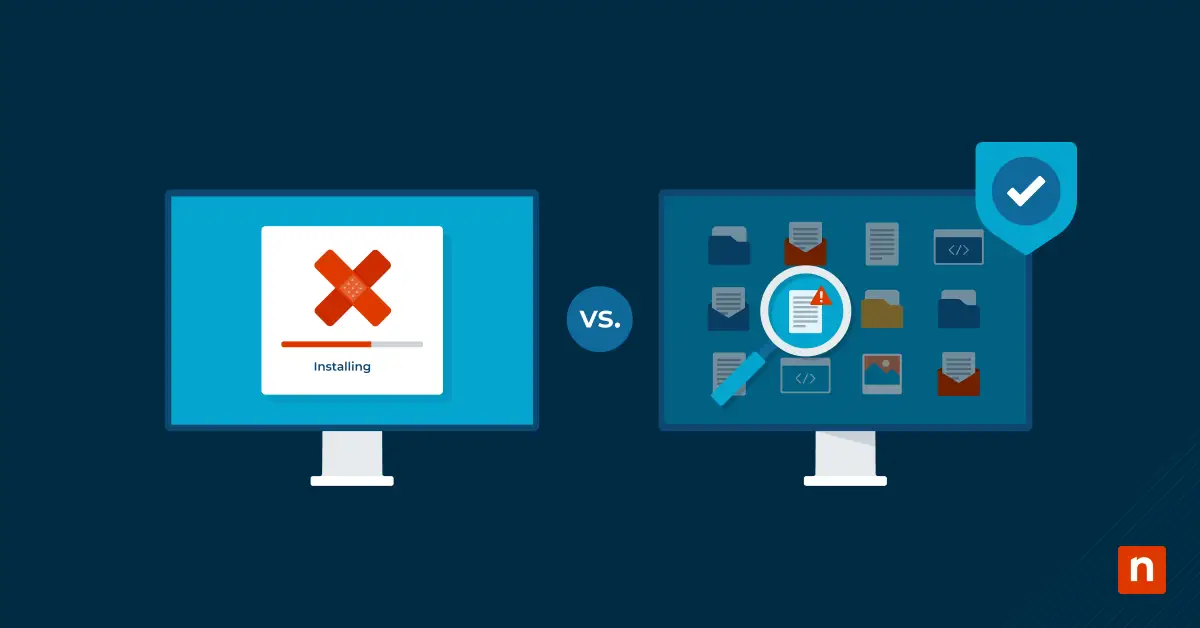
There is a clear difference between a vulnerability scan and a security audit. Here is how key cybersecurity activities differ:
- Vulnerability scan: An automated process that flags known technical weaknesses, such as missing software updates or open ports.
- Vulnerability assessment report: Adds human analysis, business impact, and risk prioritization to the raw scanner data.
- Security audit: Evaluates broader organizational policies, evidence of compliance, and overall governance against established frameworks.
- Penetration test: Simulates a real-world cyberattack to exploit weaknesses and prove viable attack paths actively.
Phase 2: Validate cybersecurity vulnerability scan data before assigning work
Before generating a vulnerability assessment report or routing tickets, you must filter the noise to ensure your engineering resources are not wasted on inaccurate findings.
Validation checklist:
- Verify asset scope:
- Check the scan parameters for completeness. Ensure critical environments were not omitted, and that hostnames match your internal inventory. Offline systems can create dangerous blind spots.
- Confirm credential health:
- Determine if the scan was authenticated. Scanners need valid credentials for deep local inspection. If you see authentication failures in the logs, the scanner likely missed critical details.
- Identify false positives:
- Unauthenticated scans often rely on basic banner grabbing, which can report outdated versions even after a vendor backports a patch. Cross-check findings against patch deployment logs before declaring a true threat.
⚠️Warning: Do not route tickets to the IT operations team before validating the scan’s scope and credential health. Sending unverified, noisy data destroys trust and slows down the overall vulnerability scanning process.
Prioritize the findings based on actual business risk
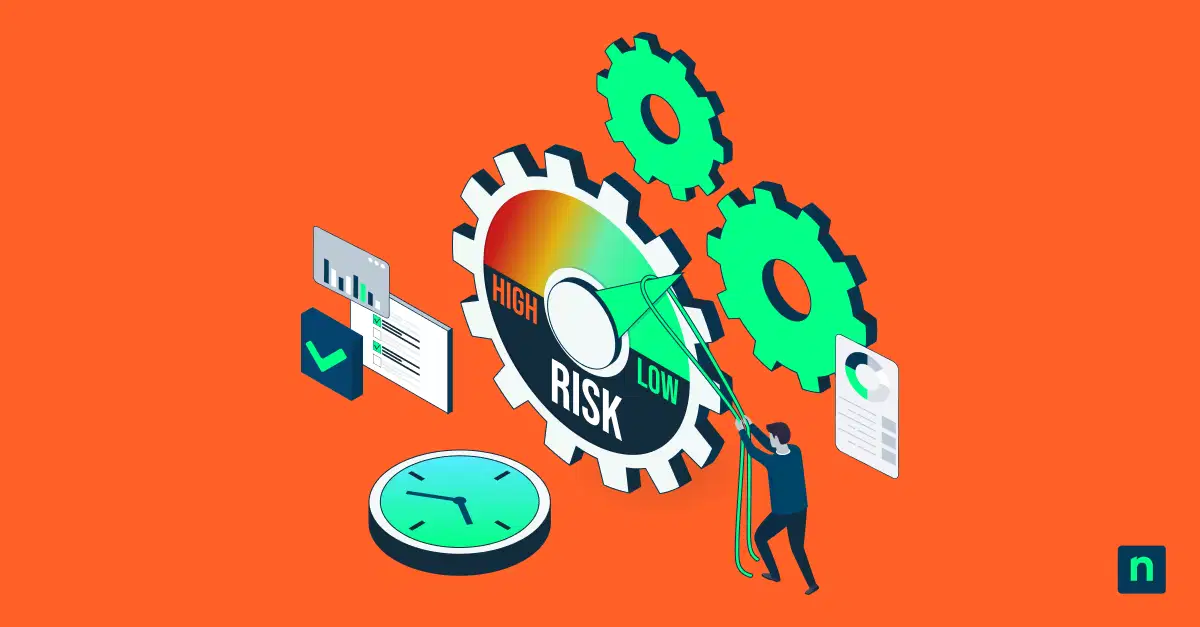
To effectively use your vulnerability assessment report, you must stop treating every “Critical” alert equally and shift to prioritizing fixes based on actual business risk.
Relying solely on raw severity scores is a flawed vulnerability scanning process. A CVSS score measures theoretical danger in a vacuum. Instead, you must combine technical severity with real-world threat intelligence and your specific environmental context.
When you interpret vulnerability scan results, shift your focus from raw scanner metrics to these true risk indicators:
| Raw Severity Metrics | True Business Risk Factors |
| High CVSS Score (e.g., 7 to 10) | Known Exploited Vulnerability (CISA KEV status) |
| Total number of reported CVEs | High exploit probability (EPSS) or public exploit code |
| Default scanner severity levels | Internet exposure and public reachability |
| Flat-list prioritization | Asset criticality, business function, and data sensitivity |
Read How to Design Alert Policies and Routing Across RMM, EDR, XDR, SIEM, and SOAR for more information.
Once evaluated, categorize the findings into structured action tiers to guide your IT operations team:
- Emergency response: Fix within 24 to 72 hours (for example, actively exploited, internet-facing assets).
- Standard patch cycle: Resolve within regular maintenance windows (for example, moderate risk, internal systems).
- Accepted risk: Formally documented and deferred flaws, often protected by compensating controls.
⚠️Warning: Do not treat an isolated test-server vulnerability with the same urgency as an internet-facing production server vulnerability just because both share a “Critical” severity score.
Phase 3: Convert the report findings into IT actions
Translating a vulnerability scan report into actual security improvements requires bridging the gap between security analysis and IT operations.
Without a structured workflow, remediation efforts stall. Security teams identify the risks, but IT teams must execute the fixes. Establishing accountability ensures your cybersecurity vulnerability scan leads to tangible risk reduction.
Actionable remediation steps:
- Establish clear ownership:
- A successful vulnerability scanning process requires defined roles. Security teams identify the risk, while specific IT, cloud, or application teams own the execution.
- Map the finding to a fix:
- Provide IT teams with precise guidance. Specify whether they must apply a software patch, correct a misconfiguration, or deploy compensating controls like virtual patching.
- Define strict SLAs:
- Enforce remediation timelines based on your established risk tiers. Require a 48-hour turnaround for emergency flaws, while allowing standard patch cycles for lower risks.
💡Tip: Instead of emailing static PDFs, integrate your vulnerability assessment report directly into existing IT ticketing systems, like NinjaOne, to automate assignments and track deadlines.
Phase 4: Verify fixes to close the cybersecurity vulnerability scan loop
The final phase of the vulnerability scanning process is proving that the identified risks were actually neutralized.
Your job is not complete just because a patch was deployed. To finalize your vulnerability assessment report, you must verify the remediation and formally close the operational loop.
Run targeted rescans on affected assets.
Once IT applies a fix, initiate a follow-up scan to confirm successful remediation. Integrating your scanner with IT ticketing systems ensures that tickets auto-close only when the vulnerability is explicitly proven to be resolved.
Document formal risk exceptions.
You cannot patch every legacy system immediately. For unresolvable issues, document a time-bound risk exception with a clear business justification. This ensures these accepted risks are tracked and supported by compensating controls.
A vulnerability scan report is only valuable when it drives continuous, verified risk reduction across your organization.
Driving verified risk reduction with a vulnerability scan report
A vulnerability scan report is only as valuable as the actions it triggers. By validating scan data, prioritizing based on business context, and enforcing verified remediation, you transform raw data into a continuous cycle of security improvement.
This disciplined approach ensures your team consistently mitigates the most critical threats and measurably reduces organizational risk over time.
Related topics:
- How to Automate Vulnerability Management
- What is Vulnerability Remediation? Explained with Examples
- Vulnerability Prioritization Guide: Definition, How to, & Best Practices
- What Is a Vulnerability Assessment & Why Is It Important?
- What is Vulnerability Management? How to Reduce Vulnerabilities In Your IT Network