
Key Points
- Remote access lets employees and IT teams securely connect to business systems from any location through authenticated, encrypted connections.
- Remote access sessions often follow a structured process of authentication, secure session establishment, real-time interaction, and session monitoring.
- Businesses typically deploy remote access through remote desktop, VPN-based access, or cloud-based platforms, depending on their needs.
- Securing remote access requires multi-factor authentication, end-to-end encryption, role-based access controls, and continuous session monitoring.
- Weak credentials, missing MFA, and unmonitored sessions are the three failures that most often expose a remote access deployment.
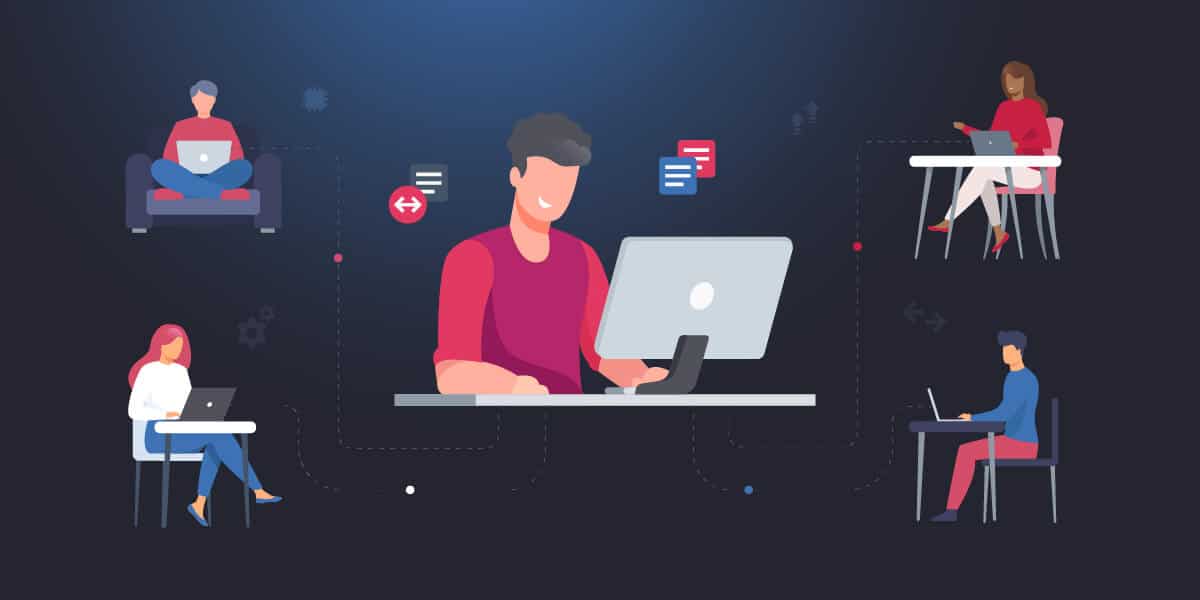
Organizations are growing more distributed, with more employees working across multiple offices, from home, or on the road. This pushes the need for enterprises to have a reliable and secure connection to all business systems that allow employees, administrators, and IT support teams to access corporate data. To ensure operations can run smoothly, regardless of where people are physically located, an enterprise remote access solution is a consequential investment for IT departments.
Keep reading to learn how remote access actually works in a business environment, including the components involved, the steps behind each connection, and the security considerations that can dictate success or failure.
What does remote access software for business mean
Remote access software allows users to connect to internal business systems from any location outside the physical office. It’s very practical for everyday use, so understanding what it actually covers can help set the right expectations for its deployment.
In business, remote access is typically used for:
- Retrieving and working with company files and applications from off-site locations
- Taking direct control of a remote computer or server when needed
- Allowing IT teams to diagnose and resolve technical issues without needing to go on-site
To avoid leaving connections open and unprotected, business remote access systems are built around verified authentication and encrypted data transmission. This ensures that only authorized users can establish a session, and the information exchanged during that session can’t be intercepted.
Support and enable your distributed workforce with one-click remote access.
How remote access works for a business, step by step
Remote access seems straightforward on the user’s side, but behind the scenes, each connection follows a structured sequence of steps. Understanding how this works helps IT teams pinpoint where security controls apply and where failure may occur.
| Step | What happens |
| Step 1: User initiates connection. | A user or technician triggers a remote session from their device, sending a connection request to the target system. |
| Step 2: Authentication is verified. | The system checks the user’s credentials. Depending on the security configuration, multi-factor authentication (MFA) may also be required before access is granted. |
| Step 3: Connection is established. | Once identity is confirmed, a secure session is created, and data begins moving through encrypted channels between the two devices. |
| Step 4: Remote session begins. | The user gains access to applications or takes control of the remote device, with input and output transmitted in real time. |
| Step 5: Session is monitored and terminated. | Activity is logged or monitored depending on organizational policy, and the session is closed once the work is complete. |
When these steps are properly configured and secured, the connection feels seamless to the end user while giving IT teams the visibility and control they need to keep business systems protected.
Key components of an enterprise remote access solution
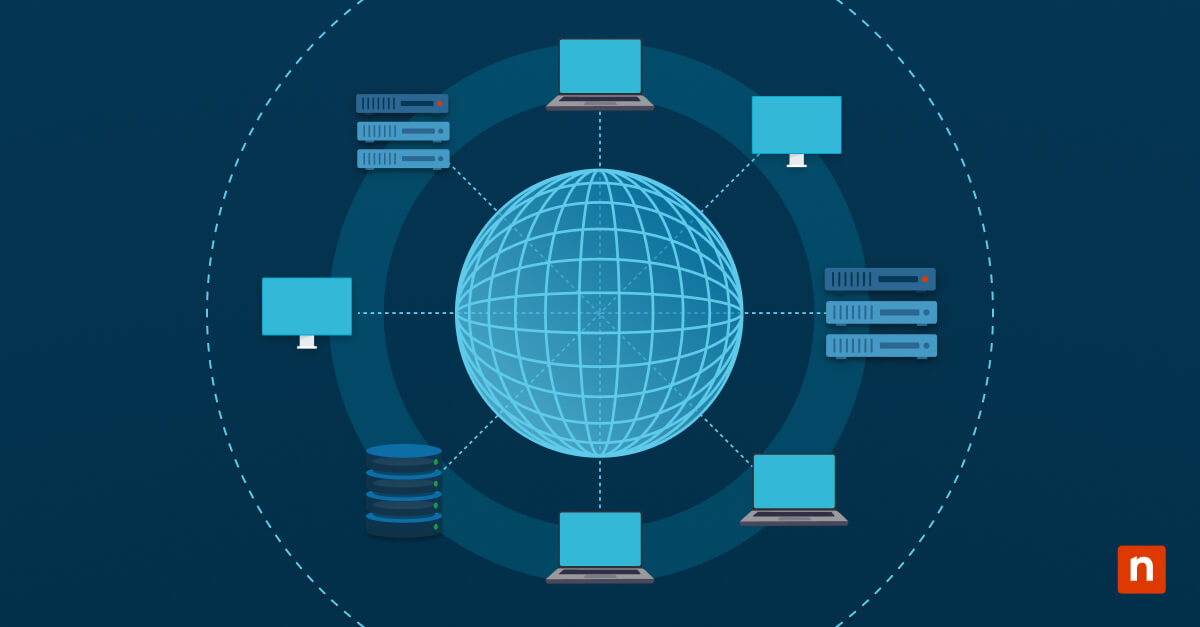
Remote access depends on several distinct components that work together to make connections reliable and secure.
| Component | What it is |
| Endpoint devices | The user’s device (such as laptops or mobile devices) and the target device or server being accessed |
| Network and connectivity | The internet or private network infrastructure that carries the connection, including VPNs or direct links |
| Remote access protocols and tools | Technologies like Remote Desktop Protocol (RDP), VPN clients, and cloud-based remote access platforms |
| Authentication and security controls | User credentials, multi-factor authentication, and access control policies |
When these components are properly integrated, they ensure that the remote access setup can stay secure and reliable while scaling with the organization.
Common remote access methods used by businesses
Different businesses will have different connectivity requirements, so the chosen remote access method should reflect the needs of the organization, its users, and the systems being accessed. Here are three approaches that cover most use cases:
| Method | How it works | Best used for |
| Remote desktop | Gives the user direct control of a specific device, with all applications running on the remote machine rather than the local one |
|
| VPN-based access | Creates an encrypted tunnel that connects the user to the internal network, allowing them to reach multiple systems as if they were on-site |
|
| Cloud-based remote access | Uses a hosted platform to broker connections without requiring complex on-premise infrastructure |
|
The best choice will depend on the organization’s structure, the systems users need to reach, and how much administrative overhead the IT team can manage.
Why IT support teams use remote access tools
Remote access is crucial for IT teams managing systems across multiple locations. It removes the need for physical intervention, which can help keep response times low and operational costs down.
This ability allows IT staff to handle various responsibilities from a single location, such as:
- Diagnosing and troubleshooting technical issues without dispatching someone on-site
- Delivering real-time support to employees regardless of where they’re working
- Performing routine maintenance and system updates across all company locations
The result is a leaner, more responsive IT operation where teams can address problems faster and keep systems running without geographic constraints.
Why businesses use remote access
Aside from the shift toward distributed work models, managing business systems across multiple locations has also grown more complex. This made remote access a basic necessity and no longer just an added feature.
Now, businesses rely on it for various reasons:
- Keeping remote and hybrid employees connected to the tools and systems they need to do their jobs
- Maintaining business continuity when offices are inaccessible or disruptions occur
- Giving IT teams centralized visibility and control over systems, no matter the location
- Cutting down on travel requirements and operational costs
Remote access is now a standard part of how modern businesses operate and scale.
How to ensure remote access for employees is secure
Enabling remote access without a robust security framework leaves organizations vulnerable to unauthorized access or data breaches, as every connection to business systems can be exploited.
Consider the following best practices for a secure remote access deployment:
- Requiring MFA for all remote sessions so a compromised password alone isn’t enough to gain entry
- Ensuring all connections are encrypted end-to-end to protect data in transit from interception
- Limiting access based on user roles, so that employees can only reach the systems and data relevant to their responsibilities
- Actively monitoring remote sessions to detect unusual behavior
- Keeping all systems and remote access tools updated to close known vulnerabilities before they can be exploited
Together, these measures reduce the attack surface while giving IT teams more control when managing remote access.
Common mistakes in deploying an enterprise remote access solution
Organizations may encounter issues that can surface during initial deployment or as the environment grows, but are entirely avoidable with just some oversight. Some of the most common mistakes include:
- Exposing remote desktop services directly to the internet, which makes them an easy target for automated attacks and brute force attempts
- Relying on weak or shared credentials that offer little resistance if an account is compromised
- Skipping MFA, leaving the entire access layer dependent on a single point of failure
- Failing to monitor active remote sessions, which removes the visibility needed to catch suspicious activity before it causes damage
- Allowing users broader system access than their role actually requires
Avoiding these mistakes ensures a secure and dependable remote access environment in the long term.
Avoid the common remote access mistakes with a platform built for security from the start.
Integrating NinjaOne in remote access for businesses
Remote access is typically a feature of endpoint management tools, rather than being a standalone tool. NinjaOne Remote, for instance, is seamlessly integrated into our endpoint management platform.
With NinjaOne Remote, technicians can:
- Connect to Windows, macOS, Android, iOS, and iPadOS endpoints from a single unified platform
- Maintain security with encrypted remote sessions and role-based access
- Launch sessions, chat with users, and troubleshoot from anywhere using the NinjaOne mobile app
Building a remote access strategy that holds up
Remote access is a layered system of components, protocols, and security controls that work together to ensure organizations can stay connected and operational. Therefore, it should be deployed carefully to maintain consistent access and support flexibility in modern business environments without increasing risk.
Related topics: