NinjaOne vs. ConnectWise RMM

NinjaOne and ConnectWise RMM are both cloud-native endpoint management platforms: NinjaOne fits teams managing Windows, macOS, Linux, and mobile devices from one console, while ConnectWise RMM fits MSPs invested in ConnectWise.

NinjaOne

VS
This comparison reflects our assessment as of October 2026 This comparison represents our assessment of publicly available product capabilities from G2 as of October 2026. If you believe any information here is inaccurate or incomplete, please contact us and we will evaluate and address it as appropriate.

Where NinjaOne fits

ConnectWise is designed for

Internal IT teams and MSPs managing mixed fleets of Windows, macOS, and Linux endpoints alongside mobile devices and network hardware from one console.
MSPs standardized on ConnectWise PSA that want RMM alerts flowing straight into their existing ticketing workflow.
Teams that want the full remote toolkit, from file and task management to services and the registry, in the same console as monitoring and patching.
Teams that want to add capacity through ConnectWise’s NOC, help desk, and dedicated technician services.
Teams that want reports and dashboards built into the same platform they manage endpoints in, with patch compliance, device health, and backup status in one place.
Teams that want Windows OS security updates assessed by ConnectWise’s NOC before they’re deployed.

Key differences between NinjaOne and ConnectWise RMM

The main differences between NinjaOne and ConnectWise RMM are:
DimensionNinjaOneConnectWise RMM
Platform scopeNinjaOne natively covers endpoint monitoring, OS and third-party patching, remote control, endpoint backup, ticketing, and IT documentation in one console, so the daily technician workflow stays in one platform.ConnectWise RMM's platform strength is endpoint monitoring and patching within the ConnectWise ecosystem. Remote control, reporting, and backup are delivered through separate ConnectWise products rather than built into ConnectWise RMM.
Environment coverageOne platform manages Windows, macOS, and Linux workstations and servers, with native mobile device management and visibility into the network infrastructure those endpoints depend on.ConnectWise RMM supports Windows and macOS endpoints and Linux servers. Linux workstations and mobile devices require additional tools.
Remote support experienceFile browser, task manager, service manager, registry editor, and remote PowerShell and command line access run directly in the NinjaOne console, next to monitoring and patching, so technicians can troubleshoot without opening a remote session.Remote control and technician tools like file manager, command prompt, and services run through ScreenConnect, a separate ConnectWise product connected to the RMM through an integration.
Native reportingNinjaOne reports on patch compliance, device health, backup status, and ticket activity across every managed device from one source.ConnectWise RMM reports and dashboards are delivered through ConnectWise Reports and Dashboards (formerly BrightGauge), a separate product.
Ticketing workflowNinjaOne includes native ticketing in the same console as monitoring and patching, and technicians can reboot a device, run a script, or open remote tools directly from the ticket.ConnectWise RMM creates tickets from alerts and passes them to ConnectWise PSA, a separate product, for service desk work like SLA tracking and billing.

When NinjaOne is the better choice

Choose NinjaOne when

Your endpoint fleet spans Windows, macOS, and Linux alongside mobile devices and network hardware, and your team wants one console that covers all of them.

Your technicians need the full remote toolkit, including file, task, service, and registry management, in one web console.

Your team wants to reduce the number of products it maintains for RMM, PSA, endpoint backup, and reporting.

Your team wants ticketing built into the same console your technicians use for monitoring, patching, and remote control.

Why IT teams choose NinjaOne over ConnectWise

Manage every endpoint from one console

Endpoint management gaps often show up beyond laptops and servers, starting with the phones and tablets that end up in a separate tool or go unmanaged. NinjaOne manages Windows, macOS, and Linux workstations and servers, includes native mobile device management for iOS and Android, and monitors the network hardware those endpoints depend on, all from one console. Every device follows the same standard from the same console.
Many endpoint issues don’t need a full remote session, just a quick look at a process, a service, or a registry key. When those tools live inside a remote access session, every quick check becomes a new connection. NinjaOne puts the file browser, task manager, service manager, registry editor, and remote PowerShell and command line access directly in the main console, next to monitoring and patching. A technician can stop a runaway process, restart a service, or check a registry value from the device page, and open a full remote session only when the issue calls for one. Small fixes stay small, and technicians get through more of the queue.
Connected product suites trade simplicity for flexibility. Every added product means more setup, more configuration, and more time keeping the pieces working together. NinjaOne brings monitoring, patching, remote tools, endpoint backup, PSA, IT documentation, and reporting into one console, so reports draw on the same data technicians work from every day. Patch compliance, device health, backup status, and ticket activity sit side by side in one unified platform.
Many tickets can be resolved with the same few actions: a reboot, a script, a service restart, or a quick look at the device. When those actions live in a different product than the ticket, each fix means a jump into another tool. NinjaOne builds those actions into the ticket itself. From an open ticket, a technician can reboot the device, run a script or automation, start a patch scan, open a remote PowerShell or command line terminal, or launch remote tools like the file browser and task manager. The fix happens in the same place the work is tracked.
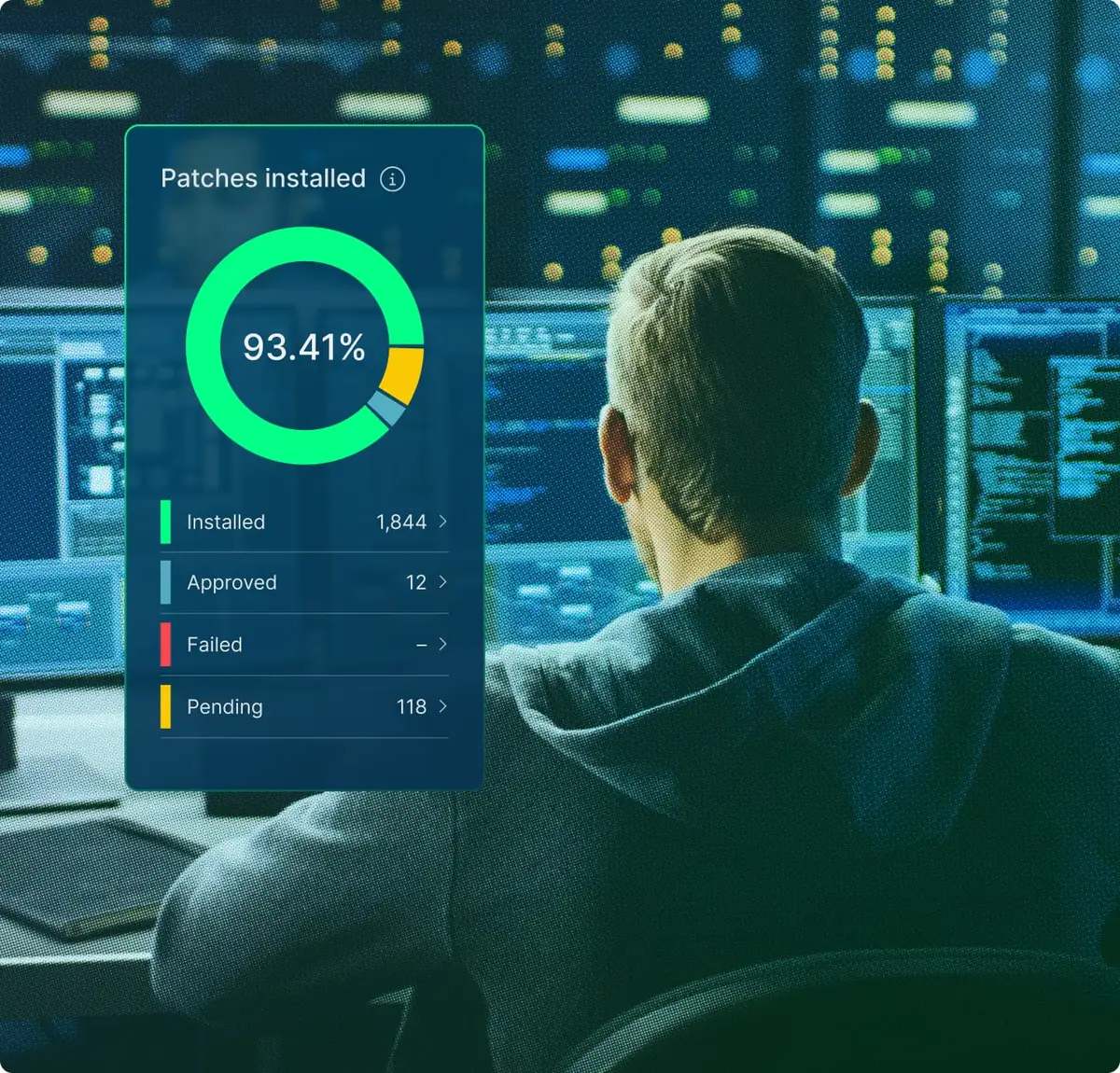
IT technician with image of NinjaOne dashboard

User reviews and ratings: NinjaOne vs. ConnectWise RMM

NinjaOne

4.7

Overall G2 rating (5,038))

ConnectWise

4.1

Overall G2 rating (82)

Information as per product capabilities from G2 This comparison represents our assessment of publicly available product capabilities from G2 as of October 2026. If you believe any information here is inaccurate or incomplete, please contact us and we will evaluate and address it as appropriate.

Discover value in 5 minutes.

NinjaOne integrations for IT environments 

NinjaOne integrates with enterprise tools commonly used in ConnectWise environments, including PSA and ticketing platforms, security platforms, and IT documentation and service management systems.

How to evaluate the decision between NinjaOne vs. ConnectWise RMM

When evaluating NinjaOne vs. ConnectWise, consider the following criteria:
  • How many mobile devices does your fleet include, and how important it is to manage them from the same console as your desktops and servers.
  • How often your technicians need tools like task manager, service manager, and registry editor without opening a full remote session.
  • Whether reporting and dashboards need to come from the platform itself or can live in a separate reporting product.
  • The value of taking device actions like reboots, scripts, and patch scans directly from a ticket.
  • How many separate products your team runs today for RMM, PSA, backup, and reporting.

NinjaOne vs. ConnectWise FAQs

ConnectWise RMM creates tickets from alerts and passes them to ConnectWise PSA for service desk work like SLA tracking and billing. NinjaOne is a unified IT operations platform covering monitoring, patching, remote control, scripting and automation, endpoint backup, and ticketing in one console. It manages Windows, macOS, and Linux endpoints alongside iOS and Android devices, with reports and dashboards built into the same platform.
The difference between NinjaOne and ConnectWise RMM is how much ships in one platform. ConnectWise RMM’s strength is endpoint monitoring and patching, with remote control, reporting, and backup handled by other ConnectWise products that connect to the RMM through integrations. NinjaOne builds remote tools, reporting and dashboards, endpoint backup, ticketing, and IT documentation into the same console as monitoring and patching, and includes native mobile device management for iOS and Android.
Yes. ConnectWise RMM fits teams that want to add capacity through ConnectWise’s NOC, help desk, and dedicated technician services. NinjaOne is a strong alternative for teams that want remote tools, reporting, backup, and ticketing in the same platform as their RMM, and for teams managing mixed Windows, macOS, Linux, and mobile fleets. It fits MSPs and internal IT teams that want everything a technician needs in one web console, from remote tools like task manager, service manager, the registry editor, and PowerShell terminals to ticketing.
ConnectWise RMM supports Windows and macOS endpoints and Linux servers, with Linux workstations and mobile devices requiring additional tools. For mixed-fleet endpoint management, NinjaOne provides broad native coverage: Windows, macOS, and Linux workstations and servers, mobile device management for iOS and Android, and remote tools like file, task, and service management in the web console. The more phones and tablets your fleet includes, the more that coverage matters.
Yes. NinjaOne replaces ConnectWise RMM’s endpoint monitoring and patching, including third-party applications, with one cloud-native platform. Remote control, scripting, and reporting are built in. Teams can also consolidate PSA, endpoint backup, IT documentation, and mobile device management onto the same console. Teams that want to keep their current PSA can connect it through the NinjaOne PSA integrations.
Ready to simplify work with unified IT?

Snapshot Report Citation: IDC Business Value Snapshot sponsored by NinjaOne, The Business Value of NinjaOne for IT Operations, Doc #US54520326-BVS, May 2026.


GARTNER is a registered trademark and service mark of Gartner, Inc. and/or its affiliates in the U.S. and internationally and is used herein with permission. All rights reserved. Magic Quadrant is a registered trademark of Gartner, Inc. and/or its affiliates and is used herein with permission. All rights reserved.

Gartner does not endorse any company, vendor, product or service depicted in its publications, and does not advise technology users to select only those vendors with the highest ratings or other designation. Gartner publications consist of the opinions of Gartner’s business and technology insights organization and should not be construed as statements of fact. Gartner disclaims all warranties, expressed or implied, with respect to this publication, including any warranties of merchantability or fitness for a particular purpose.


This comparison represents our assessment of publicly available product capabilities as of October 2026. Our evaluation draws on vendor-provided materials, including product documentation and release notes, as well as publicly available pricing information, customer feedback, and analyst insights. Where applicable, details were reviewed against the vendor’s then-current generally available (GA) release as of the date indicated.


Enterprise IT leaders evaluating endpoint management platforms don’t just compare features: they also assess the time it takes to deliver value, the number of people needed to operate the system, and the actual cost after deployment, training, and ongoing operation.

NinjaOne delivers measurable results. On average, deployment is completed in less than 30 days; operators become proficient in less than 10 days. There is no infrastructure to provision, no phased rollout, and no deployment project scope to define: cloud-native SaaS means your team becomes productive in days, not months.

Your team configures, operates, and scales the system without dedicated administrators, proprietary query languages, or ongoing vendor support. And all of this on a unified platform, with no mandatory professional services, no premium support tiers, no hidden renewal costs, and rich features that don’t compromise the digital employee experience your organization is striving for.