Key Points
- A Diskless NAS provides modularity by separating compute from storage media
- IT teams can reuse existing disks, mix HDDs/SSDs, and expand capacity incrementally.
- A Diskless NAS offers centralized access but lacks versioned recovery, ransomware protection, and off-site redundancy.
- Bandwidth, latency, and connectivity directly impact availability and throughput.
- MSPs and enterprises must integrate backups, monitoring, and clear policies.
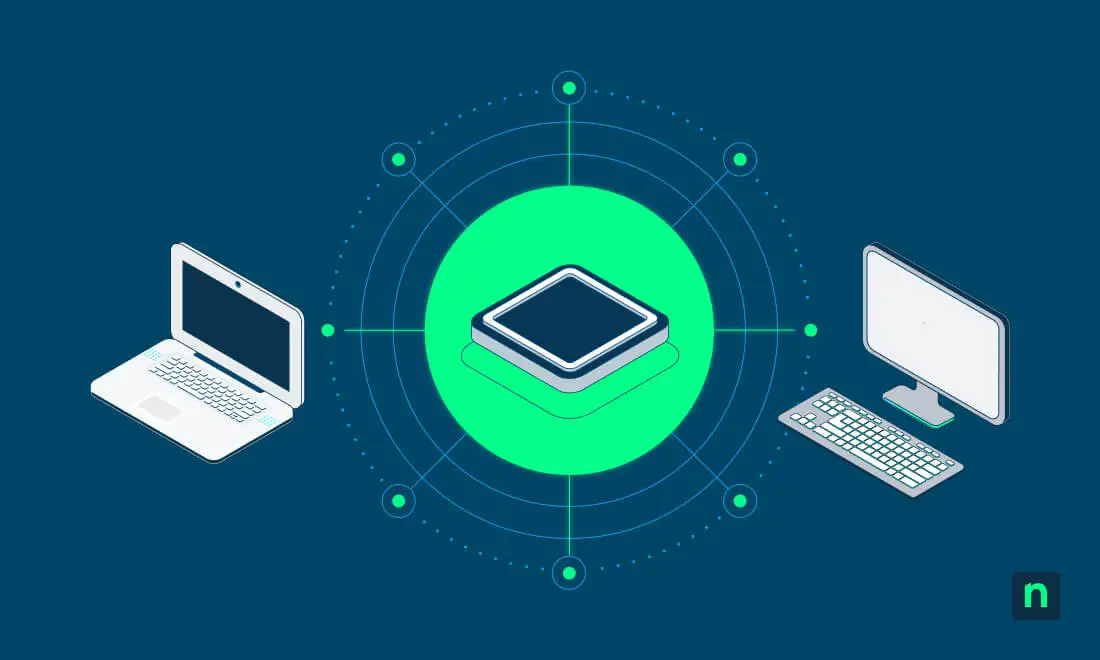
A diskless NAS, or diskless Network Attached Storage, is a storage device that enables IT teams to swap out drives to meet storage capacity needs. This component has grown in popularity, especially with SMBs. But knowing when to switch, and knowing its possible impact on your infrastructure, is just as important.
Strategize component upgrades to minimize overhead. Here’s what you need to consider before switching to a diskless NAS setup.
Diskless NAS use must uphold data protection standards
Having a firm understanding of no-disk storage and how it can impact known workflows (and your infrastructure at large) is vital to protecting operational efficiency.
What a diskless NAS is designed to provide
Adding a NAS enclosure to your IT stack provides “on-prem” storage. It’s built to:
- Create a modular storage component: NAS chassis and controller (aka “enclosure”) are separate from your drives.
- Add storage flexibility: HDDs and SSDs can be mixed, and old disks can be reused.
- Support incremental capacity upgrades: The chassis can be expanded so more drives can be added.
- Reduce vendor dependence: Proprietary drive bundles won’t limit your enterprise’s growth.
Why a diskless NAS is attractive in practice
This storage component adds modular storage, adapting to most budgets. A diskless NAS allows you to reuse existing disks and avoid preconfigured capacity limits. But most importantly, it puts you in control of upgrade cycles when it comes to your storage.
A small-to-medium business using a NAS head may start with four 4TB drives in RAID 5, then swap to larger drives later without replacing the chassis.
Where a diskless NAS is often misapplied
Diskless setups are frequently treated as another backup system or a simple storage solution. These assumptions are inaccurate, as a diskless NAS doesn’t inherently provide recoverability or any features found in centralized backup platforms. It’s a storage appliance, not a backup solution.
A diskless NAS and backup responsibilities
Diskless servers can be advantageous, but your enterprise is still responsible for maintaining data protection policies and backup copies As previously stated, your NAS is not a substitute for backups, but it can support centralized file access and local access.
Never confuse a diskless NAS as a tool for:
- Versioned recovery
- Protection from ransomware
- Offsite redundancy
- Historical restore points
Network and performance considerations
A diskless NAS shifts the storage “bottleneck” from physical throughputs (for example, hard drive seek time) to your network performance. As such, network reliability becomes key in diskless environments.
With that in mind, storage capabilities that are reliant on network health can also present operational risk. Outages, crashes, faulty wires, router load, and more can compromise local access, interrupting workflows when the internet malfunctions.
Important considerations for MSPs
The “Bring Your Own Drive” nature of a diskless NAS gives managed service providers the added responsibility of not only tracking hardware performance and longevity, but also updating backup policies noted in your Service Level Agreement (SLA).
Beyond assessing data risks with a diskless NAS, MSPs must:
- Use SNMP for specific disk health data
- Perform proactive disk swaps during maintenance windows
- Create offline backups of your stored data
- Ensure the backup platform is compatible with your diskless storage
NinjaOne integration enhances visibility on storage health
NinjaOne’s centralized dashboard provides insights on device health for servers and mobile devices and includes disaster recovery features that scale with evolving storage needs.
| Aspect | With NinjaOne |
| Network dependency | NinjaOne monitors switch port health, bandwidth saturation, and latency to prevent “silent” data corruption or disconnects. |
| Data Protection and Backup Strategy | NinjaOne Backup can replicate a diskless NAS data to the cloud in a single interface. |
| Ransomware and Security Risks | NinjaOne can help isolate managed devices that exhibit suspicious behavior to prevent them from compromising entire volumes. |
A diskless NAS scales memory for BYOD environments
A diskless NAS offers a modular storage setup that removes vendor restrictions while reducing upgrade costs down the line. That said, enterprises must still weigh its benefits against potential operational risk. And with proactive management tools, you can enjoy the customizability it brings while tracking endpoint health.
Related topics: