Key Points
What are remote access protocols?
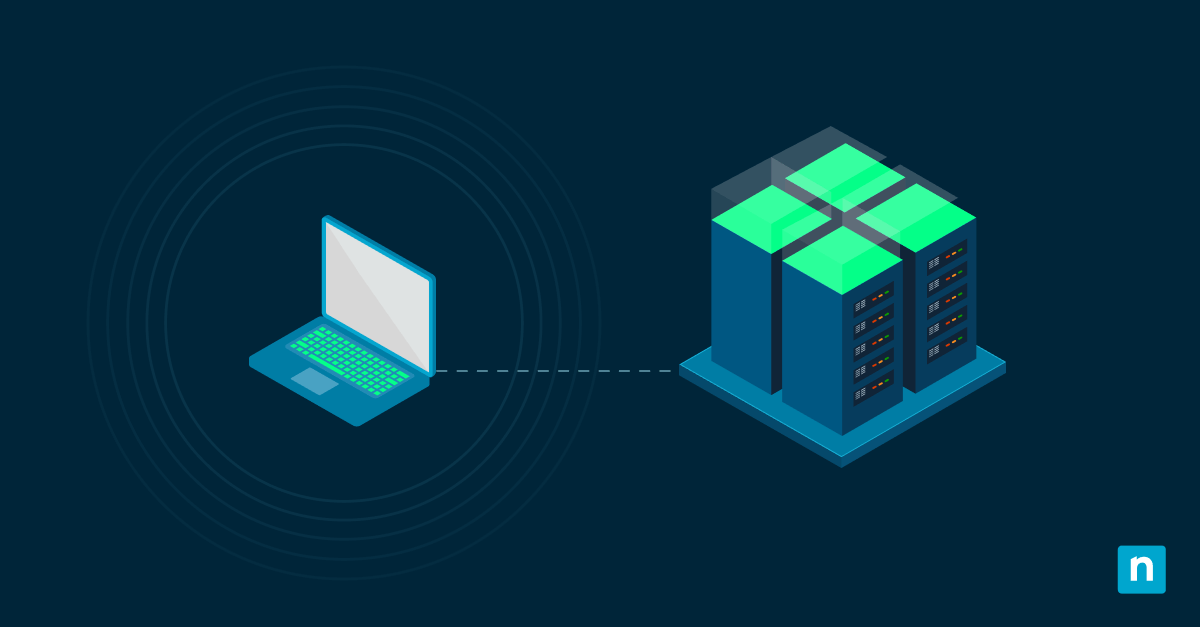
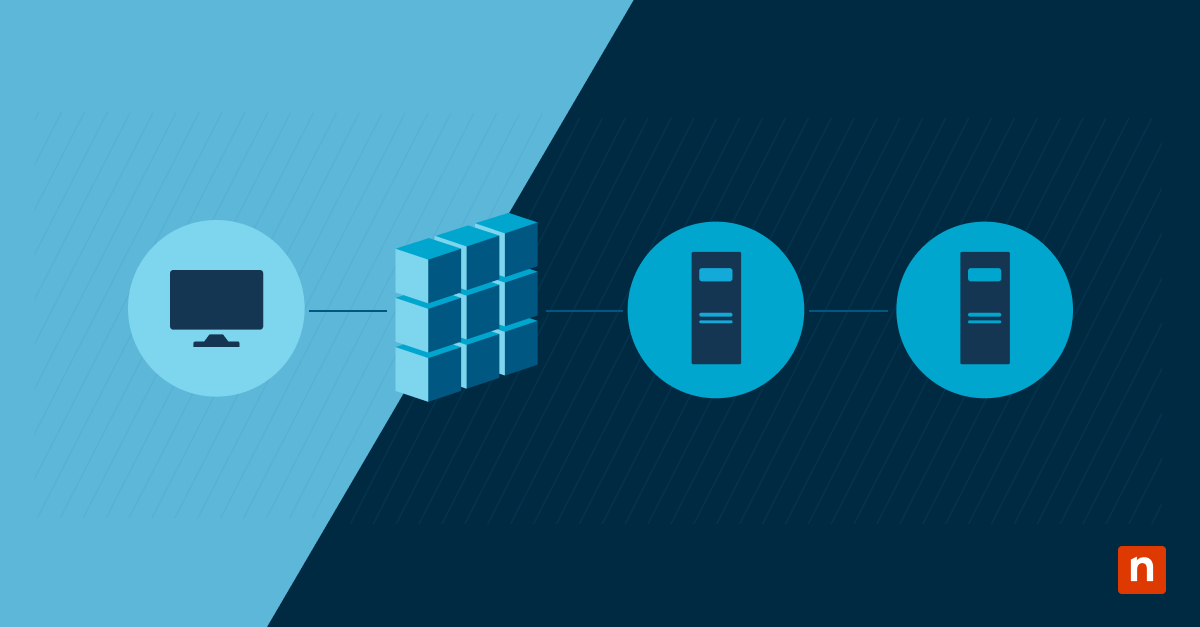
Remote access protocols control the connections between remote access servers and endpoints.
Remote access protocols list
- SLIP (Serial Line Internet Protocol): Early protocol from the 1980s, used to transmit TCP/IP over serial lines.
- PPP (Point-to-Point Protocol): PPP improves on SLIP with support for error detection, DHCP, and authentication protocols like PAP/CHAP..
- PPPoE (PPP over Ethernet): Includes the same features as PPP but is more commonly used in DSL and broadband technologies.
- SSH
- VPN (Virtual Private Network): Encrypts network traffic to establish a secure tunnel for remote users to connect to private networks.
- PPTP (Point-to-Point Tunneling Protocol): One of the first VPN tunneling options using TCP/IP and PPP to simulate secure links over the internet.
- RAS (Remote Access Service): A Windows-based service (from NT/2000 era) that enables dial-up or VPN access to corporate networks.
- RDP (Remote Desktop Protocol): Microsoft’s protocol for remote desktop access with multi-channel data transmission and session encryption.
Importance of Remote Access Protocols
- Make remote IT support more efficient.
- Support hybrid and distributed workforces.
- Choosing the right protocol ensures security, setup, and cross-platform compatibility.
4 Remote Access Solutions For Your Business
The Future of Access: Organizations are transitioning from traditional perimeter-based protocols to Zero Trust Network Access (ZTNA) for “never trust, always verify” security.
Remote access protocols make everyone’s jobs easier by enabling technicians to troubleshoot remote devices. They also allow organizations to collaborate, even with fully remote or hybrid workforces.
For remote access to work properly, organizations connect their remote servers to endpoints using remote access protocols. Let’s explore these protocols and learn how they are used in today’s tech environments.
Understanding the Two Main Categories
Before diving into the specific protocols, it is helpful to understand that remote access generally functions at two different levels. Most IT environments use a combination of both:
- Network-Level Access: These protocols (like VPNs) connect a remote device to an entire private network. Once connected, the remote device acts as if it is physically plugged into the office router, allowing it to “see” shared printers, local servers, and other networked devices.
- Application-Level Access: These protocols (like RDP and SSH) allow a user to control a specific machine. Instead of connecting to a network, you are “remoting into” a single host to see its desktop (GUI) or access its command line.
New to remote access? Visit our NinjaOne Remote Access FAQ to better understand how it works,
What are Remote Access Protocols?
Remote access protocols control the connections between remote access servers and endpoints. These protocols allow technicians to safely access endpoints from a remote location. Although the main purpose of remote access is technical support and help-desk activities, it can also be used to share documents and files between various devices.
Quickly start a troubleshooting session with Windows and Mac endpoints through NInjaOne.
8 Remote Access Protocols You Should Know
Understanding the various remote access protocols helps organizations choose the right remote access solutions for their teams. However, it isn’t necessary to know all the remote access protocols, just the most relevant ones.
1) Serial line internet protocol (SLIP)
Serial line internet protocol (SLIP) was a remote access protocol developed for UNIX back in the 1980s. While it was a pioneer in the industry, it is largely obsolete in modern environments, having been replaced by more robust protocols like PPP. The primary purpose of SLIP is to transmit TCP/IP traffic over serial connections. IBM’s SLIP guide provides excellent resources for configuring, activating, deactivating, and troubleshooting for SLIP.
2) Point-to-point protocol (PPP)
Point-to-point protocol (PPP) is a Layer 2 (Data Link) protocol that enables technicians to use TCP/IP. PPP can be used for both dial-in and dial-out servers. When choosing between PPP and SLIP protocols for your organization, keep in mind that PPP is often the better choice due to its support for multilink connections and better authentication abilities.
3) Point-to-point protocol over ethernet (PPPoE)
Point-to-point protocol over ethernet (PPPoE) offers the same benefits as PPP over ethernet networks. PPPoE allows service providers to manage multi-client environments, authenticate users access, and monitor data usage. In addition, this remote access protocol supports data encryption and compression.
4) Secure Shell (SSH)
SSH Secure Shell (SSH) is a remote access protocol that enables secure, encrypted communication between devices over an unsecured network. IT professionals can use SSH to remotely access and manage servers, network devices, and other systems with command-line interfaces. Strong authentication methods, such as encryption, protect servers against unauthorized access.
5) Virtual Private Networks (VPNs)
A Virtual Private Network (VPN) is a remote access protocol that establishes an encrypted connection between a device and a private network over the internet. A VPN masks the user’s IP address and encrypts all data. Businesses typically utilize VPNs to allow users to access corporate resources, applications, and files remotely.
6) Point-to-point tunneling protocol (PPTP)
Point-to-point tunneling protocol (PPTP) was developed by Microsoft and is based on PPP. PPTP uses PPP and TCP/IP to create secure, virtual connections across networks. PPTP works by using connections, often referred to as “tunnels,” that are encrypted to send network data packets to servers. Once the servers receive the packets, they send the data packets to their destinations.
Pro Tip: While PPTP is fast and easy to set up, it is now considered cryptographically insecure. Most modern MSPs and IT departments have transitioned to more secure alternatives like OpenVPN, L2TP/IPsec, or WireGuard.
7) Windows remote access service (RAS)
Windows remote access service (RAS) is used for smaller networks that don’t require a dial-up router. It allows technicians to dial-up and connect to a server and the server’s network. Network Encyclopedia’s RAS review explains, “RAS allows remote clients to connect through a telephone line or other wide area network (WAN) link to the RAS server; from there RAS allows those clients to access resources on the network. Remote users can access network resources as though they were logged on to a machine directly connected to the network.”
8) Remote desktop protocol (RDP)
Remote desktop protocol (RDP) from Microsoft allows technicians to securely access and control other devices. Although RDP is mainly used for Windows OS, it can also be used for macOS. The way RDP works is by opening a network channel that sends data back and forth between the desktop and the other computer that is being used. All essential data (keystrokes, displays, mouse movements, et cetera) is transmitted via TCP/IP.
| Protocol | Layer | Security | Best For |
| SSH | L7 (App) | High | Command-line server management |
| RDP | L7 (App) | Medium/High | GUI-based remote support |
| VPN | L3 (Network) | High | Connecting remote offices/users |
| PPTP | L2 (Link) | Low | Legacy systems (not recommended) |
The Importance of Remote Access Protocols
Now that you have a better understanding of remote access protocols, you’ll be better prepared to choose the best remote access solution for your organization. You can ensure that the remote access solution you choose uses secure protocols and keeps information safe. All of the protocols listed above support remote and hybrid workforces by allowing technicians to provide remote aid while keeping endpoints and data secure.
While protocols like VPNs were the standard for decades, many organizations are now moving toward Zero Trust models. Unlike a standard VPN that gives a user access to an entire network, Zero Trust verifies every request and limits access to specific applications.
4 Remote Access Solutions For Your Business
There is no shortage of secure remote access solutions that you have to choose from for your business. Here are some well-known solutions to consider:
1) NinjaOne
With NinjaOne Remote empowers users to control Windows and macOS endpoints with a single click. NinjaOne makes remote access a fast, and easy process for any organization, enabling technicians to diagnose and remediate issues faster.
2) Teamviewer
Teamviewer allows users to connect to any server or PC within seconds. It’s available in over 30 languages, and it’s currently one of the most popular remote access and communications solutions.
3) Connectwise ScreenConnect
Connectwise ScreenConnect is a remote access and meeting solution that’s fast and secure. It allows technicians to update, manage, and repair endpoints virtually.
4) RemotePC
RemotePC is known as one of the best remote access solutions for small businesses due to its low cost and excellent features. In fact, RemotePC offers all the same features as Teamviewer, so it’s a great solution for small businesses with strict budgets.
Implement speedy issue resolution with the most reliable remote access solution from NinjaOne.
Support Your Workforce with NinjaOne Remote Access
Understanding remote access protocols allows IT professionals to ensure security when remotely accessing devices for helpdesk, troubleshooting, or accessing corporate resources.
Provide top-of-the-line support for your hybrid and remote teams with NinjaOne Remote. The platform’s remote control solution offers powerful encryption and robust security. NinjaOne allows you to access Windows and Mac endpoints from a single pane of glass with dynamic bandwidth adjustment that ensure fast and stable remote access. Access endpoints at any time, from anywhere without worrying about data privacy and protection. Get started with a 14-day free trial.
Get expert tips and strategies in our video: Remote Access Best Practices for MSPs and IT Pros.