Key Points
- Remote patch management secures remote teams by delivering software updates directly over the internet, without needing a local network or VPN.
- Cloud-based tools help IT providers scale efficiently by managing all client updates from one central dashboard.
- Automation replaces manual work by instantly finding devices, applying rules, testing safely, and updating thousands of computers at once.
- Setting clear rules, like updating after hours and testing in small groups, prevents system crashes and securely updates offline devices when they reconnect.
- Complete security requires updating both the operating system and everyday applications to block the software gaps that hackers exploit.
- Choose update software that automatically fixes common errors, generates compliance reports, and connects to your IT support ticketing systems.
When employees work from anywhere, a single unpatched device can expose an entire network to cyber threats. Traditional IT setups struggle to secure remote endpoints. In this guide, you will learn how remote patch management automates software updates to protect a distributed workforce and scale your operations.
Remote patching secures the distributed workforce
Remote patch management gives IT teams central control over devices, even when users work remotely.
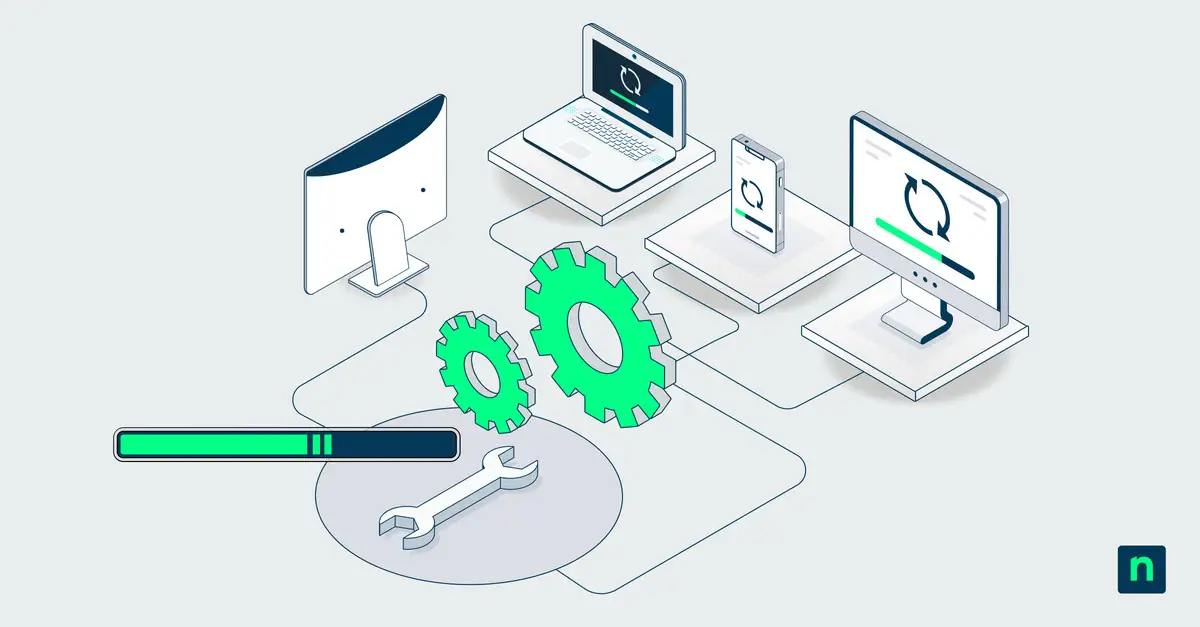
Remote patching is the process of automatically delivering updates to operating systems, applications, and hardware over the internet. A cloud-based patch management solution does not require a local network or VPN to operate, helping keep off-network devices secure.
The main purpose of patch management is to fix security gaps before hackers can use them. A patch operation simply installs these critical software updates. For any patch management, MSPs doing this remotely is the only way to efficiently support hundreds of clients at once.
By using a cloud patch management solution, teams can enforce consistent security rules everywhere. This automation reduces human error and ensures a fast response to new threats, no matter where a device is located.
Traditional patching vs. Remote patching
| Feature | Traditional Patching | Remote Patching |
| Infrastructure Needed | Requires on-site servers, a local network, or a VPN. | Cloud-based; only requires an internet connection. |
| Device Visibility | Cannot track or update devices disconnected from the office network. | Shows real-time update status for all devices, anywhere. |
| Workforce Type | Best for employees working inside a physical office. | Built for remote, hybrid, and highly distributed teams. |
| MSP Scalability | Low; requires manual work, custom setups, and frequent site visits. | High; automates updates across multiple clients from a single dashboard. |
Cloud patching unlocks true MSP scalability
Beyond providing baseline security, automating software updates fundamentally transforms an MSP’s business operations and long-term profitability.
By replacing device-by-device tasks with centralized workflows, a cloud-based patch management solution allows teams to rapidly onboard new clients. This efficiency ensures your business can manage a growing endpoint estate without requiring a linear increase in technical headcount.
Here is how transitioning to the cloud drives scalable business growth:
- Maximized technician efficiency: Automation enables a single technician to manage hundreds of endpoints through global policies. This eliminates repetitive manual tasks and significantly reduces team burnout.
- Unified multi-tenant visibility: Track update compliance across all clients from one dashboard. This centralized view allows teams to execute a single patch operation across multiple tenants simultaneously.
- Zero-infrastructure onboarding: Cloud-native agents deploy across new client networks in hours. This removes the need to build local servers or configure VPNs, eliminating traditional infrastructure bottlenecks.
- Predictable profit margins: Automating your remote patch management workflow decouples service delivery costs from raw endpoint counts. This allows a patch management MSP to expand its customer base while keeping overhead fixed.
- Reduced manual intervention: Because off-network devices update directly via the internet, technicians spend far less time traveling to client sites or manually remediating failed installations.
[in-context-c
Automated workflows drive patching at scale
Automating software updates turns a slow, manual task into a standardized process that secures thousands of devices at once. For any patch management MSP, manual patching is no longer enough to protect modern networks. A cloud-based patch management solution enables teams to update dozens of clients simultaneously.
Here is how the automated workflow operates:
1. Discovery and auditing
The system continuously scans the network to track all hardware and software. This instantly identifies missing operating system and application updates across every client.
2. Policy creation and grouping
Administrators group devices by client or operating system to apply standard rules. A single policy can automatically schedule updates for thousands of devices.
3. Testing and approvals
Updates are first sent to a small test group to ensure they do not cause system crashes. Once proven safe, the updates are automatically pushed to the rest of the network.
4. Deployment and restart coordination
The system installs approved updates during scheduled maintenance windows to avoid interrupting work. It also handles necessary device reboots based on your rules.
5. Verification and remediation
The platform confirms successful installations and automatically tries to fix common errors, like low disk space. It then generates compliance reports to prove all devices are secure.
Read How to Automate Patch Management for more information.
Proactive governance solves common patching roadblocks
Establishing proactive governance policies allows an MSP to do patch management to scale operations safely without breaking client systems.
While a cloud patch management solution handles the heavy lifting, automation without strict oversight can cause operational disruptions. Here is how to navigate the most common endpoint management challenges effectively:
- Challenge: Offline devices miss deployment windows.
Solution: Implement cloud-native agents that maintain a real-time device inventory. These agents securely queue patches and install them the moment an endpoint reconnects to the internet.
- Challenge: Users postpone necessary system restarts.
Solution: Schedule maintenance windows during off-peak hours. Enforce rules where critical security updates mandate an automatic reboot, while lower-risk updates allow temporary user deferrals.
- Challenge: Over-automation causes widespread system crashes.
Solution: Mandate ring-based testing. Always deploy updates to a small pilot group first to monitor for stability before pushing them to the wider production network.
- Challenge: Ignoring third-party application vulnerabilities.
Solution: Hackers target more than just operating systems. Use a comprehensive cloud-based patch management solution that automatically updates browsers, PDF readers, and productivity apps.
- Challenge: Failing to prove compliance during audits.
Solution: Use your centralized platform, like NinjaOne, to generate automated compliance reports and exception logs, providing instant proof that all client environments are secure.
The right tooling supports your patching workflows
Selecting the proper software transforms a reactive, manual process into a standardized orchestration engine that scales across complex environments.
When evaluating platforms, ensure the tool fits your operational workflow. Successful patch management tools for MSPs rely on software that prioritizes centralized multi-tenant visibility and native integrations to manage remote endpoints efficiently.
Here is a checklist of non-negotiable features to look for:
- True multi-tenant dashboards: Technicians must monitor and manage dozens of client environments from a single screen. This centralized setup maintains strict data isolation while allowing global policy application.
- Broad third-party application support: Operating system updates alone leave networks vulnerable. Your cloud patch management solution must automatically discover and update critical third-party tools like web browsers and PDF readers.
- Seamless RMM and PSA integrations: Remote patch management workflows should connect directly to your ticketing systems. This ensures failed installations automatically generate alerts, reducing context switching for your IT support team.
- Automated remediation and rollback options: The software should autonomously resolve routine errors, such as clearing temporary disk space. If an update causes system crashes, automated rollback features must quickly revert the device to a stable state.
- Client-facing compliance reporting: The platform must act as an auditable system of record. It should automatically generate real-time execution logs and exception reports to prove regulatory compliance to your clients.
Read How to Choose a Patch Management Solution for more information.
Automate and scale with remote patch management
Patching should not be a manual chore that holds back your business growth. By implementing remote patch management, you gain the centralized visibility and automated workflows necessary to secure distributed endpoints.
The right cloud strategy reduces technician workloads, ensures strict compliance, and allows your MSP to scale effortlessly.
Related topics: