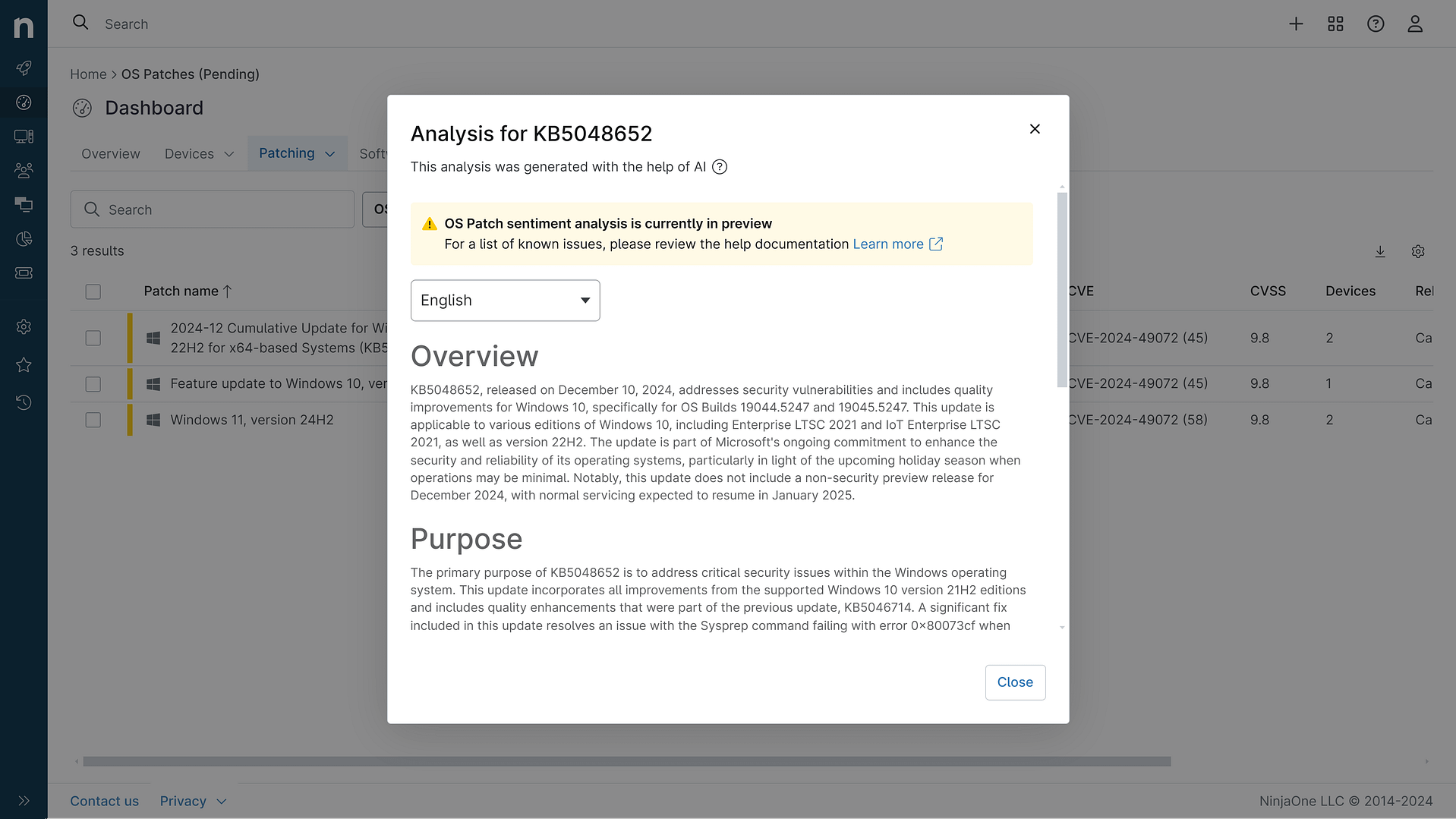
KB5062554: Overview with user sentiment and feedback
Last Updated September 30, 2025
Probability of successful installation and continued operation of the machine
Overview
The KB5062554 update is a cumulative update for Windows 10, version 22H2 and Windows 10, version 21H2, scheduled for release on July 8, 2025. This update includes miscellaneous security improvements to internal Windows OS functionality and incorporates fixes and quality improvements from previous updates, such as KB5060533 and KB5061087. The update aims to address various issues and introduce minor changes to enhance the overall performance and security of the operating system.
General Purpose
The primary purpose of the KB5062554 update is to deliver security patches and quality enhancements to Windows 10, version 22H2 and Windows 10, version 21H2. It includes fixes for several known issues and introduces updates to various components of the operating system, such as the File Server, Start Menu, Print and Peripherals, and Authentication Platform. Additionally, it aligns with Microsoft's ongoing efforts to maintain DMA compliance in the European Economic Area.
General Sentiment
The general sentiment towards KB5062554 is cautiously optimistic. While the update is mandatory and includes important security patches, it also introduces some known issues that users should be aware of. Microsoft has provided workarounds for these issues, such as adjusting display scaling to improve text clarity in Chromium-based browsers. The update is seen as a necessary step to keep the system secure and functioning properly, especially as Windows 10 nears the end of its life in October 2025.
Known Issues
- Noto Fonts: Blurry or unclear CJK (Chinese, Japanese, Korean) text when displayed at 96 DPI (100% scaling) in Chromium-based browsers such as Microsoft Edge and Google Chrome.
- Microsoft Changjie Input Method Editor: Issues when using the Microsoft Changjie IME (input method editor) for Traditional Chinese, including inability to form or select words after typing the full composition, unresponsive spacebar or blank key, and incorrect or distorted word outputs.
- Windows Emoji Panel: The search feature in the Windows Emoji Panel (Win + .) no longer works, resulting in error messages regardless of the search term.
Disclaimer: We take measures to ensure that AI-generated content is of the highest possible quality, but we cannot guarantee its accuracy and recommend that users do their own independent research. Generated on 2025-09-30 02:42 AM