In the Intune and MDM world, you’ll often hear vendors push Line-of-Business (LOB) deployment because it’s “fast” or “simpler.” On the surface, it is fast and simple. Packaging is quick. You can check a few boxes and move on.
But if you’ve ever tried to keep an environment stable over months or years, you know speed on day one doesn’t predict success on day 100.
Intune is built on a desired state model. You declare how a device should look, and Intune keeps pushing the endpoint toward that state. That only works when the delivery mechanism is reliable. When it isn’t, admins end up chasing one-off failures instead of getting the stability they were promised.
LOB deployment behaves more like running a script. Every install can differ a little, especially across mixed hardware fleets. Those small differences stack up. New device models bring new edge cases. Troubleshooting gets slower and less predictable. And in Autopilot deployments, mixing LOB and Win32 packages often causes provisioning clashes that stall devices before users can even sign in.
This is the pain point that most teams eventually hit: LOB is easy until you actually have to live with it.
A quick gut check for 2026
If you’re evaluating a vendor, ask which deployment model they recommend for Intune.
If they’re still pushing LOB, it’s usually a sign that:
- They haven’t built Win32 packaging.
- They haven’t built reliable detection logic.
- They optimized for shipping speed, not long-term correctness.
In short, they built for installation, not management.
That matters because modern endpoint management isn’t “deploy and forget.” It’s lifecycle. It’s governance. It’s responding quickly when something breaks. And that’s where Win32 shows its value.
Why Win32 deployment is the better model
- A better installation engine
Win32 apps use the Intune Management Extension (IME). IME handles retries, resiliency, complex installers, and installation order. This translates to fewer failures and smoother rollouts across real-world device fleets.
- Richer reporting and faster troubleshooting
Win32 exposes more telemetry during installation and detection. When something fails, you see why. With LOB, you get far less detail, which turns routine troubleshooting into guesswork.
- Real requirements logic
Win32 supports advanced requirement rules: OS constraints, hardware conditions, user state, pre-check logic, and more. LOB is mostly “installed or not installed,” which isn’t enough for controlled, conditional deployment.
- Accurate Detection
Win32 lets you define precise detection rules based on files, registry entries, or custom logic. LOB often misidentifies installations or gets stuck in inconsistent states.
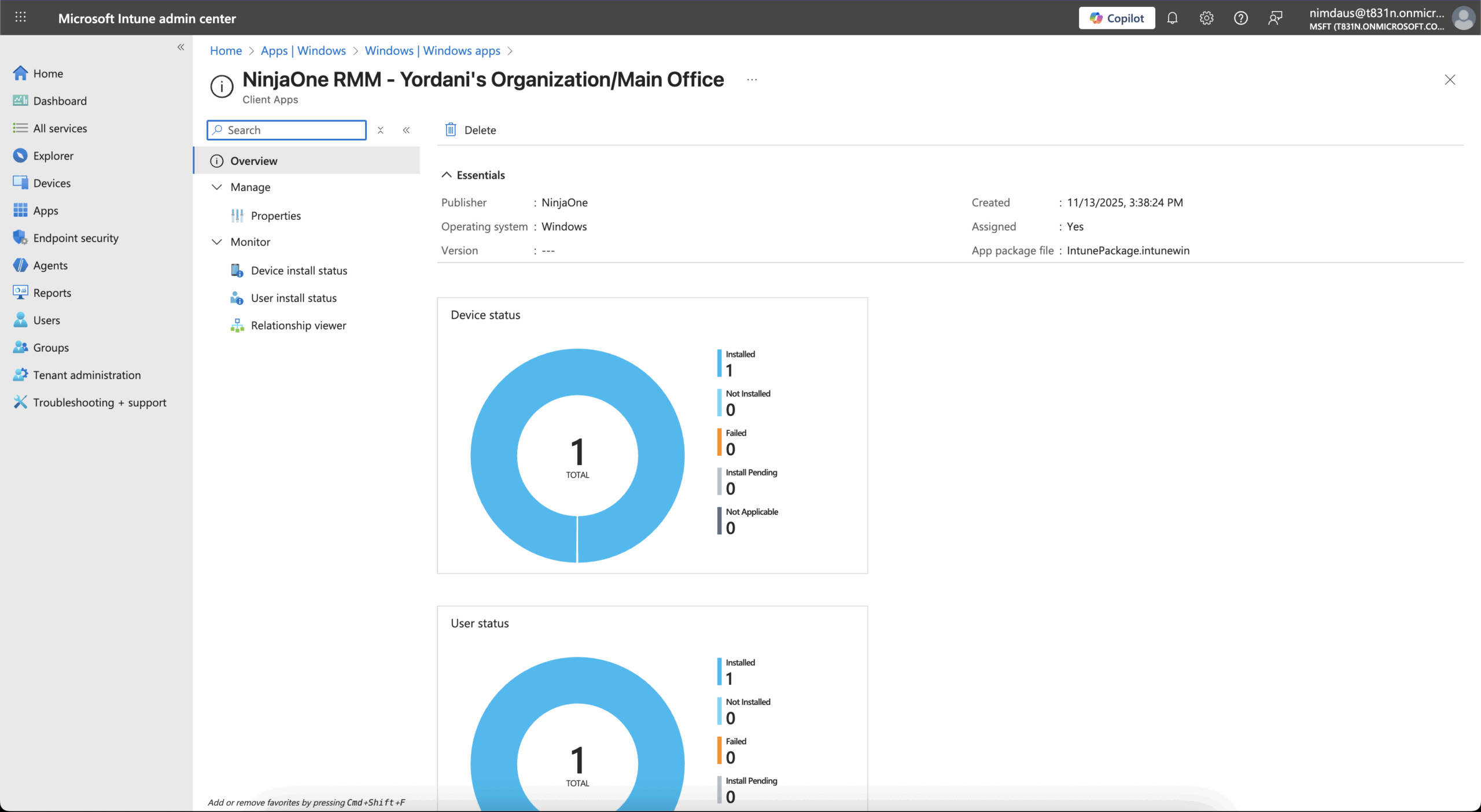

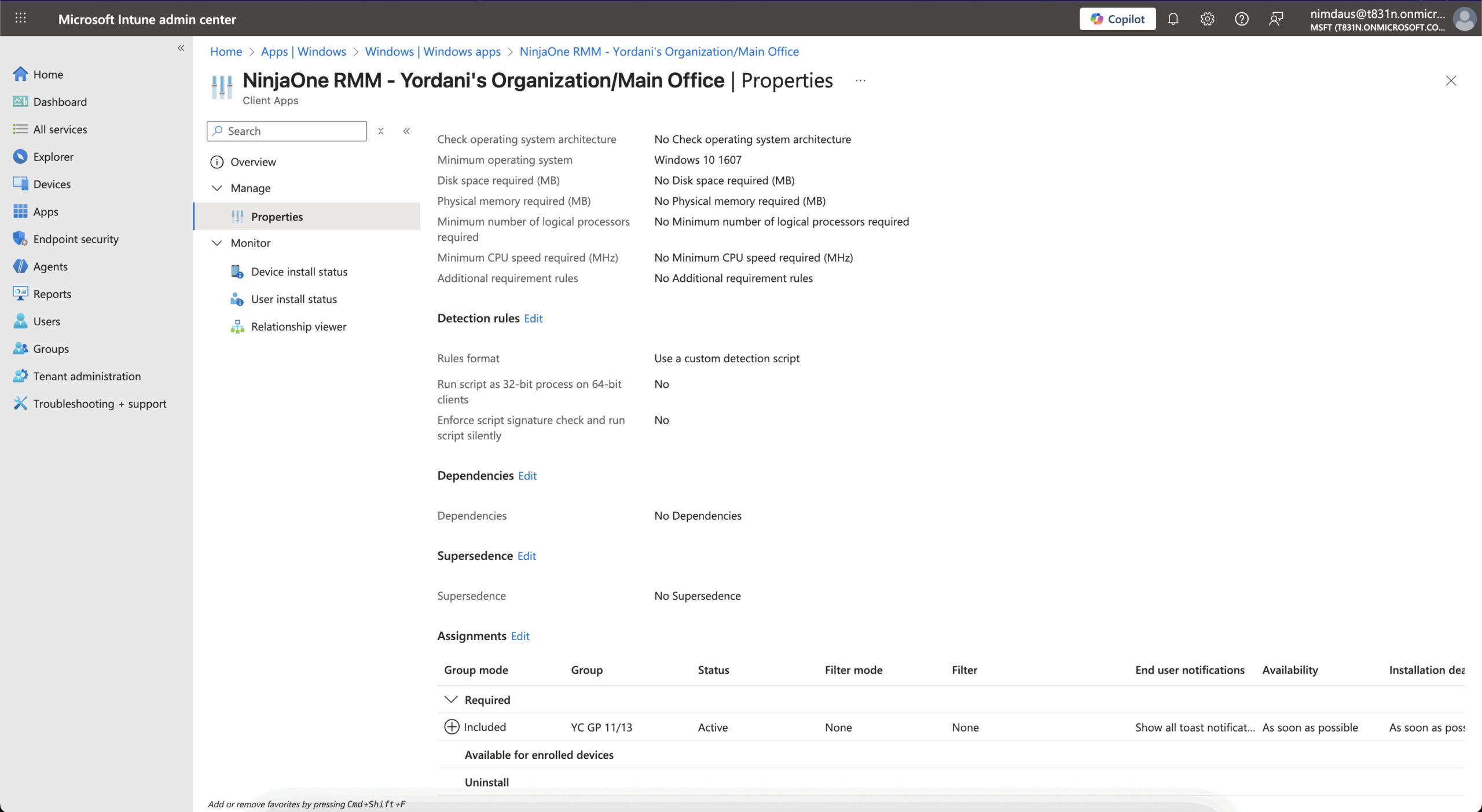
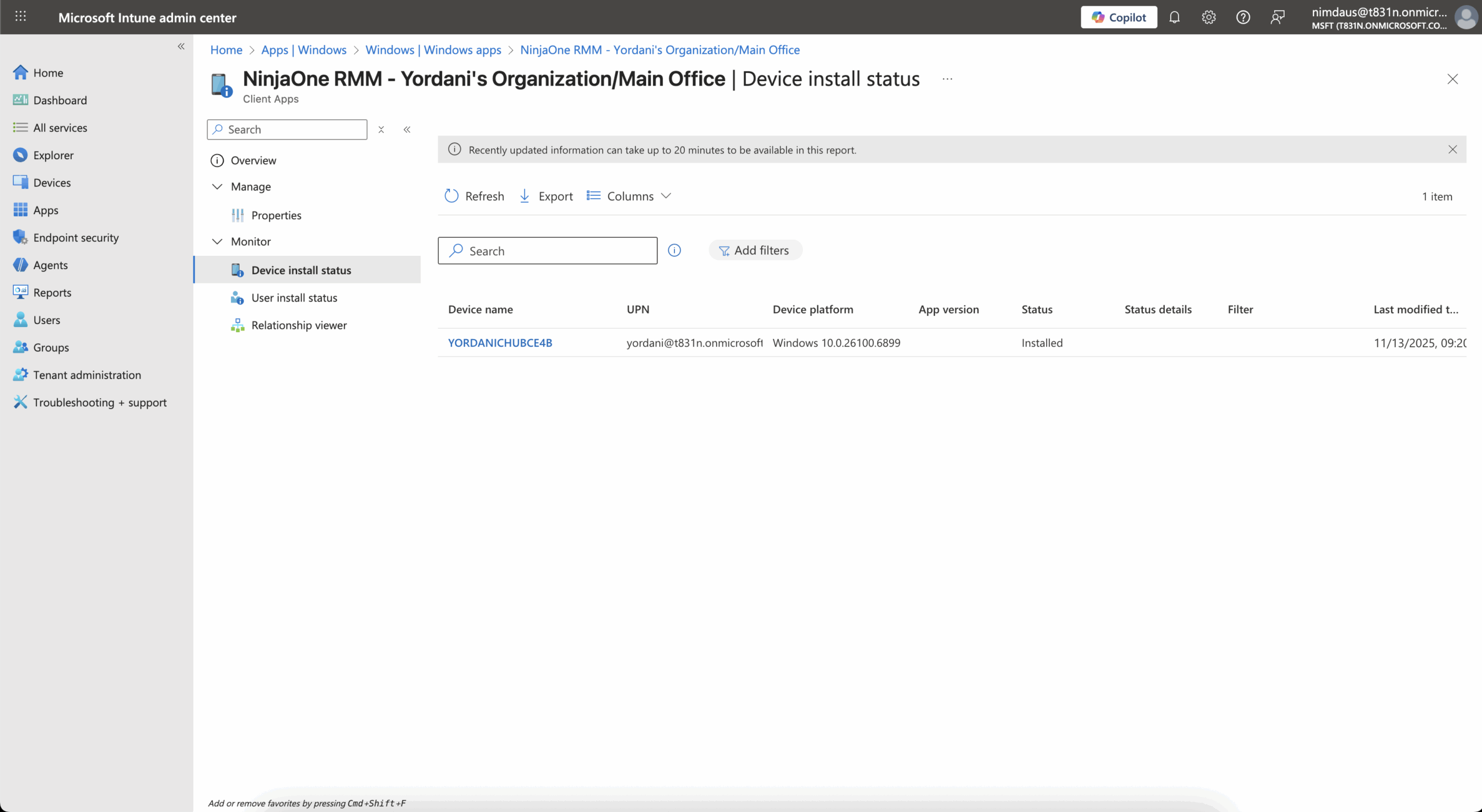
Microsoft’s own design intent favors Win32
This isn’t a niche preference. Microsoft built Intune’s architecture around a richer, lifecycle-aware model: Win32. Over the past several product cycles, Microsoft has invested heavily in Win32 packaging, reporting, remediation, and targeting. The LOB model hasn’t meaningfully evolved. It’s a compatibility bridge, not a long-term strategy.
And in high-severity situations, the difference becomes obvious. Win32’s structured metadata — version history, architecture, packaging details — lets teams identify and remediate issues fast. Incidents like Log4j showed how valuable that clarity can be at scale.
LOB feels easy…until it isn’t
LOB deployment is quick, but the time you save upfront turns into friction when you need:
- upgrades
- conditional installs
- dynamic targeting
- remediation
- user-state logic
- reinstall logic
- version rollovers
LOB is “deploy once.” Win32 is “managed always.” As the environment grows, the gap becomes obvious.
Closing thought
LOB is fine for prototypes and simple apps. But mature IT teams need deployments that are stable, repeatable, and easy to reason about.
The real question in 2026 isn’t whether a vendor supports Intune. It’s which deployment model they built for – and whether they built for ongoing management or a shortcut.