
Key Points
- A Katana recipe is a predefined playbook for one specific question about your environment
- Katana AI includes a recipe book with 10 preloaded recipes covering some of the most common support scenarios
- The Katana recipe book helps your team start off from a place of consistency while enabling you to act at speed
- Katana recipes help IT teams and MSPs alike
Great restaurants build their reputation on quality and consistency in their menu offerings. The shrimp jambalaya the chef and his crew prepare for Friday dinner patrons should be the same as the shrimp jambalaya the Tuesday lunch crew serves its patrons. Behind that consistency is a recipe, which says what goes in, in what order, and what the finished plate should look like.
Katana AI recipes are built on this principle.
What’s on the menu
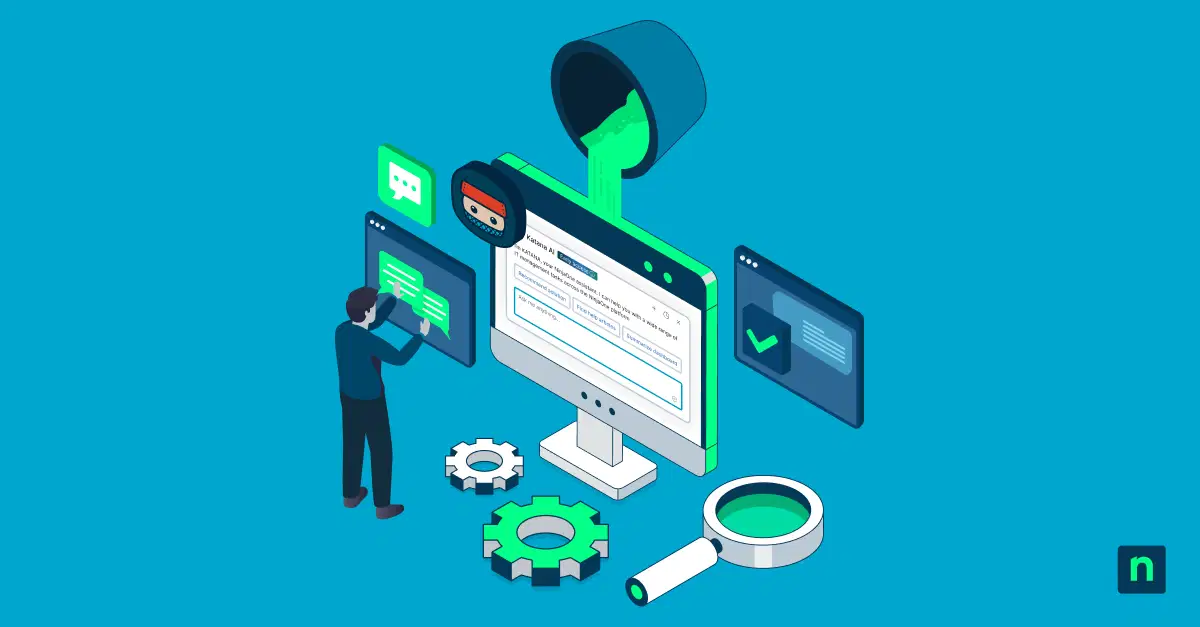
A Katana recipe is a predefined playbook for one specific kind of question about your NinjaOne environment. Katana already knows how to find the data, and recipes add a proven method for what to look up and what to do with it. Ask the same question twice and you get the same structured, reliable analysis both times.
Katana ships with ten pre-loaded recipes, including:
- Device Health Diagnosis: Ask “What’s wrong with DESKTOP-4821?” and Katana checks health scores, active alerts, failed patches, and low disk space. It then ranks up to three likely causes, each backed by evidence. If the device is healthy, Katana says so instead of inventing problems.
- Devices Needing Attention: Ask which devices at an organization need a look, and Katana ranks the worst offenders and explains why. That’s your prioritized prep list before the dinner rush.
- Ticket Resolution Helper: Katana reads the ticket, its history, the linked device’s health, and similar resolved tickets. You get a summary, suggested resolution steps, and questions to ask the customer.
The rest of the menu includes recipes for failed activities, patch status, security posture, installed software, custom field values, finding devices by OS, group or tag, and how to configure a feature.
Katana AI: Your best technician, available to everyone.
Why it matters
Consistency. Every answer follows the same structure, including what Katana didn’t check, so you always know what you’re looking at.
Speed. A recipe pulls the right ingredients without you hunting through dashboards. On a device page, customer dashboard, or ticket page, Katana picks up the ID automatically.
Trust. Built-in guardrails keep the kitchen safe. Katana recommends scripts but never runs them, and ticket recipes are read-only unless you ask for changes. Device names appear exactly as NinjaOne returns them.
Value for MSPs and IT teams alike. Whether you’re managing many customers or one internal environment, recipes help you spend less time on diagnosis and more time fixing.
How to order
There’s nothing to set up. Open Katana and ask your question in plain language, using phrases like “Which devices need attention?” or “Help me resolve ticket 1452.” Katana matches your question to the right recipe and gets cooking. Importing your own custom recipes is planned for a future release.
So, skip the scramble and let Katana work from the recipe book.
Learn more about Katana recipes in our extended article.
Learn more about Katana AI.