Key Points
- Understand Shadow IT in Microsoft 365: Unapproved apps and services can expose sensitive data and create compliance risks across your environment.
- Use Defender for Cloud Apps: Microsoft’s security platform detects unauthorized cloud usage by analyzing network logs, user behavior, and app traffic.
- Set up Cloud Discovery: Continuous monitoring and log uploads will reveal unmanaged cloud apps, helping IT teams track risk in real-time.
- Leverage Cloud App Security: Advanced analytics and machine learning can flag unusual activity and identify high-risk applications.
- Educate Users and Enforce Policies: Implementing regular training, conditional access, and app control measures will help reduce shadow IT incidents.
Shadow IT applications operate outside organizational oversight, creating security gaps and compliance risks in Microsoft 365 environments. Microsoft Defender for Cloud Apps and Cloud App Security provide built-in detection capabilities to identify unauthorized cloud services. These tools analyze network traffic, user behavior and application usage patterns to reveal hidden shadow IT deployments across your entire enterprise network.
Get started with shadow IT detection
You can’t manage what you can’t see. As more employees adopt cloud applications without IT department approval or oversight, modern enterprises face growing exposure to data loss and compliance gaps Shadow IT detection strategies combine automated monitoring tools with policy frameworks to identify unauthorized applications before they create security vulnerabilities.
What is shadow IT in Microsoft 365?
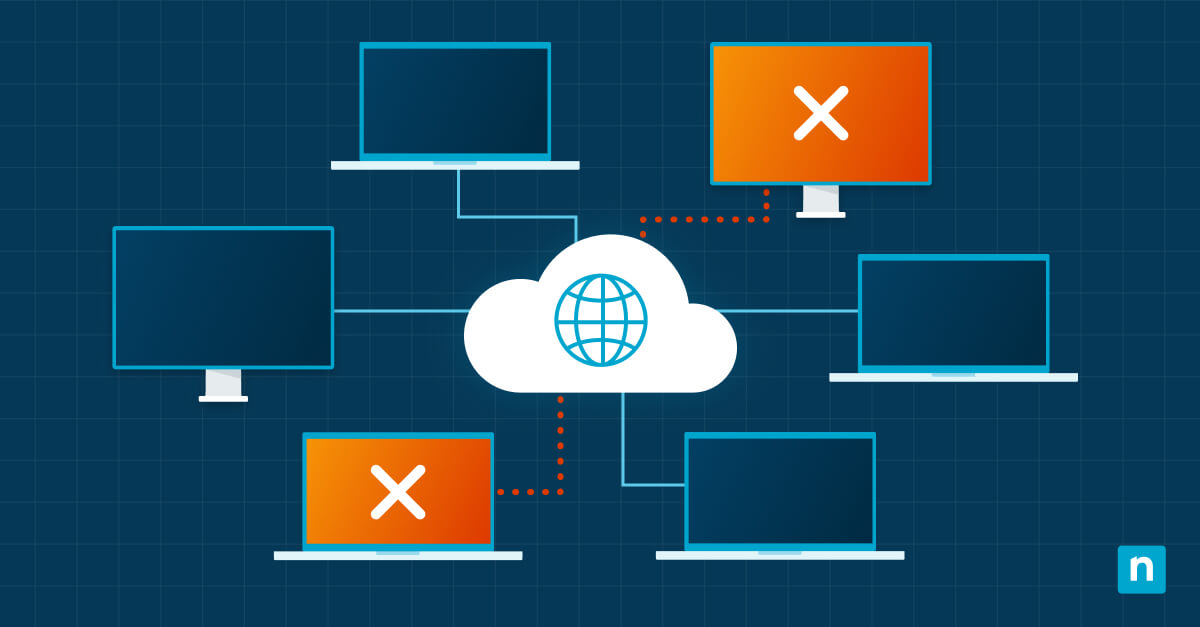
Shadow IT encompasses any cloud applications, services or software that employees use without formal IT department approval or knowledge. These unauthorized applications often integrate with Microsoft 365 data and systems, creating potential security vulnerabilities and compliance violations. You will often discover shadow IT applications after security incidents occur or during routine audits of your cloud infrastructure.
What are the risks of unmanaged cloud apps?
Without proper security controls or data governance policies, unmanaged cloud applications can easily expose sensitive corporate data to external systems. These applications often bypass established security protocols, potentially violating industry compliance requirements and corporate data protection standards. That’s why your shadow IT creates blind spots in security monitoring, making it difficult to track data flows and respond effectively to security incidents.
How to detect shadow IT with built-in tools?
Microsoft 365 provides several built-in tools for identifying unauthorized cloud applications across your enterprise network. You need to consolidate telemetry from Azure AD, Microsoft Defender, and Microsoft Cloud App Security to reveal unauthorized app usage and risky access patterns.
Follow these steps while using native Microsoft security tools:
- Access the Microsoft Defender for Cloud Apps portal through your Microsoft 365 admin center.
- Navigate to the Cloud Discovery dashboard to view automatically detected applications.
- Configure network log uploads to enhance detection capabilities for on-premises traffic.
- Review the discovered applications list for unauthorized or high-risk cloud services.
- Set up automated alerts for new application discoveries that match your risk criteria.
- Export discovery data for detailed analysis and reporting to stakeholders.
Use Defender for cloud apps to detect shadow IT
Microsoft Defender for Cloud Apps serves as the primary platform for comprehensive shadow IT detection and management within Microsoft 365 environments. The platform integrates multiple detection methods, including network traffic analysis, API connections, and user behavior monitoring to provide complete visibility.
Set up cloud discovery
Cloud discovery configuration requires specific network settings and data source connections to monitor traffic effectively. You must enable continuous logging and connect cloud discovery to SIEM and endpoint telemetry to correlate activity and spot anomalies.
Best practices when setting up your cloud discovery implementation:
- Configure automatic log collection by installing the Microsoft Defender for Cloud Apps log collector on your network infrastructure.
- Upload firewall and proxy logs manually through the Cloud Discovery settings page in the admin portal.
- Enable continuous reports to monitor ongoing application usage patterns and identify new shadow IT deployments.
- Set discovery policies to automatically categorize applications based on risk levels and compliance requirements.
- Configure snapshot reports for periodic analysis of specific network segments or user groups.
Explore Microsoft Cloud app security features
Microsoft Cloud App Security provides advanced threat detection capabilities that extend beyond basic application discovery to include behavioral analysis. The platform monitors user activities across connected applications to identify suspicious patterns that might indicate security threats or policy violations. Microsoft Cloud App Security shadow IT detection includes machine learning algorithms that adapt to your organization’s usage patterns and automatically flag anomalous behavior.
Analyze shadow IT cloud discovery data
Cloud discovery data analysis requires a systematic review of application usage patterns, risk scores and user behavior metrics to identify potential security threats. The shadow IT cloud discovery in Microsoft Defender for Cloud Appscloud apps dashboard provides detailed analytics, including application categories, user adoption rates and data transfer volumes. Advanced filtering options allow security teams to focus on high-risk applications or specific user groups that require immediate attention.
Investigate and respond to incidents
Incident investigation procedures require coordinated use of multiple Microsoft security tools to gather comprehensive information about shadow IT discoveries. Security teams must establish clear workflows for evaluating newly discovered applications and determining appropriate response actions. The most effective shadow IT detection programs include predefined incident response procedures that balance security requirements with business continuity needs.
Review incidents in Microsoft Defender XDR
Microsoft Defender XDR consolidates security alerts from multiple sources, including Cloud App Security discoveries, into a unified incident management interface. The platform correlates shadow IT discoveries with other security events to provide complete context for incident investigation. You can track the full timeline of application usage, user activities and potential security impacts through the integrated dashboard.
Leverage Microsoft Graph security API
Microsoft Graph Security API enables automated integration of shadow IT detection data with existing security information and event management systems. The API provides programmatic access to Cloud App Security discoveries, allowing organizations to build custom workflows and automated response procedures. You can also create specialized dashboards and reporting tools that combine shadow IT data with other enterprise security metrics.
Apply software restriction policies
Software restriction policies provide enforcement mechanisms to prevent unauthorized application usage after shadow IT discoveries. They also let you quickly block risky software and enforce approved application lists.
Policy implementation steps for application control include:
- Create conditional access policies that block access to discovered high-risk applications.
- Configure application control policies within Defender for Cloud Apps to monitor and restrict data sharing.
- Implement device compliance policies that prevent the installation of unauthorized software on corporate devices.
- Set up user risk policies that automatically respond to suspicious application usage patterns.
- Deploy application governance policies that require approval workflows for new cloud service requests.
Strengthen your shadow IT detection strategy
The effectiveness of long-term shadow IT detection requires continuous improvement of your monitoring capabilities and user education programs. You must regularly review and update your detection policies to address evolving application needs and emerging security threats.
Automate cloud app discovery
Automated discovery processes reduce the manual effort required for ongoing shadow IT monitoring while improving detection accuracy and response times. Microsoft Defender for Cloud Apps supports scheduled discovery scans, automated risk assessments and policy-based response actions that operate without constant administrator intervention. Advanced automation capabilities include machine learning algorithms that improve detection accuracy over time by learning from organizational usage patterns.
Educate users on risks and policies
User education programs play a vital role in reducing shadow IT adoption by helping employees understand security risks and available approved alternatives. Effective training programs explain the business impact of unauthorized application usage while providing clear procedures for requesting new cloud services. Regular communication about shadow IT detection capabilities demonstrates the organization’s commitment to security while encouraging voluntary compliance with established policies.
Ready to transform your IT operations?
Stop juggling multiple tools and reactive firefighting — NinjaOne’s unified endpoint management platform lets you monitor, manage and secure all your devices from a single dashboard. You’ll automate routine tasks, deploy patches seamlessly and provide remote support without disrupting end users, giving you the control and visibility modern IT demands. Try for free now.
Quick-Start Guide
NinjaOne’s SaaS Backup solution offers some capabilities for identifying and managing Shadow IT in Microsoft 365:
1. Autodiscover Feature: NinjaOne automatically detects and identifies M365 accounts and sub-products within a tenant, which can help reveal unauthorized or unknown services.
2. User Management Insights:
– The platform allows tracking of user accounts, departments, and licenses.
– You can view which accounts are active, inactive, or have specific licenses.
3. Reporting and Visibility:
– The Partner Portal provides dashboards showing protection coverage and seat usage.
– You can see the total number of accounts and identify potentially unmanaged or uncovered services.
4. Backup and Compliance Monitoring:
– When backing up M365 accounts, NinjaOne checks for valid licenses and Exchange Online access.
– This process can help identify shadow IT by revealing unauthorized or unlicensed accounts.
While NinjaOne provides some visibility, for comprehensive Shadow IT detection in Microsoft 365, we recommend complementing it with:
– Microsoft Defender for Cloud Apps
– Azure Active Directory monitoring
– Regular license and access audits