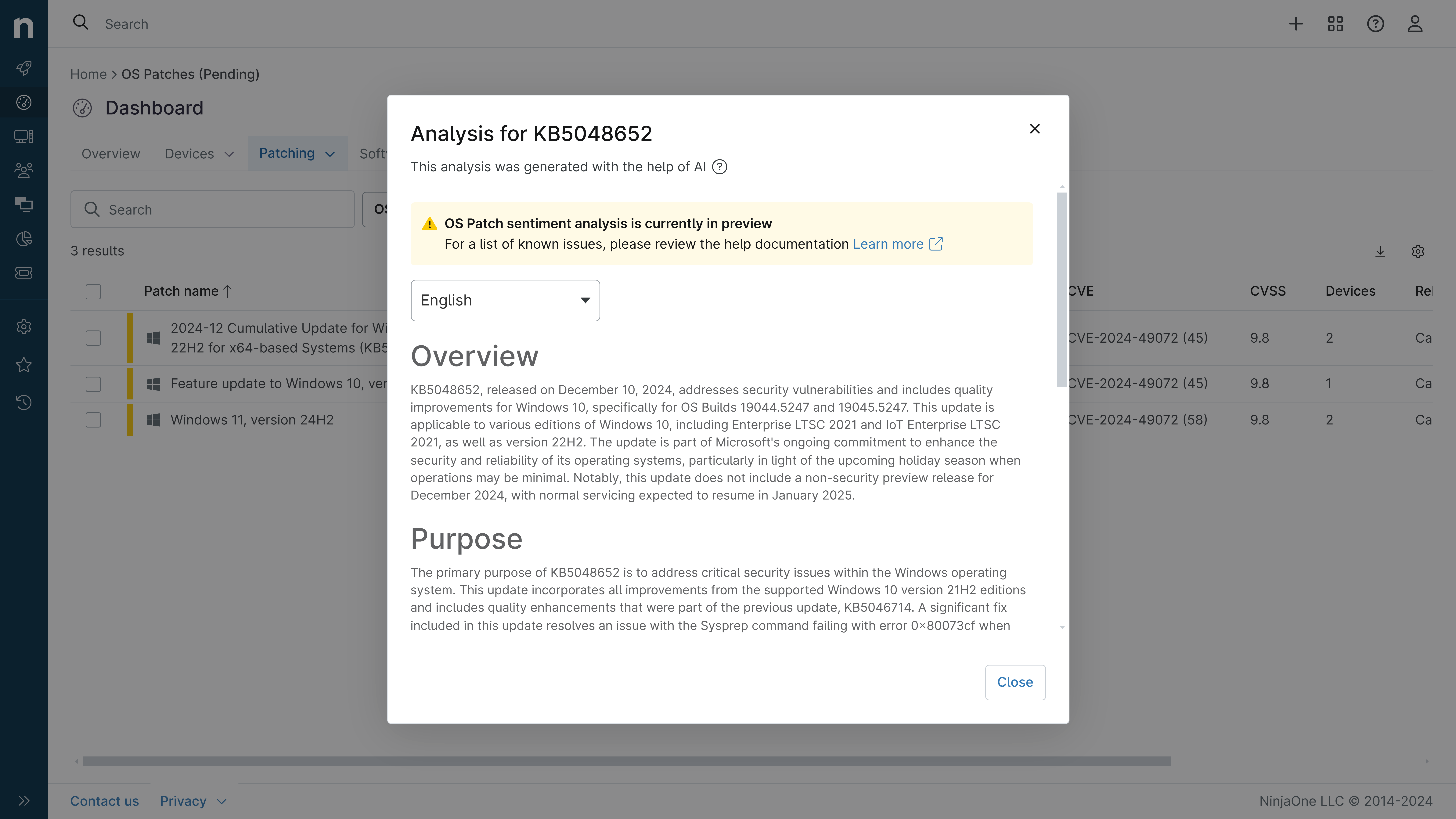
KB5101649: Overview with user sentiment and feedback
Last Updated August 27, 2026
Probability of successful installation and continued operation of the machine
Overview
KB5101649 is a cumulative security update for Windows 11 version 26H1, released on July 14, 2026 (OS Build 28000.2525). This monthly patch incorporates the latest security vulnerabilities fixes and quality improvements from the June 2026 preview releases. The update is available through Windows Update, Microsoft Update, and the Microsoft Update Catalog for all editions of Windows 11 version 26H1.
General Purpose
- Security Hardening: Addresses July 2026 security vulnerabilities and includes enhanced Secure Boot certificate coverage for improved device security
- Remote Desktop Security: Introduces SHA-2 certificate thumbprint support for trusted RDP publishers with new Group Policy guidance to reduce phishing risks
- Application Compatibility: Fixes issues affecting third-party applications using OLE Automation to interact with Microsoft Office
- System Management: Deprecates AT.exe and ATSvc servers in favor of modern scheduling tools (schtasks.exe, PowerShell ScheduledTasks)
- Input & Recycle Bin: Resolves hotkey lifecycle behavior and file name display issues in Recycle Bin deletion confirmations
- AI Component Updates: Updates Image Search, Content Extraction, Semantic Analysis, and Settings Model components (Copilot+ PCs only)
General Sentiment
Community reception for this update appears neutral to positive based on available documentation. The patch addresses legitimate security concerns and fixes known compatibility issues from the June 2026 release, particularly the OLE Automation problem affecting Office integration. However, the introduction of TDI transport registration enforcement and deprecation of legacy management tools may require attention from organizations using older enterprise applications or custom network solutions. No widespread negative feedback or critical issues have been reported in the available sources.
Known Issues
Microsoft reports no known issues with this update. However, users should be aware that applications using unregistered third-party TDI transports may experience functionality loss due to new security hardening requirements. Additionally, some built-in Windows experiences relying on previous hotkey behavior may temporarily stop responding to keyboard shortcuts, though restarting the affected application typically resolves this.
Disclaimer: We take measures to ensure that AI-generated content is of the highest possible quality, but we cannot guarantee its accuracy and recommend that users do their own independent research. Generated on 2026-08-27 07:38 PM