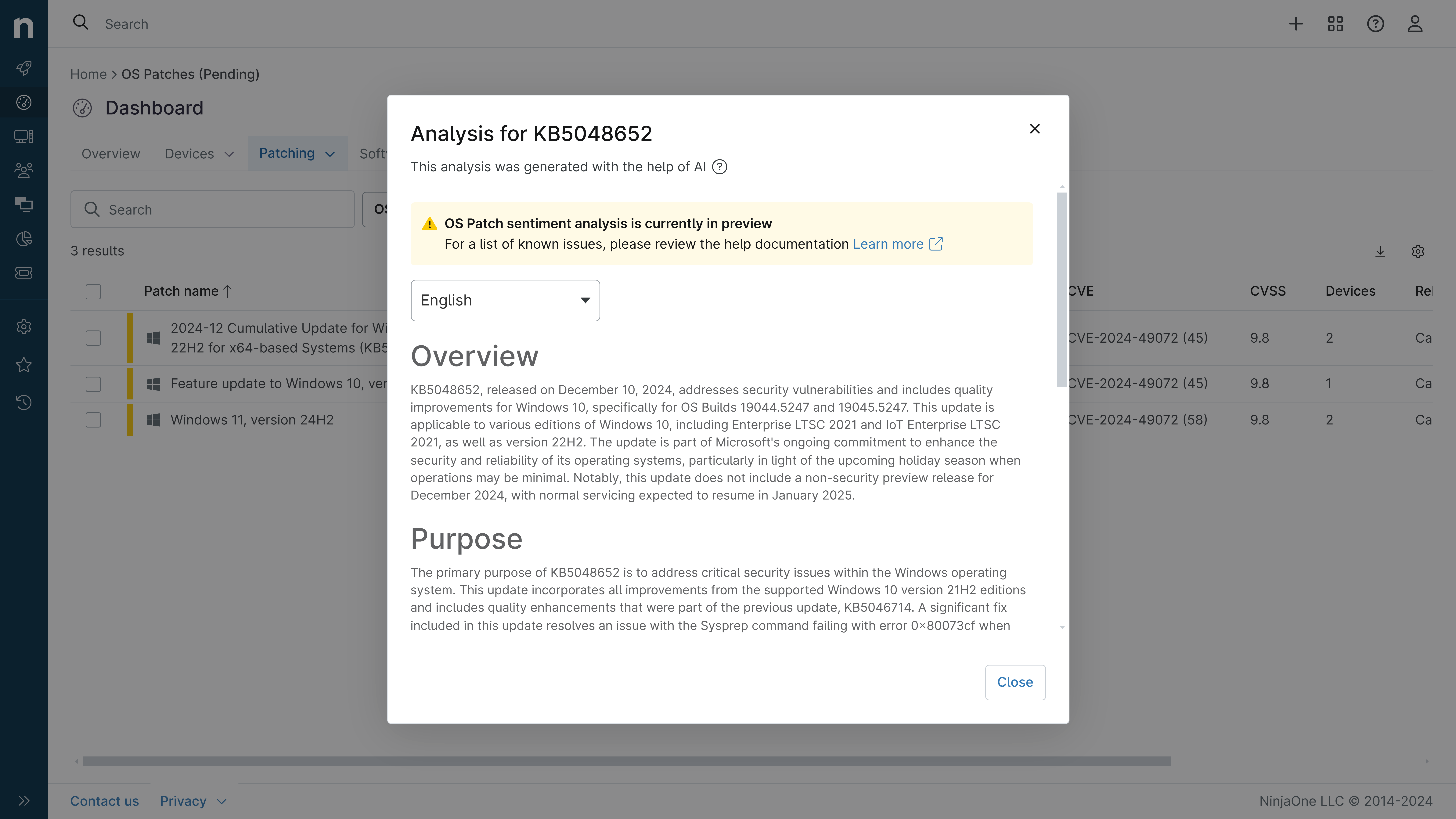
KB5120998: Overview with user sentiment and feedback
Last Updated September 30, 2026
Probability of successful installation and continued operation of the machine
Overview
KB5120998 is a cumulative preview update for Windows 11 versions 25H2 and 24H2, released on August 27, 2026 (OS Builds 26200.9278 and 26100.9278). This update introduces significant user interface customization features including a movable taskbar, resizable Start menu, and improved Windows Search functionality. The update represents a substantial feature release alongside quality improvements for both consumer and enterprise systems.
General Purpose
- Taskbar Customization: Adds ability to position taskbar on bottom, top, left, or right sides of screen; introduces smaller taskbar option to maximize screen space
- Start Menu Enhancements: Enables users to choose between small or large Start menu sizes; renames "Recommended" section to "Recent"; adds option to hide user name and profile picture
- Windows Search Improvements: Simplifies search home interface; displays result source information; allows users to disable web and Microsoft Store suggestions; automatically indexes frequently-used folders
- File Explorer and UI Updates: Faster File Explorer Home launching; improved touch scrolling in Recommended section; updated progress indicators across Windows; enhanced reliability for Settings navigation
- Advanced Features: Introduces Administrator Protection for privilege management; adds Process Isolation for Microsoft Execution Containers; includes Post-Quantum Cryptography support (ML-KEM); removes WMIC utility starting in August 2026
General Sentiment
Community reception has been decidedly mixed. While users appreciate the new customization features—particularly the movable taskbar and improved search functionality—significant frustration exists regarding multiple confirmed bugs. The update introduced critical issues affecting mouse cursor personalization, desktop background settings, and application launches on ARM-based devices. Reddit discussions show users praising feature additions but expressing anger over the need for subsequent patches to fix regressions, with some characterizing the update as demonstrating poor quality control from Microsoft.
Known Issues
- Mouse customization settings reset to defaults on non-English Windows devices; cursor animations and personalization settings revert after installation
- Desktop background settings lost or reset to solid black on some devices; slideshow and contrast theme settings may also be affected
- Microsoft Teams and Outlook fail to launch or close unexpectedly on ARM-based devices (Surface Pro 11, Surface Laptop 7); classic Outlook and other applications unaffected
- Touchpad reliability issues on some devices affecting gesture responsiveness and mouse-drag actions
Disclaimer: We take measures to ensure that AI-generated content is of the highest possible quality, but we cannot guarantee its accuracy and recommend that users do their own independent research. Generated on 2026-09-30 01:42 PM