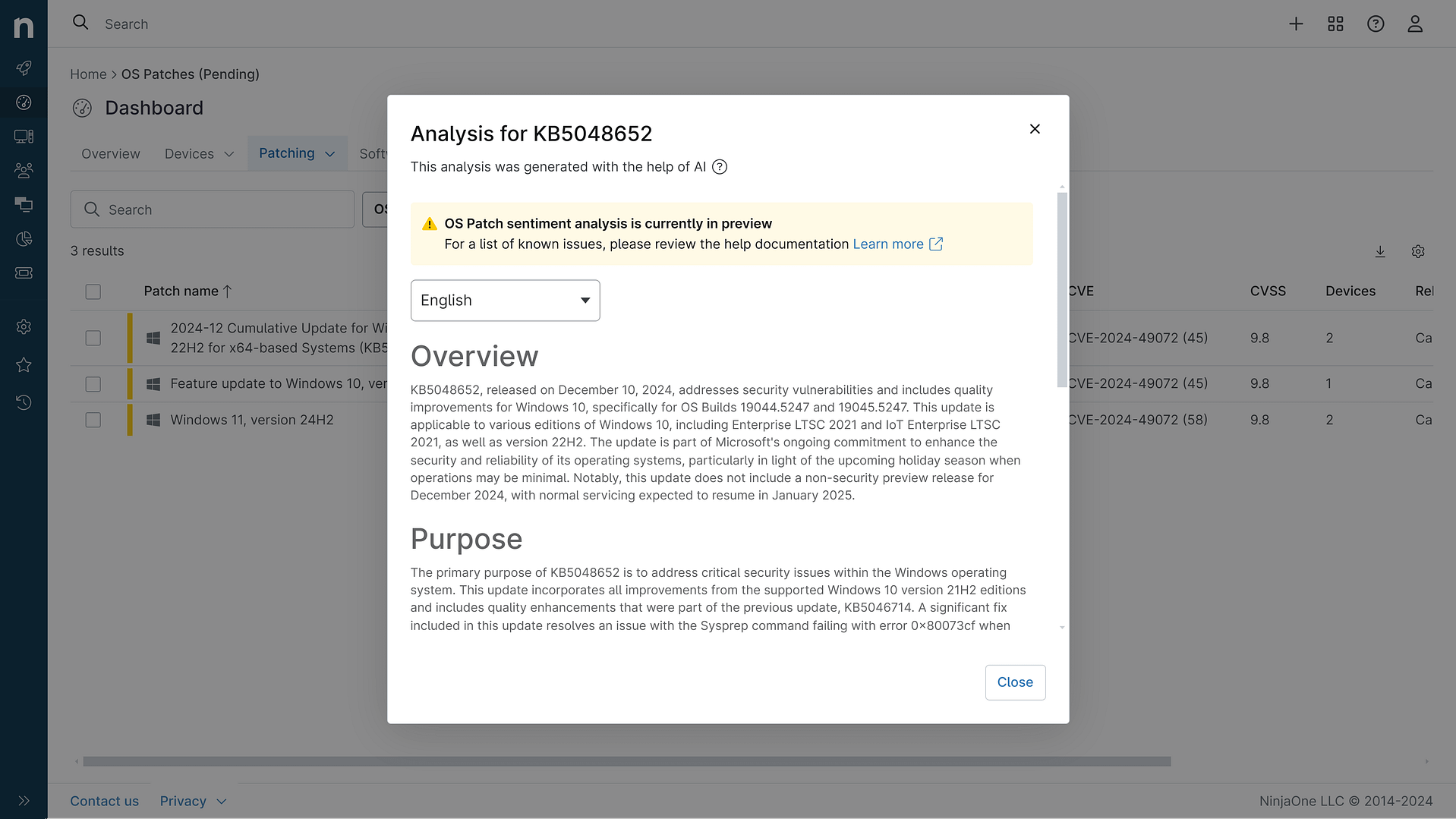
KB5083631: Overview with user sentiment and feedback
Last Updated May 29, 2026
Probability of successful installation and continued operation of the machine
Overview
KB5083631 is a non-security preview update released on April 30, 2026, for Windows 11 versions 25H2 and 24H2, advancing to OS builds 26200.8328 and 26100.8328 respectively. This optional cumulative update delivers production-quality improvements and introduces new features designed to enhance user experience across gaming, file management, input handling, and system reliability. The update represents Microsoft's ongoing effort to refine Windows 11 through gradual and normal rollout phases, allowing features to reach devices progressively rather than all at once.
The patch encompasses substantial improvements to core system components, particularly File Explorer reliability and performance optimization. Microsoft has implemented enhanced security measures for batch file processing, updated driver policy enforcement, and introduced new user-facing features such as Xbox mode for a streamlined gaming experience. Additionally, the update addresses critical infrastructure concerns, including Secure Boot certificate management ahead of the June 2026 expiration deadline for existing certificates.
General Purpose
KB5083631 introduces significant enhancements focused on system performance, security, and user experience. The update delivers File Explorer reliability improvements by addressing explorer.exe crashes and improving process termination behavior, alongside performance optimizations for startup application launching. A notable addition is Xbox mode, providing a full-screen gaming interface accessible via Windows logo key + F11, designed to minimize distractions during gameplay.
The patch expands File Explorer's archive format support to include uu, cpio, xar, and NuGet packages, while preserving view and sort preferences across sessions. Input device enhancements introduce haptic feedback support for compatible peripherals including Surface Slim Pen 2 and ASUS Pen 3.0, with voice typing receiving a visual redesign for improved usability. Security enhancements include stricter Windows driver policy enforcement that removes default trust for cross-signed drivers while maintaining support for Windows Hardware Compatibility Program drivers and legacy trusted drivers. The update also addresses Secure Boot certificate infrastructure by providing updated certificates to replace those expiring in June 2026, with improved device targeting data for controlled rollout.
General Sentiment
Community reception of KB5083631 demonstrates a generally positive outlook with notable caveats regarding implementation and feature availability. Users report tangible improvements in File Explorer responsiveness and performance, with multiple reports confirming faster file operations and snappier right-click context menus. The white flash bug fix in dark mode has been welcomed, though some users report the issue persisting despite installation, likely due to the gradual rollout mechanism.
However, sentiment is tempered by concerns regarding feature availability inconsistencies. Users report not receiving advertised features such as Xbox mode and Drop Tray despite meeting system requirements and installing the update, creating frustration around Microsoft's communication regarding gradual rollout timelines. Some users experienced gaming performance degradation, with reports of 100-200 FPS drops in titles like CS2, though these appear isolated. The multiple system restarts required for Secure Boot certificate updates, while technically justified, have generated negative sentiment among users unfamiliar with the underlying infrastructure changes. Community discussions reveal skepticism about AI-driven development quality, though technical users acknowledge the legitimate reasons for extended boot sequences during certificate updates.
Known Issues
- BitLocker Recovery Key Requirement: Devices with unrecommended BitLocker Group Policy configurations specifying TPM platform validation profile with PCR7 inclusion may require BitLocker recovery key entry on first restart after installation. This affects limited systems where BitLocker is enabled, specific Group Policy settings are configured, and the Windows UEFI CA 2023 certificate is present in the Secure Boot Signature Database.
- Feature Availability Delays: Xbox mode, Drop Tray, and other new features are subject to gradual rollout and may not be immediately available to all users despite meeting system requirements and installing the update.
- Gaming Performance Impact: Isolated reports indicate potential FPS degradation in gaming scenarios, with users reporting 100-200 FPS drops in competitive titles after installation.
- Copilot Vision Functionality: Some users report Copilot Vision ceasing to function properly after installation, with the feature displaying detection indicators but failing to process visual input.
- White Flash Persistence: Despite documented fixes, some users continue experiencing the white flash bug in File Explorer dark mode after installation.
- Hypervisor Crashes: Reports indicate regular hypervisor crashes on Windows 11 25H2 systems following KB5083631 installation.
Disclaimer: We take measures to ensure that AI-generated content is of the highest possible quality, but we cannot guarantee its accuracy and recommend that users do their own independent research. Generated on 2026-05-29 01:41 PM