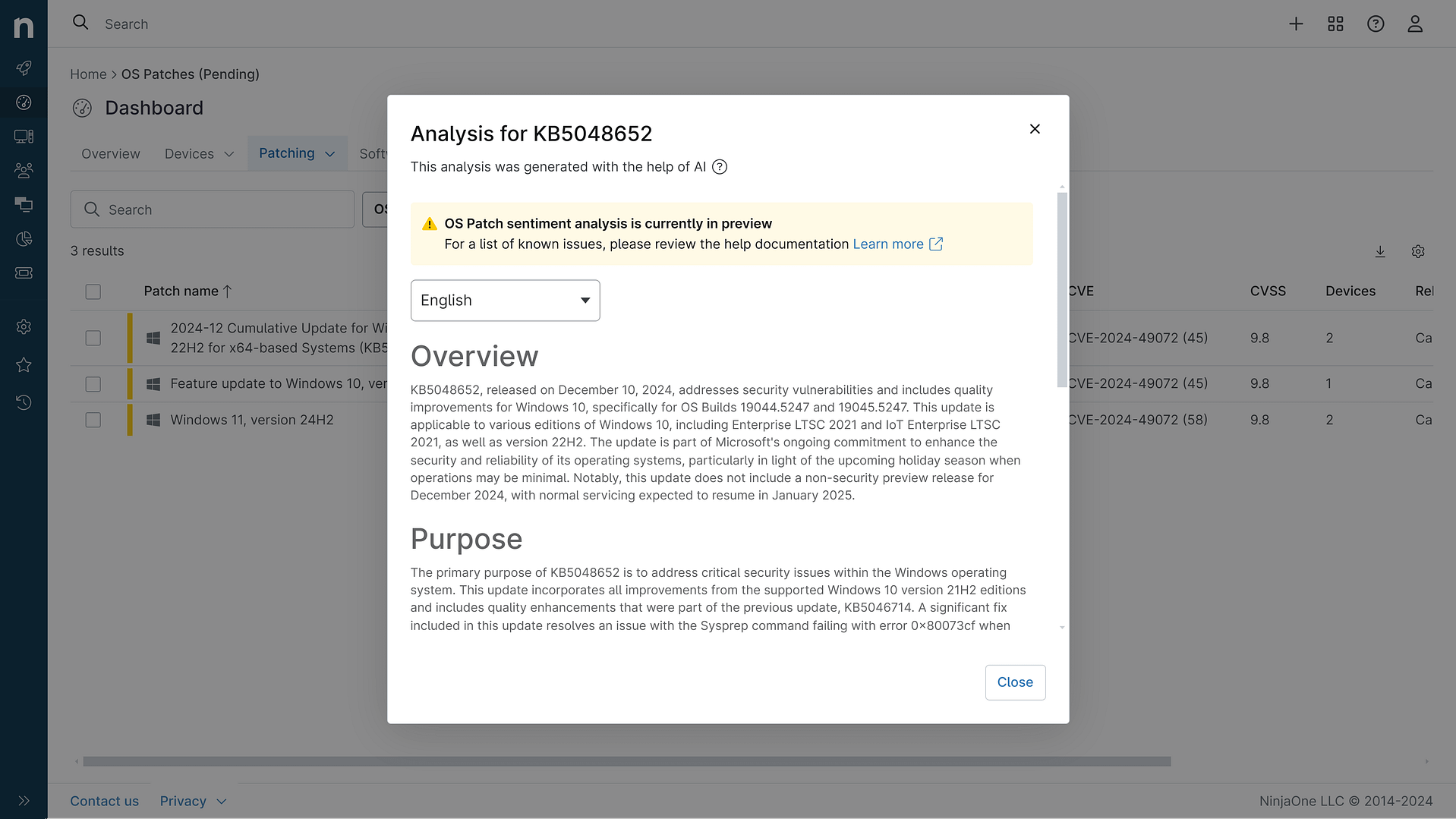
KB5084812: Overview with user sentiment and feedback
Last Updated May 31, 2026
Probability of successful installation and continued operation of the machine
Overview
KB5084812 is a Safe OS Dynamic Update released by Microsoft on April 30, 2026, designed for Windows 11 versions 24H2 and 25H2 across all editions. This update specifically targets improvements to the Windows Recovery Environment (WinRE), which is the critical recovery partition that enables users to troubleshoot and repair their systems when issues arise. Dynamic Updates are specialized packages that are applied to Windows images prior to deployment, helping to preserve essential system components like Language Packs and Features on Demand during upgrade processes.
The update is distributed through multiple channels including Windows Update, the Microsoft Update Catalog, and Server Update Services, making it accessible to both individual users and enterprise environments. Following installation, the WinRE version should be updated to 10.0.26100.8309, which can be verified through the standard WinRE version checking methods. This update replaces the previously released KB5083826, indicating an iterative improvement cycle for recovery environment stability.
General Purpose
KB5084812 delivers enhancements specifically focused on strengthening the Windows Recovery Environment functionality for Windows 11 24H2 and 25H2 systems. As a Safe OS Dynamic Update, this patch improves the underlying recovery binaries and infrastructure that users depend on when their systems require troubleshooting or repair operations. The update is particularly relevant given the broader context of Windows Secure Boot certificate expiration concerns beginning in June 2026, where recovery capabilities become increasingly important for maintaining system boot integrity. The patch ensures that the recovery partition operates with the latest improvements and maintains compatibility with current security standards. Installation requires no prerequisites and does not necessitate a system restart, allowing for seamless deployment without disrupting user workflows. The update cannot be removed once applied to a Windows image, reflecting its fundamental role in system recovery infrastructure.
General Sentiment
Community sentiment regarding KB5084812 is notably neutral to positive, primarily because this is a specialized recovery environment update with limited user-facing impact. The update addresses a critical but often invisible system component, meaning most users will not directly interact with its functionality unless they encounter system issues requiring recovery. The absence of reported problems or complaints in available sources suggests a stable implementation. However, some considerations warrant attention: the update's irreversible nature means users cannot roll back if unforeseen compatibility issues emerge, though the low-level nature of recovery updates makes such scenarios unlikely. The timing of this update, coinciding with preparation for Secure Boot certificate expiration, indicates Microsoft's proactive approach to maintaining system reliability. Technical users and IT professionals generally view recovery environment updates favorably as they strengthen system resilience. The lack of extensive online discussion about this particular update suggests either successful deployment or minimal user awareness, both of which are typical for specialized infrastructure patches that operate behind the scenes.
Known Issues
- No known issues have been reported or documented by Microsoft for this update
- The update has not generated significant community reports of compatibility problems or adverse effects
- No removal capability exists once applied, which is by design for recovery environment updates
Disclaimer: We take measures to ensure that AI-generated content is of the highest possible quality, but we cannot guarantee its accuracy and recommend that users do their own independent research. Generated on 2026-05-31 07:40 PM