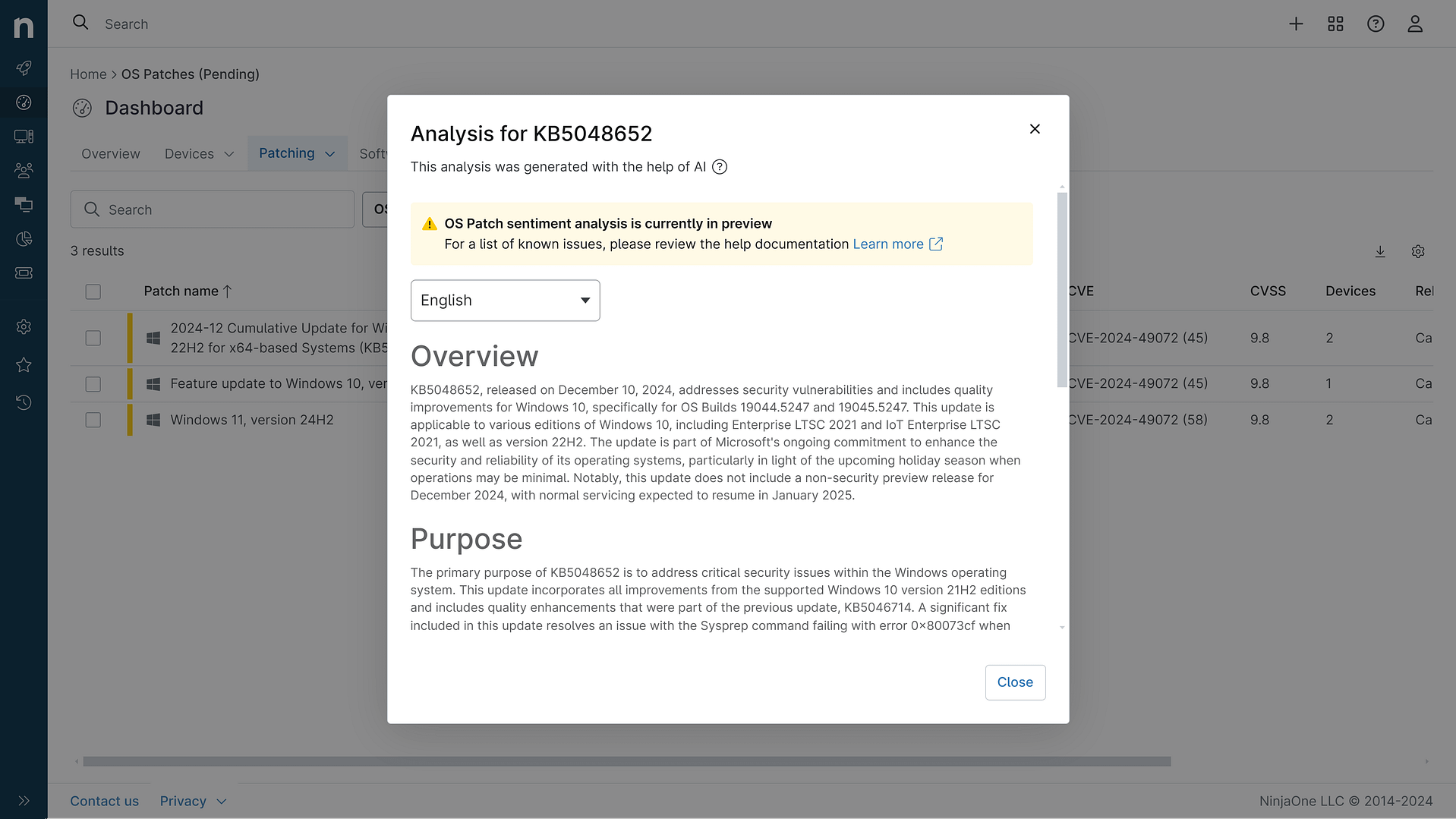
KB5070773: Overview with user sentiment and feedback
Last Updated November 30, 2025
Probability of successful installation and continued operation of the machine
Overview
This out-of-band (OOB) update for Windows 11 version 24H2 and 25H2 includes quality improvements and security fixes. It addresses an issue where USB devices like keyboards and mice would not function in the Windows Recovery Environment (WinRE) after installing the previous October 14, 2025 security update (KB5066835). This prevented users from navigating the recovery options. The update also includes improvements to the Windows servicing stack and updates for several AI components.
General Purpose
The primary purpose of this out-of-band update is to fix the issue with USB input devices not working in the Windows Recovery Environment (WinRE). This was a regression introduced by the previous October 2025 security update that broke keyboard and mouse functionality in the recovery environment, preventing users from accessing and using the recovery options. In addition to the WinRE fix, this cumulative update includes security improvements and updates to the Windows servicing stack to ensure a robust and reliable update process. It also updates several AI components like Image Search, Content Extraction, Semantic Analysis, and the Settings Model, though these are only applicable to Windows Copilot+ PCs and will not install on regular Windows 11 or Windows Server systems.
General Sentiment
The general sentiment around this out-of-band update seems to be positive, as it addresses an important regression that was causing issues for many users. The inability to use keyboards and mice in the Windows Recovery Environment was a significant problem, as it prevented users from being able to access and utilize the recovery tools when needed.However, there are some reports of continued issues even after installing this update, with some users still experiencing problems with USB input in WinRE. This suggests the fix may not be fully comprehensive or effective for all systems. There are also some concerns about potential performance regressions or other unintended side effects introduced by the update.Overall, the update is a necessary and welcome fix, but Microsoft may need to investigate further to fully resolve the underlying WinRE USB issue across all affected devices and configurations. Ongoing monitoring and potential additional updates may be required.
Known Issues
- Some Digital TV and Blu-ray/DVD apps may not play protected content as expected after installing the August 29, 2025 Windows non-security preview update (KB5064081) or later updates. This can cause copyright protection errors, frequent playback interruptions, unexpected stops, or black screens.- After installing the non-security September 2025 update (KB5065789) for Windows 11 version 25H2 or the security October update (KB5066835) for Windows 11 version 24H2, server-side applications that rely on HTTP.sys may experience issues with incoming connections, causing IIS websites to fail to load.- After installing the August 2025 non-security preview update (KB5064081) or later updates, the password icon may not be visible in the sign-in options on the lock screen, though the password button is still available.
Disclaimer: We take measures to ensure that AI-generated content is of the highest possible quality, but we cannot guarantee its accuracy and recommend that users do their own independent research. Generated on 2025-11-30 07:03 PM