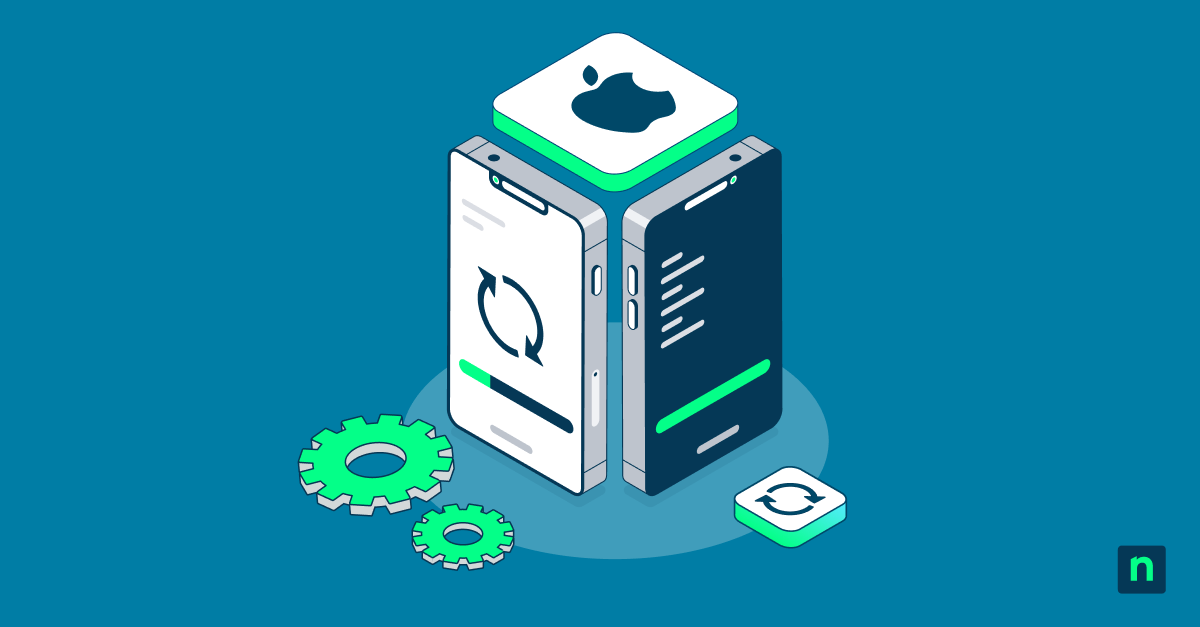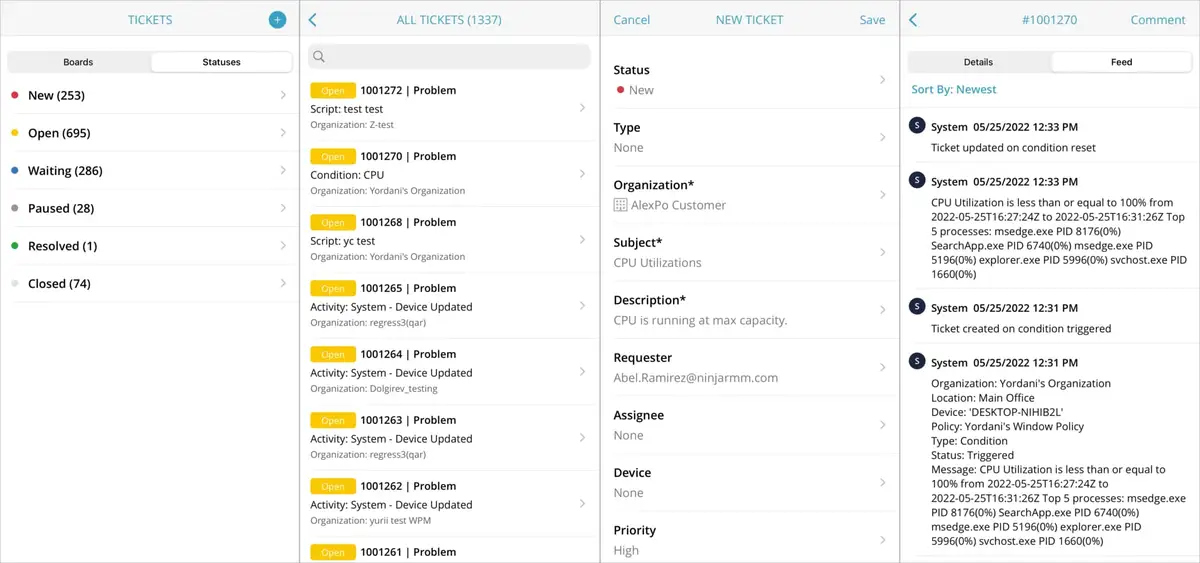
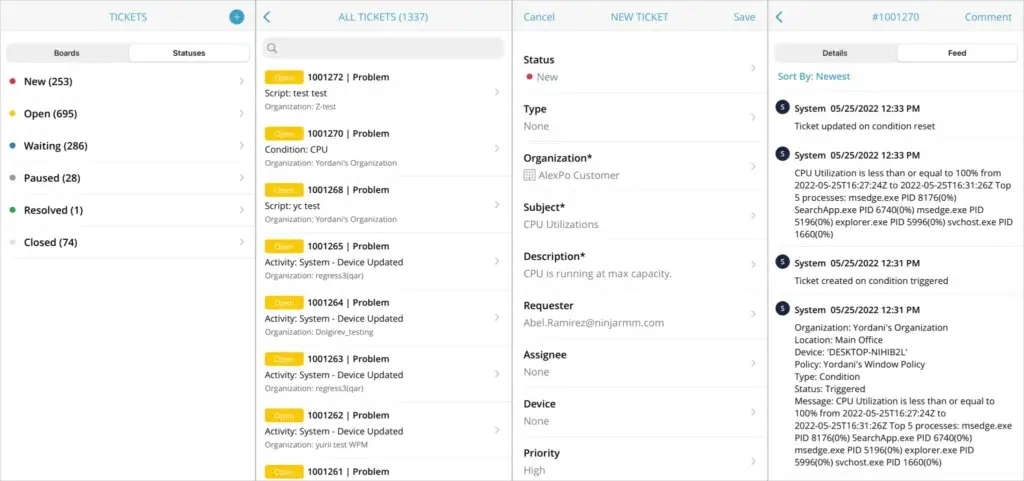



Since the release of Ninja Ticketing, one of our partners’ most frequent requests has been to add IT ticketing functionality to the Ninja mobile app. Today, we’re excited to announce that the Ninja mobile app now includes key ticketing functionality, including the ability to:
- Create tickets
- View ticket boards
- Review ticket details, including the activity feed
- Update ticket details
- Respond to ticket requesters
This new functionality comes to Ninja on top of existing capabilities for endpoint management, including:
-
- Hardware and software inventories
- Device health and performance information
- Alerts and notifications
- Patch approval
- Remote control
- Script deployment
- Quick actions (start/stop services, reboot device, etc)
If you’re a current Ninja customer, you can download the mobile app from the App Store or Google Play. If not, get a trial to see how the Ninja mobile app can give your team the freedom to manage IT anywhere.