Key Points
- NinjaOne Network Discovery provides continuous visibility into managed, unmanaged, and unauthorized IP-addressable devices across the network without requiring agents.
- Discovered devices are maintained in a persistent inventory view, helping IT teams identify network changes, shadow IT, and unmanaged assets over time.
- Windows agent deployment enables technicians to move directly from device discovery to endpoint management using stored credentials and a unified workflow.
- Network Discovery helps organizations improve security by identifying unmanaged devices and bringing Windows endpoints under monitoring, patching, and management controls.
- MSPs can use Network Discovery to identify untracked customer devices, improve endpoint accountability, and reduce operational and revenue gaps.
- Discovery integrates with endpoint management, IT asset management, and network monitoring workflows to create a unified device lifecycle management process.
Your firewall doesn’t care about the laptop your employee brought from home. Neither does your existing asset inventory. But attackers do.
Over the many years I’ve talked to IT teams, I know how this plays out. Someone runs a scan, exports the results to a spreadsheet, and calls it an inventory. Six months later that spreadsheet is wrong, and nobody knows by how much. Devices were added. Others were quietly decommissioned. A few showed up on the network and nobody knows who put them there. The environment drifted, the inventory didn’t, and right now there are devices on your network you couldn’t name if you tried.
That’s not a tooling failure. It’s a process failure that better tooling can actually fix, but only if the tool closes the loop between finding a device and managing it. Most don’t. They surface the gap and leave you to deal with it somewhere else, in another tool, through another workflow, with more manual steps.
That’s what we set out to change with NinjaOne Network Discovery, and with the 14.0 release, we’ve taken the step that matters most: you can now go from “device found” to “device managed” without leaving the platform.
What is NinjaOne Network Discovery?
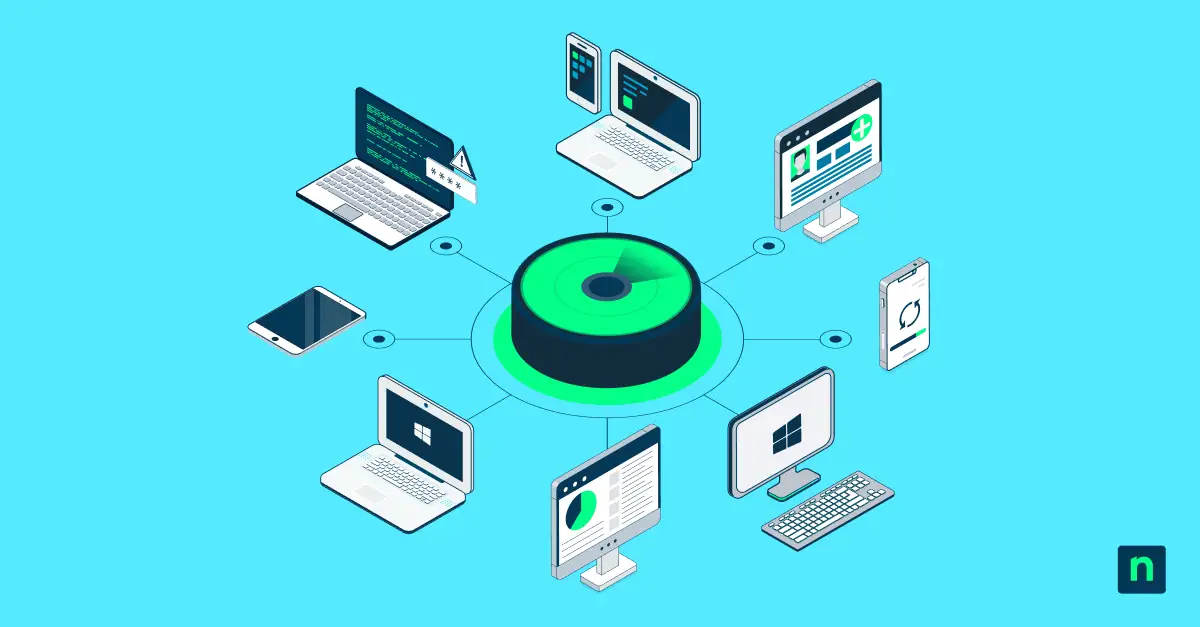
NinjaOne Network Discovery scans, classifies, and records every IP-addressable device on your network. Managed endpoints, unmanaged machines, unauthorized gear, the office Xbox someone plugged into the corporate switch, the smart TV in the conference room, and the IoT thermostat facilities installed without telling anyone. If it has an IP address, Discovery finds it. No agent required.
What makes this different from the scanners most teams have already tried isn’t the scan itself. It’s what happens after. Legacy tools run a scan, hand you a list, and discard the data when you close the window. You’ve seen this before: a CSV export sitting in someone’s Downloads folder, already stale before anyone acts on it. NinjaOne doesn’t work that way. Every device Discovery finds lands in a persistent Discovered Devices view, a living record that reflects your network as it actually exists, not as it was documented the last time someone remembered to run a scan. For experienced IT admins, that distinction matters more than it sounds.
Credential-based scanning is available for deeper inspection when needed, covering up to 4,000 IP addresses per job with no measurable performance impact. But the foundation is straightforward: continuous, agentless visibility across your entire network, built directly into the NinjaOne platform. That last part is what makes everything that comes next possible.
The biggest new capability: Windows agent deployment
Discovery has always been the first step. The frustrating part, for every IT team I’ve ever talked to, is what came next. You’d finish a scan, have a clean list of everything on the network, and then switch to a different tool to actually do something about it.
Copy a hostname, open another window, kick off a separate deployment workflow, and hope the credentials you have on file still work. Visibility without action is just a more detailed picture of your problem. And if you’ve ever stared at a list of 200 unmanaged devices, wondering how long it’s going to take to work through them manually, you already know the tax that gap puts on your team.
With the 14.0 release, that changes. Technicians can now push and install the NinjaOne agent directly from the discovery workflow, using stored Windows credentials, without leaving the platform. We’re turning visibility into management in a single motion.
The workflow is straightforward. Run a scan. Find the unmanaged Windows machines sitting in your Discovered Devices view. Deploy the NinjaOne agent in one click. That device is now fully managed inside NinjaOne, patched, monitored, and accounted for. What used to mean tool-switching, credential hunting, and manual follow-up now happens in the same place you found the device.
For IT teams dealing with sprawl, that’s a meaningful operational shift. For MSPs managing dozens of client environments, it’s the difference between a process that scales and one that doesn’t.
Why this matters: three real use cases
Spot and close the shadow IT gap
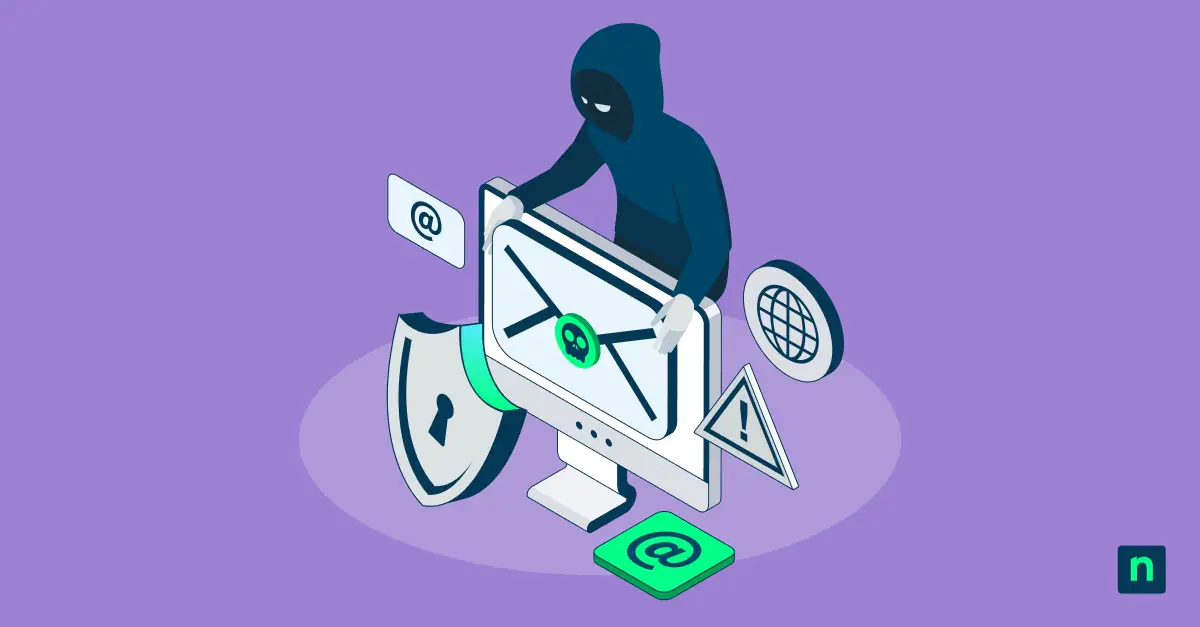
Every IT team has them. Devices on the network that nobody officially provisioned, a personal laptop that’s been connecting to corporate Wi-Fi for two years, a Raspberry Pi that someone in engineering set up for a side project, a network-attached storage device that predates the current IT team entirely. The ones that keep you up at night aren’t the devices you know about. They’re the ones sitting quietly on your network, unpatched, unmonitored, and completely outside your security controls, waiting for someone else to find them first. Network Discovery surfaces all of it. And now, for the Windows machines in that list, Agent Deployment gives you a direct path to bring them under management before they become an incident report.
Rapid Windows endpoint onboarding
New office location. Recent acquisition. A client who handed you a network diagram that turned out to be three years out of date. Every IT pro has been handed an environment and told it’s “mostly documented,” which, in practice, means the documentation covers about 60% of what’s actually there. Scan the subnet, find the unmanaged Windows machines, and deploy agents in bulk. What used to take hours of manual work across multiple tools now happens from a single view inside NinjaOne. The environment doesn’t wait for your onboarding process to catch up, and now your tooling doesn’t have to either.
MSPs: Account for every endpoint
Unmanaged devices are unbilled devices. For MSPs, that’s not just an operational problem; it’s a revenue problem, and it’s also a liability. When something goes wrong on a device you didn’t know existed, you’re still getting the call. Network Discovery lets you scan across client environments, identify the gaps, and deploy agents at scale. No more finding out six months later that a client had fifteen machines you didn’t know existed, three of which hadn’t been patched since the previous administration.
How it fits inside the NinjaOne platform
Network Discovery doesn’t exist in isolation, and that’s the point. From the Discovered Devices view, technicians can deploy a Windows agent, register a device in ITAM, or add it to NMS monitoring. Three actions, one place. That’s a meaningful difference from the way most IT teams operate today, where visibility lives in one tool, asset management lives in another, and monitoring lives somewhere else entirely. The result is a workflow that looks efficient on paper and falls apart in practice, because the friction between tools is where things get missed.
What we’re building toward is a closed-loop system. You find a device, you bring it under management, you monitor it, you track it as an asset, all without leaving NinjaOne. Discovery is the entry point for that loop. Agent Deployment is what makes the loop closeable. The rest of the platform is what makes it worth closing.
What comes next
NinjaOne Network Discovery doesn’t just give you a map of your network. It gives you the tools to act on what you find, right where you found it, with nothing falling through the cracks between tools.
This is the first post in a series. Next up, we’ll dig into how Network Discovery works alongside other key parts of the NinjaOne platform, and the tools your team may already be using. Stay tuned.