


Key Points
- While Microsoft 365 guarantees platform availability, its shared responsibility model puts the burden of data protection on MSPs.
- Native Microsoft 365 features like retention policies and redundancy shouldn’t be treated as backups, as they can’t recover data lost to accidental deletion, ransomware, or account compromise.
- A complete Microsoft 365 backup strategy should cover Exchange, OneDrive, SharePoint, and Teams, with granular restore capabilities and storage outside Microsoft’s infrastructure.
- Compliance frameworks like GDPR and HIPAA apply to backed-up data, so choosing a compliant backup solution is a legal obligation.
- MSPs should standardize backup strategies using a single backup tool across to enforce consistent policies and scale processes without adding much technician overhead.
- Backup is an ongoing process: restores must be tested regularly, outcomes documented, and coverage reviewed whenever Microsoft 365 or workflows change.
Microsoft 365 dedicated backup solutions allow internal IT teams and managed service providers (MSPs) to confidently secure critical cloud business data as part of their backup strategies. These solutions solve one of the biggest problems organizations face when using cloud-based SaaS products: cloud providers generally do not guarantee the safety of data, nor provide robust tools for backing up data, leaving businesses with unaddressed continuity and compliance concerns.
This guide explains why Microsoft 365 requires a dedicated backup solution, external to the Microsoft ecosystem, so that data and communication histories in Exchange email accounts, OneDrive, Teams, and other areas of Microsoft 365 can be backed up with copies under your control.
Why organizations have turned to cloud-based SaaS
Organizations of every size now rely almost entirely on cloud-based SaaS platforms like Microsoft 365 and Google Workspace for their communication and collaboration tools. Many also use cloud-based productivity tools like Microsoft Office Online, Google Docs, and other industry-specific SaaS software.
The shift to the cloud from on-premises or co-located servers hosting email and internal file-sharing was relatively sudden, driven by the reliability and convenience of cloud-hosted business solutions, and the cost-savings of not having to maintain on-site IT infrastructure. The advantages were immediate and clear: after migrating, users received a much better experience, with more up-to-date tools that were connected across devices, while IT technicians benefited from reduced workloads, allowing them to support more users without expending additional resources.
Why organizations must back up data stored in the cloud
Placing almost the entirety of businesses’ day-to-day operations in the hands of an external provider comes with some risks. The most significant of these is that most cloud platforms operate with a shared responsibility model that guarantees the availability of their platform (so that users can access and work on it), but not the safety of the data created and stored on it. This includes Microsoft 365, and is a modern fact of life for most businesses. Still, for most organizations, the benefits of cloud-based SaaS far outweigh the risks.
This leaves the responsibility of securing and backing up your data in the cloud with you. You must protect against:
- SaaS risk exposure: Deletion, corruption, and malicious actions from internal or external parties can affect data in a way that requires restoration from an external backup
- Compliance pressure: Retention and recovery requirements set by legal and industry regulations, and internal policies, often exceed cloud platforms’ native capabilities
- Operational reliability issues: IT teams and MSPs must ensure predictable recovery outcomes within reasonable timelines
Not deploying a dedicated Microsoft 365 backup leaves your organization at risk of data loss that could lead to reputational damage and even completely halt critical business processes. Not being able to readily prove effective backup measures can also cause compliance issues. SaaS backup for Microsoft 365 is not something you need to implement yourself – many reputable solutions now exist for the task.
Why native Microsoft 365 features are not backups
The term ‘backup’ is specific, but often confused with other terms, leading to the misunderstanding that data is effectively protected, when it often isn’t:
- Availability: This is the uptime of the platform itself, usually expressed as a percentage. It means that the intended functionality, and the data present on the platform, are available to users
- Redundancy: This refers to multiple duplicate systems being set up so that if one fails, the other(s) remain accessible. This exists to enable availability, and while it may mean that there are multiple copies of data, this may not be visible to the end user and does not exist for backup purposes
- Archiving: Archiving removes data from view and/or prevents it from being modified, but does not involve additional copies being made for backup purposes
- Retention: Retention specifies the period during which archived or deleted data is retained,, but is again, not intended to protect the data from unexpected events or actions
While Microsoft 365 offers the above features (as defined in their policies and service level agreements), none of them individually or collectively meet the definition of backups. Backed-up data should be recoverable under emergency scenarios where data has been irretrievably lost in its original location due to malicious action, accident, or disaster. Point-in-time recovery is also a requirement for most organizations.
Common Microsoft 365 data loss scenarios
Keeping all data on one platform comes with the risk of the owner’s accounts being hijacked, or an unpaid bill leading to the tenant being inaccessible or deleted. You must keep your own copies of data, under your control, in multiple locations to protect against this.
Other common causes of cloud data loss include:
- Accidental user deletion
- Misconfigured retention policies
- Sync and migration errors
- Ransomware or compromised accounts
These scenarios can only be prevented with reliable, external backups.
What an effective Microsoft 365 backup strategy includes
Your SaaS backup strategy should include:
- Coverage for Exchange, OneDrive, SharePoint, and Teams
- Clearly defined retention periods
- Granular restore capabilities
- Secure storage separate from Microsoft infrastructure
- Regular testing and verification of restores
You should select automated cloud backup tools that allow you to meet these requirements with as little friction as possible, to ensure backup tasks are not skipped or overlooked.
SaaS backup compliance and regulatory considerations
Privacy and data protection regulations like GDPR, CCPA, and HIPAA apply to both production data and data stored in backups. It is your responsibility to choose compliant backup solutions that meet the legal requirements that cover your organization, users, and customers.
Operational considerations for MSPs
MSPs operate in a different environment, with different expectations and potential pain points than internal tech teams.
You must be able to meet the unique backup requirements of multiple clients that rely on different SaaS products, without having to deploy multiple backup tools that require additional training for technicians. Implementing a single flexible backup tool also allows you to standardize default, secure, compliant backup policies across clients, and tweak them to their individual needs. This reduces technician workloads and makes support and maintenance more predictable.
Backups should also be monitored, ideally with automation that automatically detects, lodges, and escalates issues with the relevant technician. Unified, streamlined, automated IT toolchains allow MSPs to scale and handle more clients without requiring additional support capacity.
Microsoft 365 dedicated backup testing, validation, and recovery readiness
Your backup process should be thoroughly documented per client, alongside backup outcomes, including the results of restoration tests and real-world recovery incidents. This allows you to prove readiness, competence, and provides evidence for future compliance audits. You should also clearly set expectations with clients or stakeholders so that when something goes wrong, they know that you are actively working to address the issue, and have an idea of timelines.
You should periodically test restores. The cadence of this should be based on your RTO and RPO targets.
Misconceptions, limitations, and scope considerations
Backing up Microsoft 365 data does not back up all data in your IT infrastructure: if you have local endpoints, they will need to be backed up with an endpoint backup solution. Backup is not a ‘one and done’ process: after implementing your backup solutions, you must regularly test their effectiveness and periodically review backup processes and schedules to ensure data is adequately protected.
Microsoft 365 services and features can also change, so you must check that the data your users are creating and storing, potentially with newly added Microsoft 365 functionality, is being backed up.
NinjaOne backs up Microsoft 365 and Google Workspace (and a lot more)
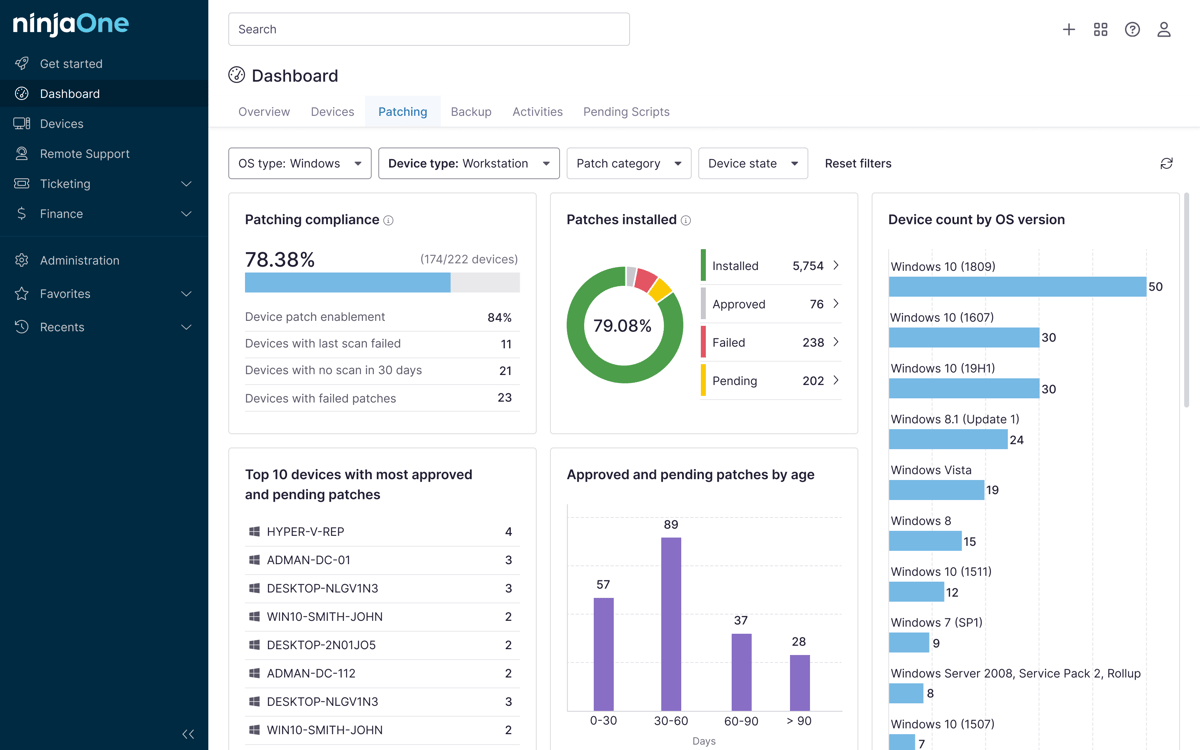
Disconnected IT tools lead to operational inefficiency and gaps. NinjaOne provides a unified IT management platform with remote monitoring and management, mobile device management, helpdesk, remote support, and built-in documentation that can also back up data stored in Microsoft 365.
NinjaOne directly backs up data from Microsoft 365, including emails, files in OneDrive, and SharePoint libraries, with point-in-time and file-level recovery and configurable retention policies. NinjaOne can also back up data in Google Workspace, and scripting automation can be leveraged to download data from other SaaS platforms – giving you the tools to back up critical business data in the cloud, wherever it is.