Key Points
- Containerization supports agility and modular scaling in hybrid or cloud-native environments.
- Cloud-based deployment delivers unmatched scalability and global accessibility, reducing local infrastructure dependency.
- App virtualization provides centralized control and flexibility, ideal for BYOD and mixed-device environments.
Employees tend to expect their devices to work seamlessly, with all necessary applications available and up to date. However, delivering this experience at scale across diverse systems, remote workforces, and evolving security requirements can introduce complex deployment challenges. This guide explores how IT teams can define application packaging standards to streamline application control frameworks.
Application packaging methods at a glance
Different packaging methods offer unique advantages depending on scalability, speed, and resource management. See the table below for an overview of how each approach and how they generally work.
| Method | How It Works |
| Traditional | Applications and dependencies are bundled into a single installer file (MSI, EXE). |
| Virtualization | Applications run inside a virtual machine (VM) that emulates a full OS environment. |
| Containerization | Applications and their dependencies are packaged into lightweight, portable containers. |
| App Virtualization | Applications are streamed to end-user devices and executed in a virtualized environment without full installation. |
| Cloud-Based | Applications are hosted on cloud servers and accessed via web browsers or thin clients. |
| Script-Based | Custom scripts (PowerShell, Bash) automate the installation process. |
Understanding the strengths of each packaging method is critical for organizations aiming to scale deployments efficiently. While all methods have their place, some excel in large or dynamic environments, which we will explore next.
The best software packaging methods for scale
To achieve scalability and ease of integration, IT teams must move to align their packaging method with the demands of their infrastructure, user base, and operational goals. With that in mind, here are the ideal methods and tools for enterprise environments:
1. Containerization
Containerization is ideal for organizations prioritizing agility and consistency across hybrid or cloud-native environments. Here are a few examples of how it works:
- Applications and dependencies are packaged into containers using tools like Docker.
- NinjaOne offers additional Bring Your Own Device (BYOD) management support with MDM containerization.
- Kubernetes automates orchestration, enabling seamless scaling across environments.
For large-scale deployments, private container registries ensure secure image management, while CI/CD pipelines can streamline updates and rollbacks.
Overall, containerization is particularly effective for microservices architectures, where applications tend to be broken into modular components that can be independently scaled and updated.
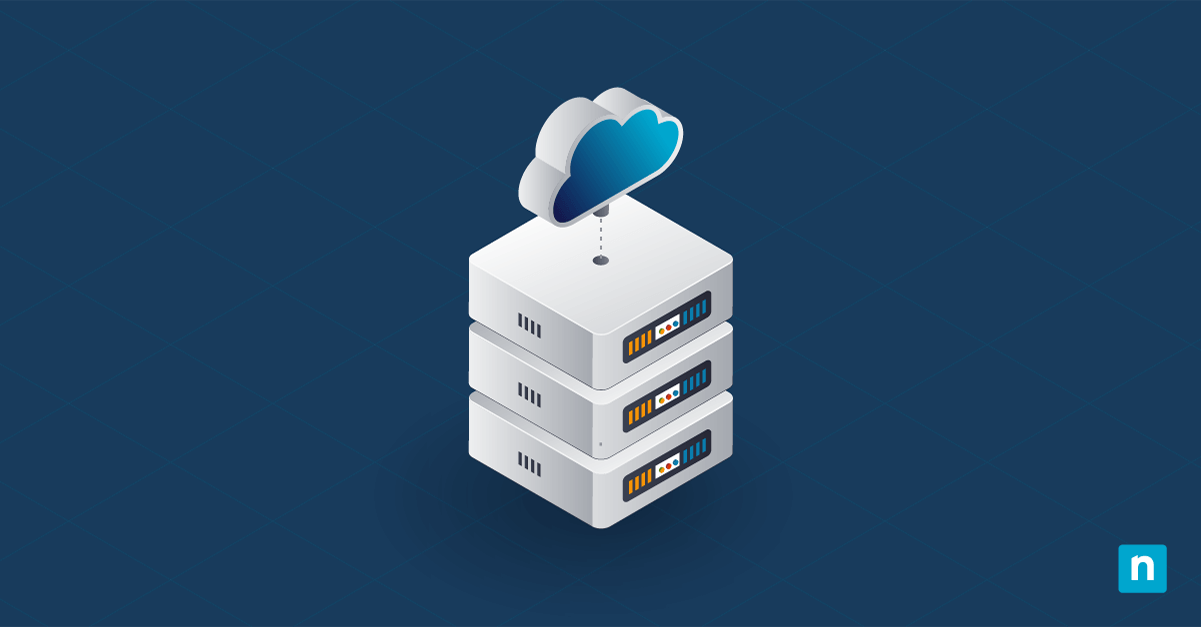
2. Cloud-based deployment
Cloud offers unmatched scalability and accessibility, making it a perfect fit for organizations with distributed or remote workforces. Take a look at some of the platforms you can use for cloud-based deployments:
- Azure
- Google Cloud
- Amazon Web Services (AWS)
In this approach, applications are hosted on secure platforms like AWS, Azure, or Google Cloud and accessed via web browsers or thin clients. As a result, IT teams don’t rely as much on local installations, simplifying global access and saving resources.
In addition, cloud-native monitoring tools can be swiftly integrated to track performance and usage, ensuring reliability. Overall, cloud-based deployment is best for enterprises that need rapid deployment and scalability without heavy infrastructure investment.
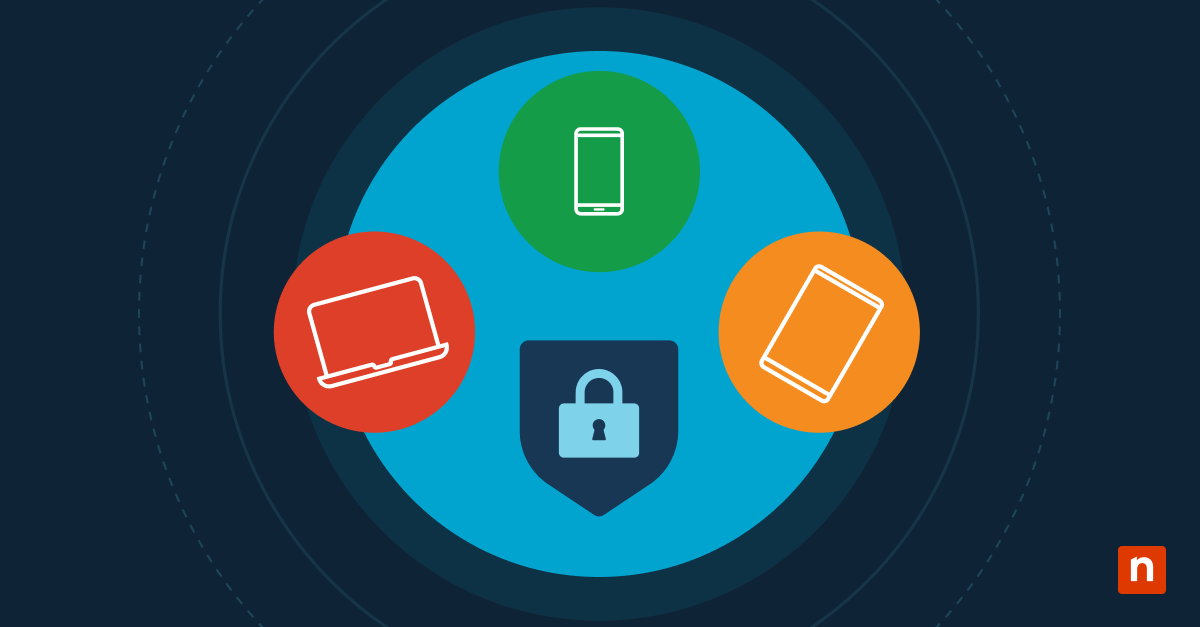
3. App virtualization
App Virtualization provides a balance between centralized control and user flexibility, making it a strong option for scaling deployments in environments with diverse device types. Here’s how it works in real-world scenarios:
- Applications are streamed to devices using tools like Microsoft App-V (see note below) or Citrix Virtual Apps, without full local installation.
- Updates and patches are managed centrally, reducing maintenance overhead and disruptions.
Note: The Microsoft Application Virtualization (App-V) feature is no longer being developed and has moved to a fixed extended support lifecycle.
This method is especially valuable for environments with mixed personal and corporate devices, such as BYOD setups, where maintaining consistency across personal and corporate devices is critical.
Ensuring reliable and scalable application deployment
A well-executed software deployment process is critical for maintaining operational efficiency and user satisfaction. To stay ahead of the curve, however, focus on integrating automation, gathering user insights, and adapting your strategy to meet future challenges. As your next step, consider checking out this “Software Deployment Process Guide” to see how you can go about implementing IT automation in your deployment strategy.
Related topics: