Key Points
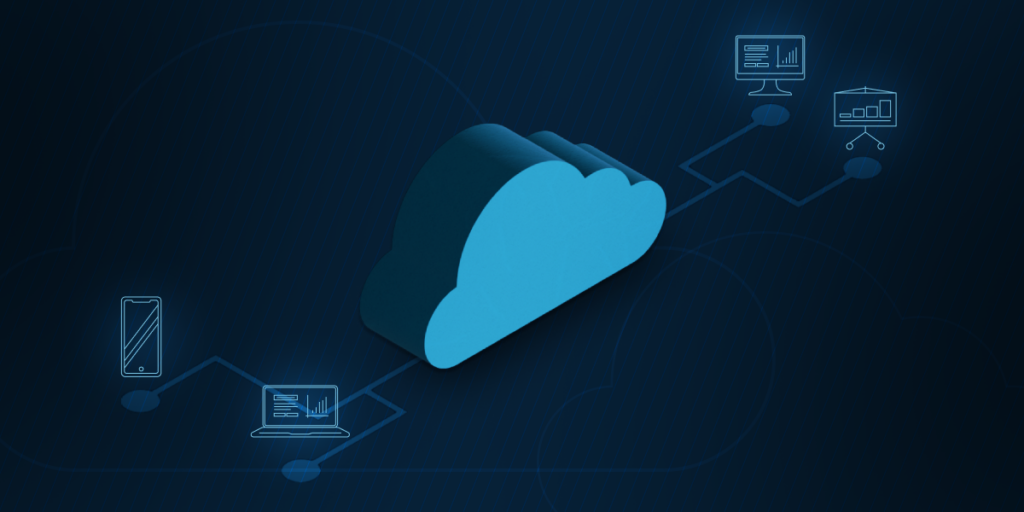
- Backup as a Service (BaaS): BaaS enables businesses to outsource data backup management to third-party providers, with copies stored securely offsite in the cloud.
- BaaS goes beyond simple online backup, since a provider actively manages the process rather than just storing files in the cloud.
- Providers typically offer full, differential, or incremental backups, each balancing storage costs, backup speed, and the amount of data that has changed since the last cycle.
- BaaS delivers real advantages like time savings, remote accessibility, scalability, and expert-managed security, but it also comes with subscription costs, one-sided SLA terms, and compliance considerations worth weighing.
- Choosing the right provider comes down to service flexibility, client support quality, a clear disaster recovery plan, and transparent subscription pricing.
Organizations run on more data than ever, and losing access to it carries a measurable cost. IBM’s 2025 Cost of a Data Breach Report puts the global average breach at $4.44 million, though the trend is finally easing: teams that use AI and automation extensively across security shave roughly $1.9 million off that figure. What ties those numbers together is recovery, in particular, how quickly and how completely an organization can get its data back.
Doing that reliably in-house is harder than it looks, which is why Backup as a Service (BaaS) is a good option for smaller teams and organizations that prefer to hand the task to specialists.
What is backup as a service (BaaS)?
Backup as a Service (BaaS), not to be confused with SaaS Backup, is a service that allows businesses to outsource the management of their data backup to a third party. It’s one of the best data backup and recovery methods for professionals, and the service and its terms are outlined in a contract along with a service-level agreement (SLA). SaaS Backup software, on the other hand, focuses on safeguarding data within specific Software-as-a-Service (SaaS) platforms, such as Microsoft 365 or Google Workspace.
Safeguard your data to ensure business continuity and data integrity.
The difference between online backup & BaaS
Although BaaS is similar to online backup, there is a difference between the two. Online backup is the process of using the cloud to store data, while BaaS is a service in which a third party manages data and stores it in a safe repository in the cloud. In short, online backup is a storage destination; BaaS is a managed service that wraps it, including scheduling, monitoring, retention, and recovery.
BaaS is also easy to confuse with SaaS Backup and Disaster Recovery as a Service (DRaaS), although each solves related but different problems. We won’t get into the last two here, but check out the table below or refer to these references for additional information:
- What Is Disaster Recovery as a Service?
- How SaaS Backup Helps After a Ransomware Attack
- How to Choose Image, File, or SaaS-Native Backups by Workload and Risk
At a glance
| Type of backup | What it does | Who manages it | Best for |
| Online backup | Stores copies of data in the cloud, with the business handling scheduling, monitoring, and recovery itself | The business itself | Teams that want cloud storage but plan to manage backup themselves |
| Backup as a Service (BaaS) | Manages the entire backup process, including scheduling, monitoring, maintenance, and recovery, under an SLA | The BaaS provider | Businesses that want to hand off day-to-day backup management entirely |
| SaaS Backup | Protects data created in cloud applications like Microsoft 365 and Google Workspace, which don’t back up that data by default | The SaaS backup provider, often as part of a broader BaaS offering | Businesses running critical work in Microsoft 365, Google Workspace, or similar platforms |
| Disaster Recovery as a Service (DRaaS) | Restores an organization’s entire IT environment, including servers, applications, and networks, after a major outage, not just individual files | The DRaaS provider | Businesses that need operations to keep running through a full system failure, not just file recovery |
BaaS vs DRaaS: what’s the difference?
While BaaS focuses on protecting data and automating the copying and storage of backups in a secure, managed cloud repository, so they can be restored if data is lost, corrupted, or deleted. The emphasis is on data availability, ensuring you have clean, recent copies of your files, systems, and workloads that can be recovered when needed. On the other hand, Disaster Recovery as a Service (DRaaS) focuses on protecting entire systems and ensuring business continuity after a major disruption. Rather than just restoring data, DRaaS replicates full workloads, which include operating systems, applications, and system configurations, to a cloud environment. DRaaS allows these backups to be retrieved and ready for use within minutes.
What are the 3 types of backup as a service?
Generally, there are three types of backups: full, incremental, and differential
Full Backup as a Service
This method creates a complete copy of all selected data during each backup cycle. It’s the most comprehensive type, ensuring everything is protected, but it’s also resource-intensive, requiring more storage and bandwidth. Full BaaS is often used for the initial backup.
Differential Backup as a Service
Differential BaaS backs up data that has changed since the last full backup. This results in faster backups compared to full BaaS and uses less storage
Incremental Backup as a Service
Incremental backups only back up modifications made to the data since the last backup of any type (whether full or incremental). It’s the most efficient when it comes to storage space and bandwidth, allowing for more frequent backups
Pros and cons of BaaS
When choosing the right type of backup for your business, having a pros and cons list always comes in handy. Here are some of the pros and cons of BaaS to consider:
Pros of BaaS
Saves time and resources
Outsourcing your data management to a third party takes the responsibility off your hands. It allows you to devote your time, attention, and resources to other tasks.
Provides remote access
Hybrid and remote work have been around since 2020. Remote access has become a necessity for companies that have such setups, especially for organizations with a global workforce. With BaaS, remote employees can easily access data from any location that has access to the cloud.
Supports scalability
As a business grows, it accumulates more data that needs to be protected and managed. BaaS supports scalability, allowing your backup to accommodate greater data protection demands.
Protects & secures information
If information is lost or compromised, businesses can receive up-to-date data from their BaaS provider. Additionally, BaaS providers store information in heavily encrypted data repositories to ensure that all data remains secure and in the right hands.
Expert data management
BaaS providers are experts in the IT industry, so when you partner with them, you are placing your data into the hands of skilled professionals. This is an ideal situation, especially for businesses that lack significant IT experience.
Cons of BaaS
Increased costs
Since BaaS is a subscription service, providers bill either monthly or yearly. Technically, BaaS increases costs because it is a paid service. However, the time and resources it saves makes for the expense.
SLA’s work both ways
It’s important to keep in mind that service-level agreements, or SLA’s, work both ways, and BaaS providers can use them to their advantage. For instance, if a BaaS provider has 24 hours to restore data, they can use the full 24 hours even if the process only takes two.
Compliance issues
BaaS requires organizations to share data with a third party, and this data is often confidential or critical to a business’s success. Even if the data is encrypted, allowing a third party to manage it can create compliance issues.
Third-party dependency
Relying on a provider introduces vendor dependency and potential lock-in. This becomes a real risk only if BaaS is your sole copy, which is why best practice is to keep additional copies (for example, a local copy under the 3-2-1-1-0 rule) so recovery never hinges on a single provider.
What to look for in a BaaS provider
Service options
Every organization faces unique challenges, and the best BaaS providers offer services that adapt to a business’s specific needs. In addition to basic solutions, your BaaS provider should also offer customizable services.
Client support
Before entering into a partnership or agreement with a BaaS provider, take a closer look at the support they offer for clients. If they have top-of-the-line support and availability, they might be a great fit.
Recovery plan
To ensure that you receive the data you need in case of a disaster, it’s always a good idea to take a look at a BaaS provider’s disaster recovery plan (DRP), which outlines the provider’s plan of action in case of an emergency.
Subscription cost
As previously mentioned, BaaS is a subscription service. This means an organization can take the cost, subscription type, and additional fees into account when choosing a provider.
Recover files, folders, or entire systems in minutes to avoid costly downtime.
Provide superior IT services with NinjaOne’s RMM
Backup as a Service allows businesses to protect their data without the complexity of managing on-premises backup infrastructure. By leveraging cloud-based technology, BaaS provides a scalable, secure, and cost-effective way to ensure data is always protected and easily recoverable.
NinjaOne Backup offers a streamlined, user-friendly solution that meet the needs of IT teams and MSPs. Features like automated backups, flexible recovery options, and centralized management ensure that critical business data is always secure and accessible. Start your free trial, and partner with NinjaOne to deliver superior IT services to your clients.