Skip to content
Search...
Explore Demos
Contact Us
EN
Deutsch
Français
Español
Italiano
Nederlands
Português
日本語
Start Free Trial
Contact Us
Sales
:
+1 888.542.8339
Go to homepage
Products
Products
Endpoint Management
Remote
RMM
Backup
Autonomous Patch Management
Vulnerability Management
Endpoint Security
Mobile Device Management (MDM)
Documentation
IT Asset Management
Browser Management
Integrations
CrowdStrike
Microsoft Intune
SentinelOne
ServiceNow
View all Integrations
2026 Gartner® Magic Quadrant™ for Endpoint Management Tools
Get the report
Solutions
By Use Case
Gain complete visibility
Accelerate IT troubleshooting
Automate for faster resolution
Protect devices and data
Empower your workforce
Unify IT operations
By Industry
Software & Technology
Healthcare
Federal Government
State & Local Government
Education
Financial Services
Manufacturing
By Department
Helpdesk
Security
Operations
Infrastructure
NinjaOne for Enterprise IT
Scale with NinjaOne and support large environments
For MSPs
Pricing
Partners
Partners
Overview
Grow your business and empower your customers.
Managed Service Providers
Automate, scale, succeed. Be a NinjaOne MSP partner.
Value added resellers
Add more value, have happy customers.
Technology Alliance Partners
Join the alliance. Amplify your brand. Enhance customer value.
NinjaOne Earns 5-Star Rating in 2025 CRN Partner Program Guide
Resources
Resources
Resource Center
Events
Blog
Webinars
ROI Calculator
Script Hub
Trust Center
Customer Stories
NinjaOne Academy
Podcast
Dojo Docs
Kansas City Unifies IT and Gets Super Upgrade with NinjaOne
Read the Case Study
English
Language Selector
English
Deutsch
Français
Español
Italiano
Nederlands
Português
日本語
Free Trial
IT Video Hub
Windows
Search
How to Automate Log File Rotation and Disk Space Reporting Across Clients
How to Add or Remove the Sharing Tab in the Drive and Folder Properties on Windows 11
How to Enable or Disable Snap Windows Without Dragging All the Way to the Screen Edge in Windows 11
How to Restore Default Libraries in Windows 11
How to Manage Camera and Microphone Access in Microsoft Edge Application Guard
How to Choose and Combine Guest vs Host Backups for Hyper-V
How To Block Specific Windows Updates Without Pausing Entire Patch Cycles
How to Enable or Disable the Action Center in Windows
How to Change the Default Terminal Application in Windows 11
How to Manage the Alarm Sound for End of Focus Session Breaks in Windows 11
How to Enable or Disable Automatic Sign-in on Microsoft Edge in Windows 11
How to Install or Uninstall VBScript Feature in Windows 11
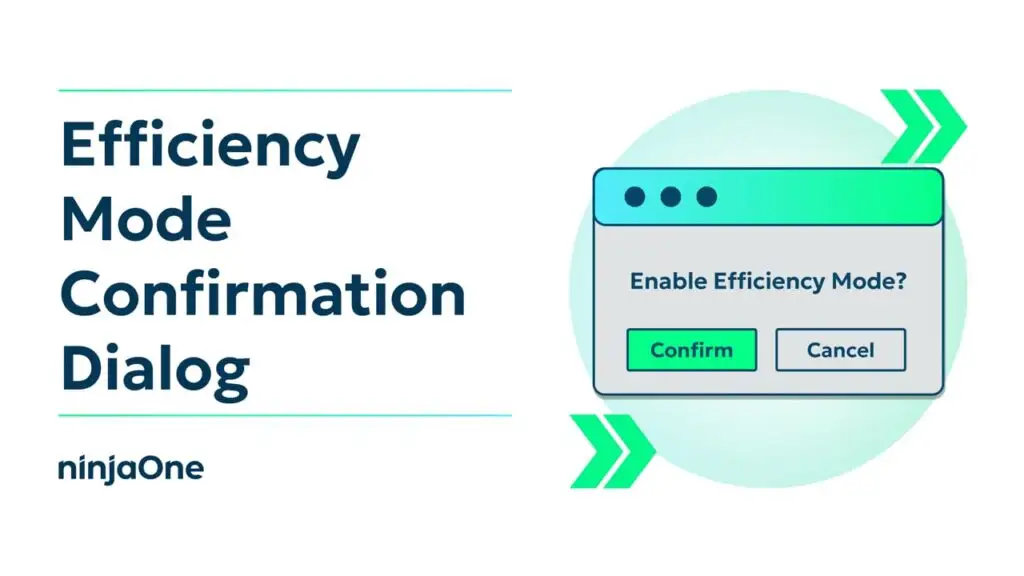
How to Enable or Disable Efficiency Mode Confirmation Dialog in Windows 11
How to Fix Being Unable to Change the Display Resolution in Windows 11 Virtual Machine
How to Automate the Creation of Local Printer Mappings via GPO and PowerShell
How to Build an Endpoint Performance Baseline Using Built-in Windows Tools and PowerShell
How to Turn On or Off Remember Preferences for MSA Across Windows 11 Devices
How to Hide or Show Sync Provider Notifications in File Explorer
How to Change Notifications Priority in Windows 11
How to Add E: Drive to File Explorer Navigation Pane in Windows 11
Previous
Page
1
Page
2
Page
3
Page
4
Page
5
…
Page
38
Next